What it is for
For: Everyone
Whole guide as PDF (723 KB)Master data keeps your company's staff list and outlet list in one place. The other modules, such as the staff portal, the payment system and inventory, copy these lists from here on a timer that each module sets (inventory, for example, every five minutes). When someone joins, moves outlet or leaves, you change it here once, and every module picks up the change on its next copy.
Who uses it
- hr: the human resources team. They add and change Staff and Outlets.
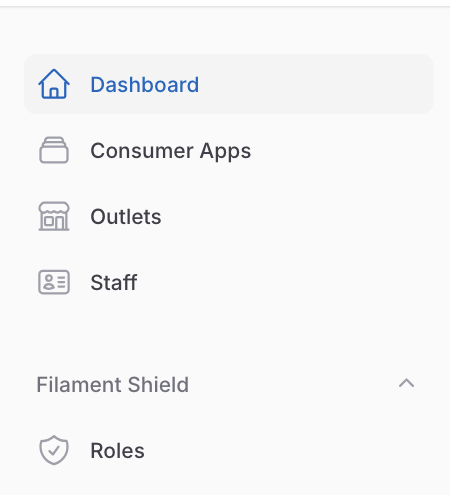
- super_admin: the administrator. Everything hr can do, plus Consumer Apps (which modules may read the lists) and Roles.
These are the role names as they appear on the Roles screen.
What it needs
- Staff sign in with the company's shared sign-in, or from the staff portal.
- Nothing else. Master data does not read from any other module; the other modules read from it.
What is not on screen
- Giving a person a role is done by your system supplier. There is no screen for it yet.
- Loading a whole staff list from a file is also done by your system supplier.