What it is for
For: Everyone
Whole guide as PDF (510 KB)Outlet audit records whether each outlet follows your company's standard procedures. Someone who does not run the outlet visits it, works through a checklist, and photographs what they find. When they submit, the result is locked, the outlet manager is asked to respond, and every failed question becomes a follow-up job with a deadline.
Who uses it
| Role | What they do |
|---|---|
| Internal Auditor | Visits outlets anywhere in the company, answers the checklist and submits. |
| Area Manager | Does the same for the outlets in their own areas, plans audit schedules, and settles clashes when the same audit is sent twice. |
| Outlet Manager | Responds to audits of their own outlet. They see one screen, Acknowledge, and this guide. |
| System Administrator | Sets up areas, outlets, people and checklists, and publishes checklists. |
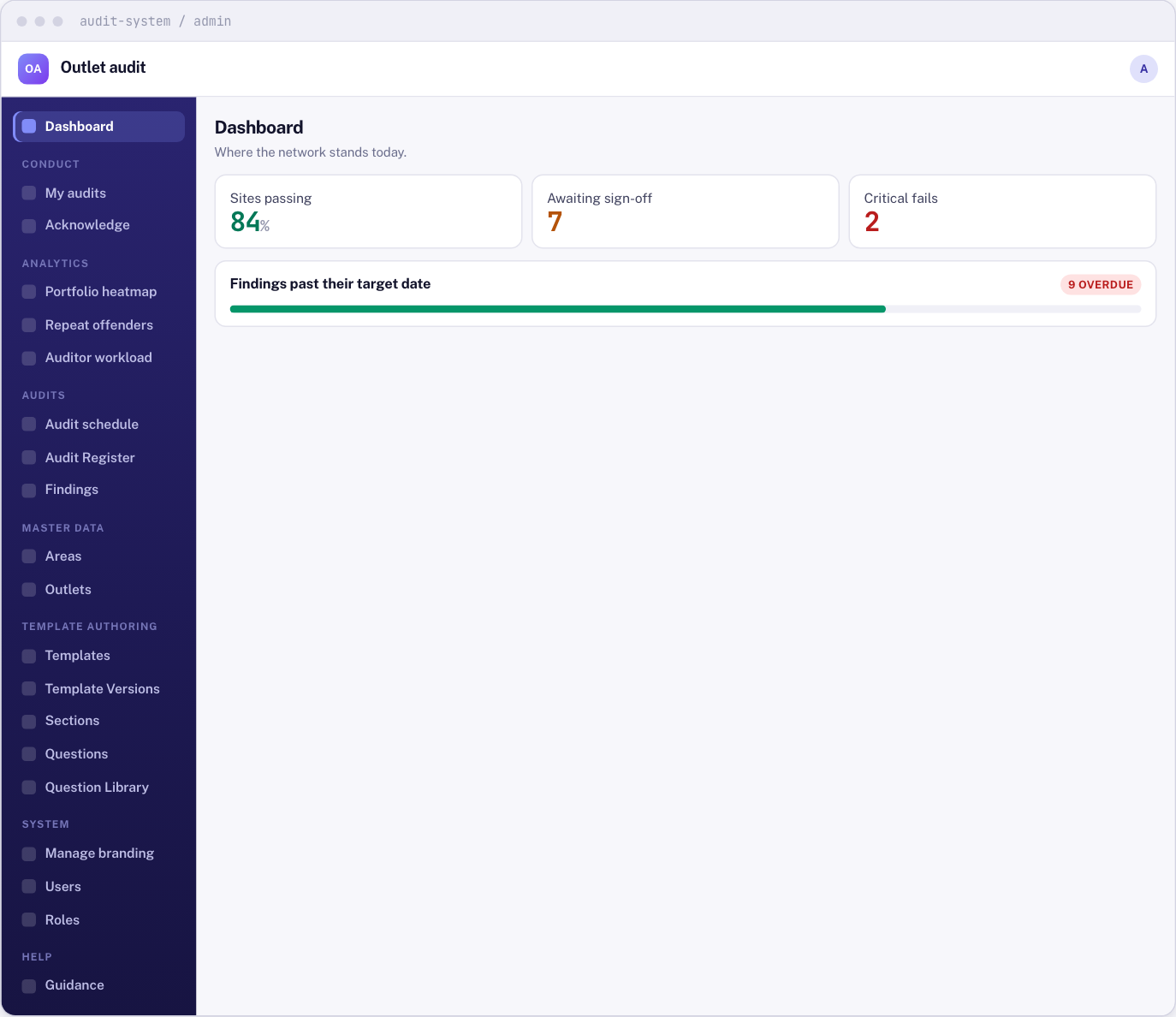
The menu on the left shows only what your role can use. If something in this guide is missing from your menu, your role does not include it.
What it needs from other modules
- You sign in through the Portal. Your name and phone number come from there and cannot be changed here.
- Outlets, and who manages which outlet, come from your company's staff and outlet records in the Portal.
- An audit request raised in Customer service appears here as a one-off audit schedule.