Start an audit
For: Internal Auditors and Area Managers
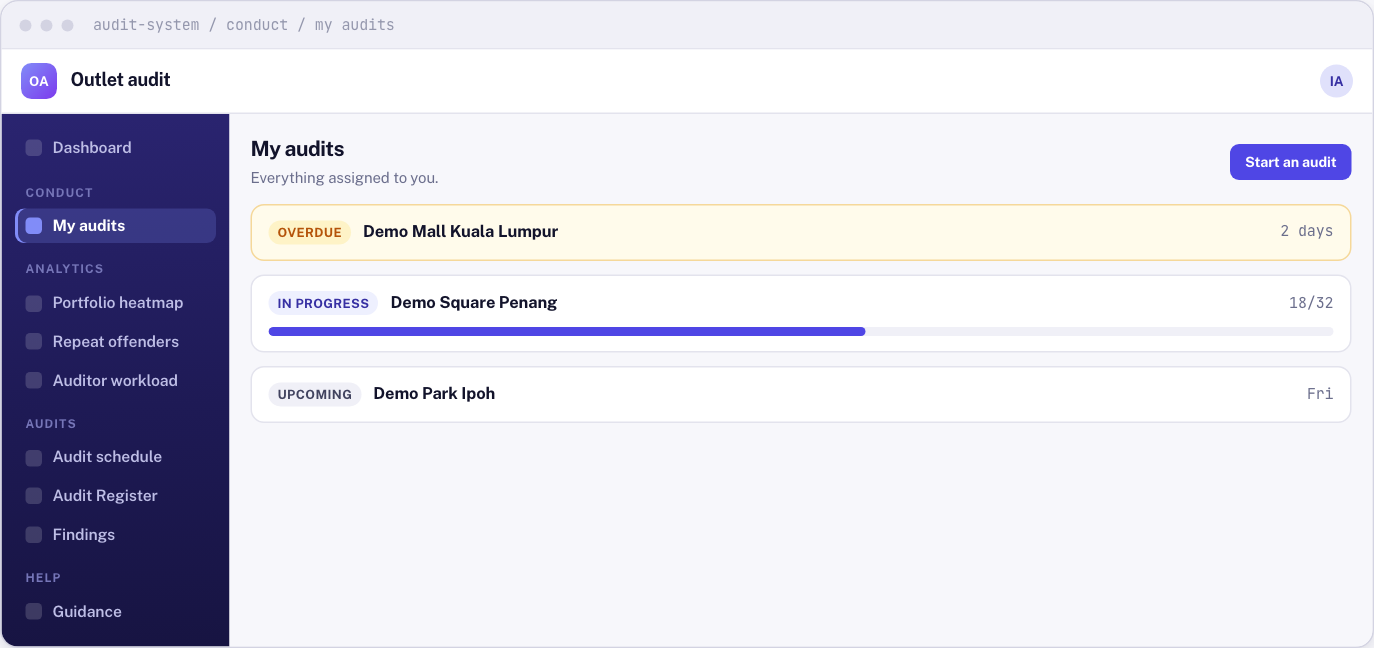
Whole guide as PDF (510 KB)- Open My audits in the menu on the left, under Conduct.
- Your audits are listed by what needs doing first: due today, overdue, in progress and upcoming. An audit you started and did not finish waits here with its answers saved. Press it to carry on.
- To start a new one, press Start an audit at the top right.
- Pick the Outlet. Only outlets you are allowed to audit are listed, and never the one you manage.
- Pick the Standard (the checklist). Only published checklists are listed.
- Press Open the audit.
The outlet name and the checklist version are saved onto the audit when you start it. Publishing a newer checklist later does not change an audit you already started.
You need a connection the whole time
Every answer and photo is saved to the server as you go. Nothing is kept on your phone. If the connection drops, what you already saved is safe, but wait until it comes back before you carry on.