Check and submit an audit
For: Internal Auditors and Area Managers
Whole guide as PDF (510 KB)- When every question is done, press Review & submit under the list of sections.
- Check the result: the verdict, the score for each section, and the photo count.
- To change an answer, press Back to the audit.
- When you are sure, press Submit audit.
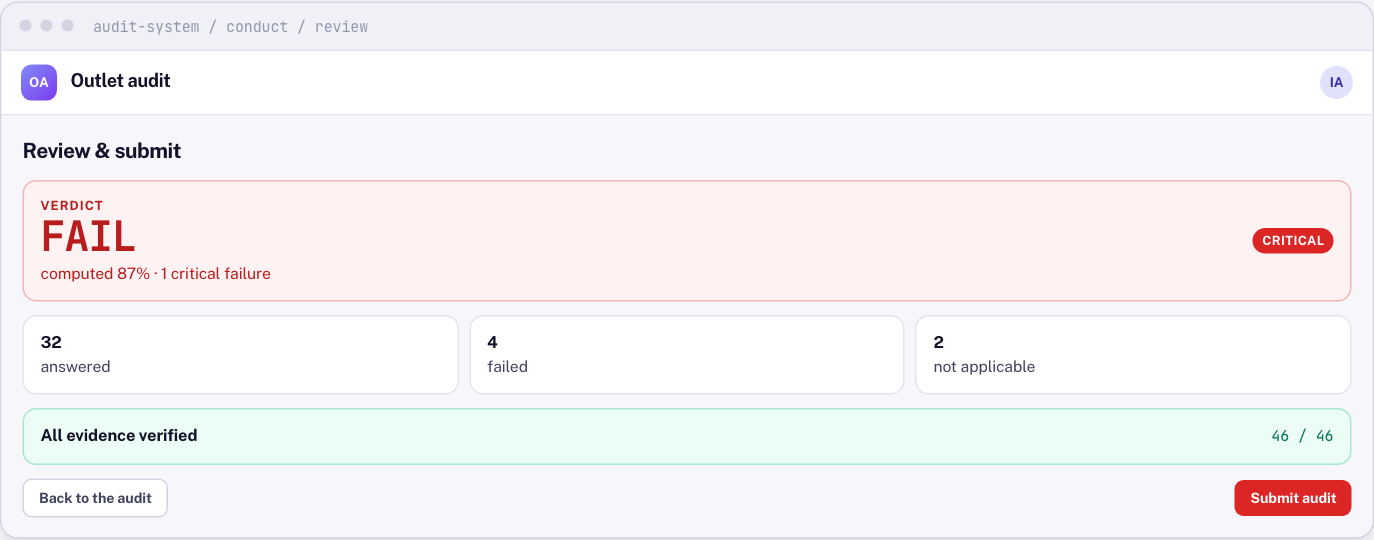
Submitting locks the audit. Nobody can change it afterwards, including you.
If the screen says items are left, the audit cannot be submitted yet. A question counts as unfinished while its photos are missing, even if it has an answer.
After you submit
You do not need to do anything else. Findings are raised, the report is sent, and the outlet manager is asked to respond. You cannot respond to your own audit.