Read the results and reports
For: Examiner, Viewer
Whole guide as PDF (2 MB)Dashboard
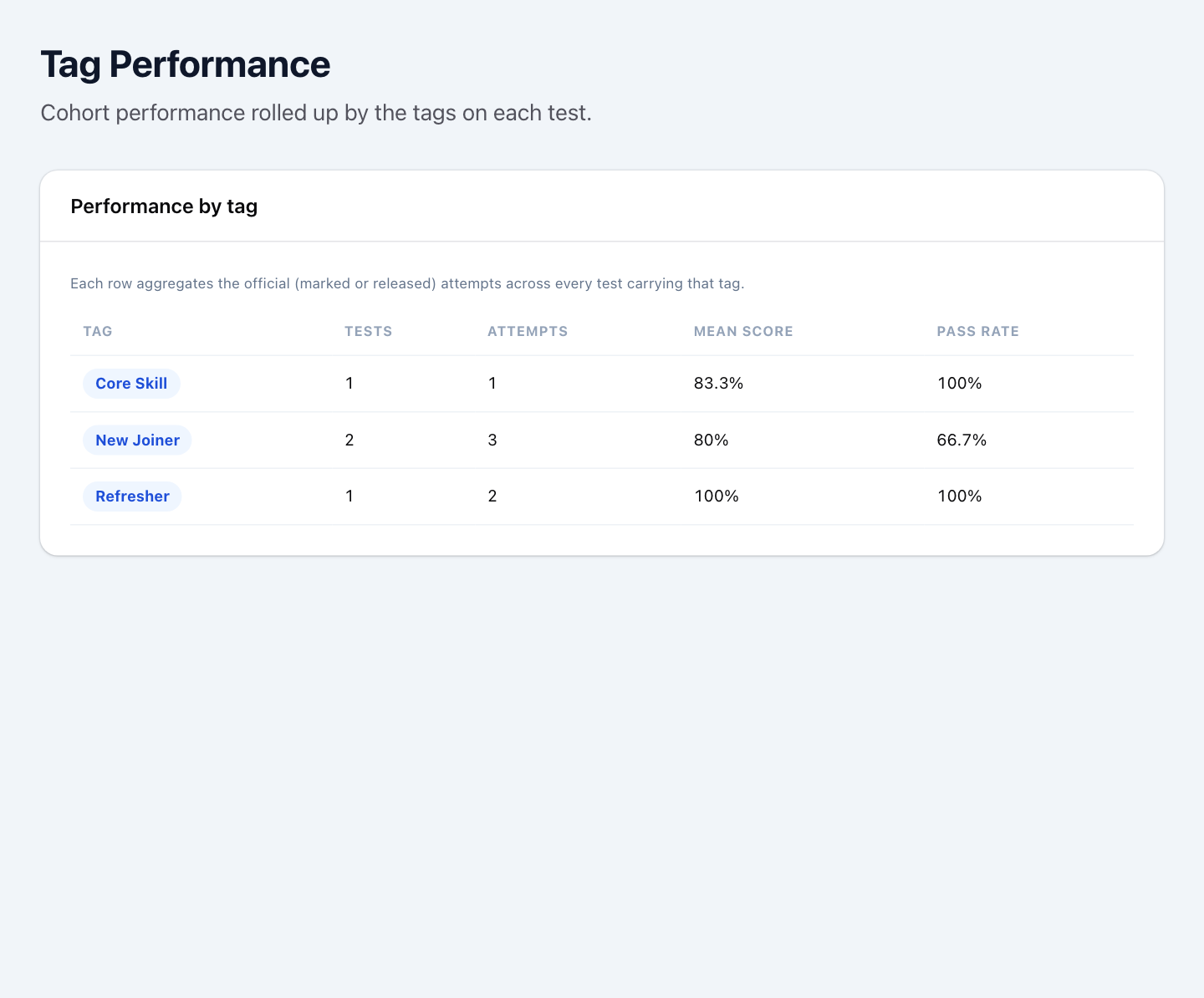
The Dashboard opens first. It shows how many tests are open now, how many attempts started today, how many written answers are waiting for marking, and the pass rate over the last 30 days. Recent attempts lists the latest tests taken; press View all → for the full list.
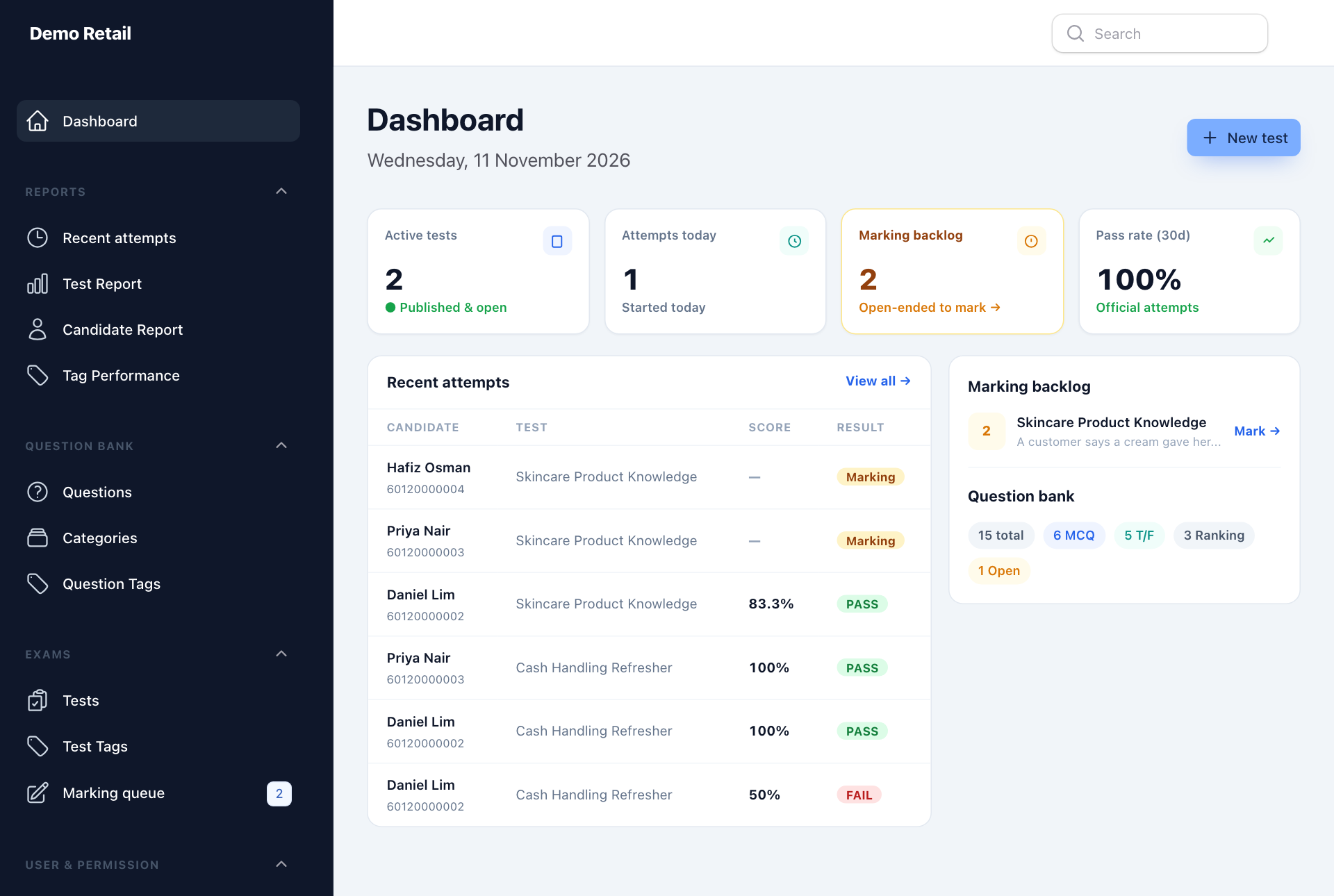
Every attempt, newest first
Open Recent attempts under REPORTS. Search by a person's name or a test name, and use Sort to order by date, score or name. An attempt that says Marking is waiting for written answers to be marked.
One test: how did everyone do?
- Open Test Report under REPORTS.
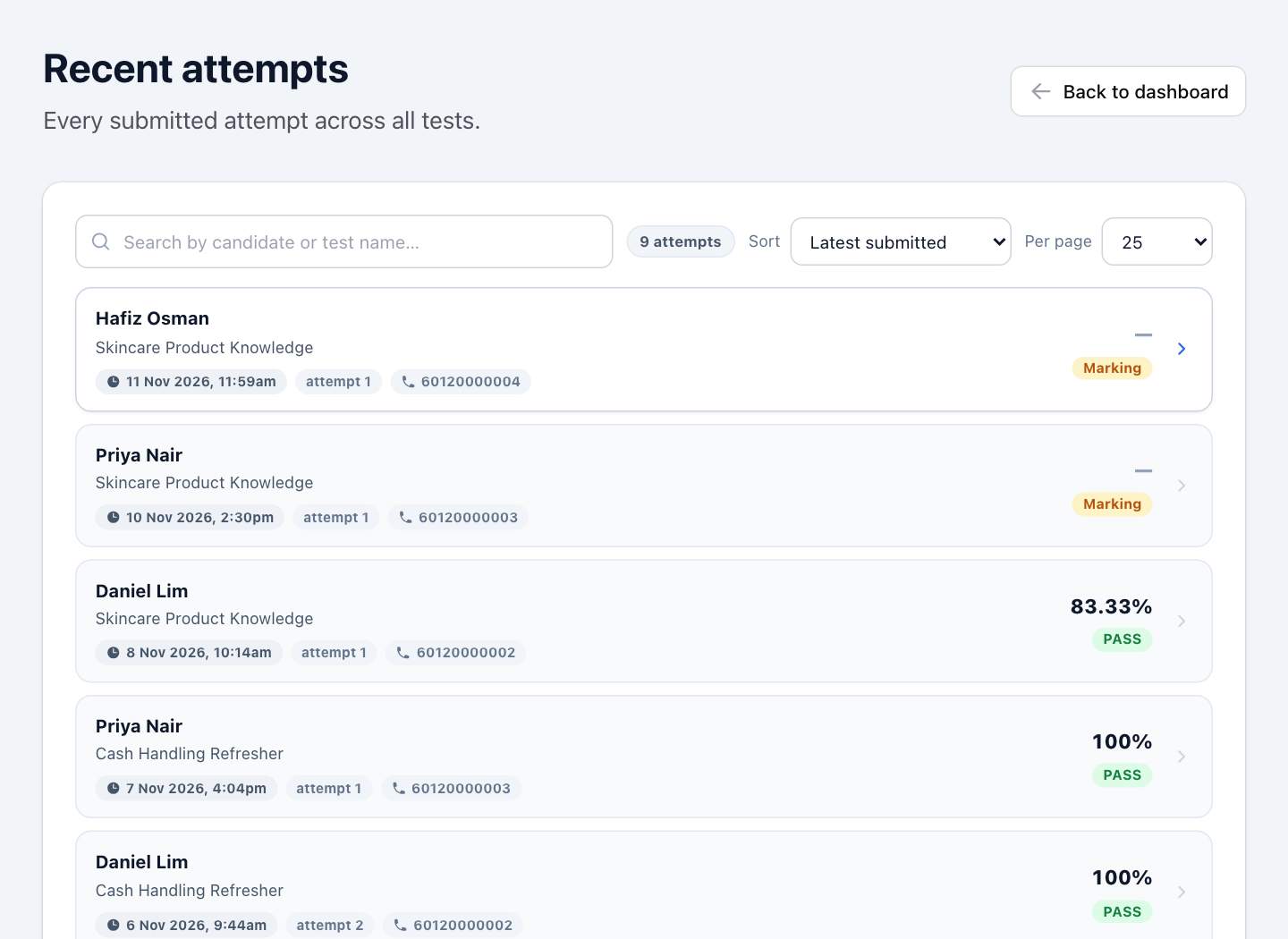
- Under Choose a test, pick the test. CONCEPT TAG above it narrows the list.
You see how many people took it (Candidates sat), the Mean score, Median score, Pass rate, First-attempt pass and Avg time taken. Results still waiting for marking or release are not counted yet; a yellow box says how many.
Further down the page:
- Candidates: each person's score, time and result. Press Export CSV to download the list as a spreadsheet file.
- Score distribution: how many people scored in each band.
- Performance by question type and Topic performance: where people are strong and where they struggle, by category and tag.
- Item analysis: how hard each question was. A question almost nobody gets right may have the wrong answer set.
One person's answer sheet
- In the Candidates list of the Test Report, press a person's row.
- Press the attempt you want to see.
You see every question, the answer they gave and the right answer. Press Download PDF to save the answer sheet. Remove attempt deletes that attempt for good; use it only when a test has to be taken again from scratch.
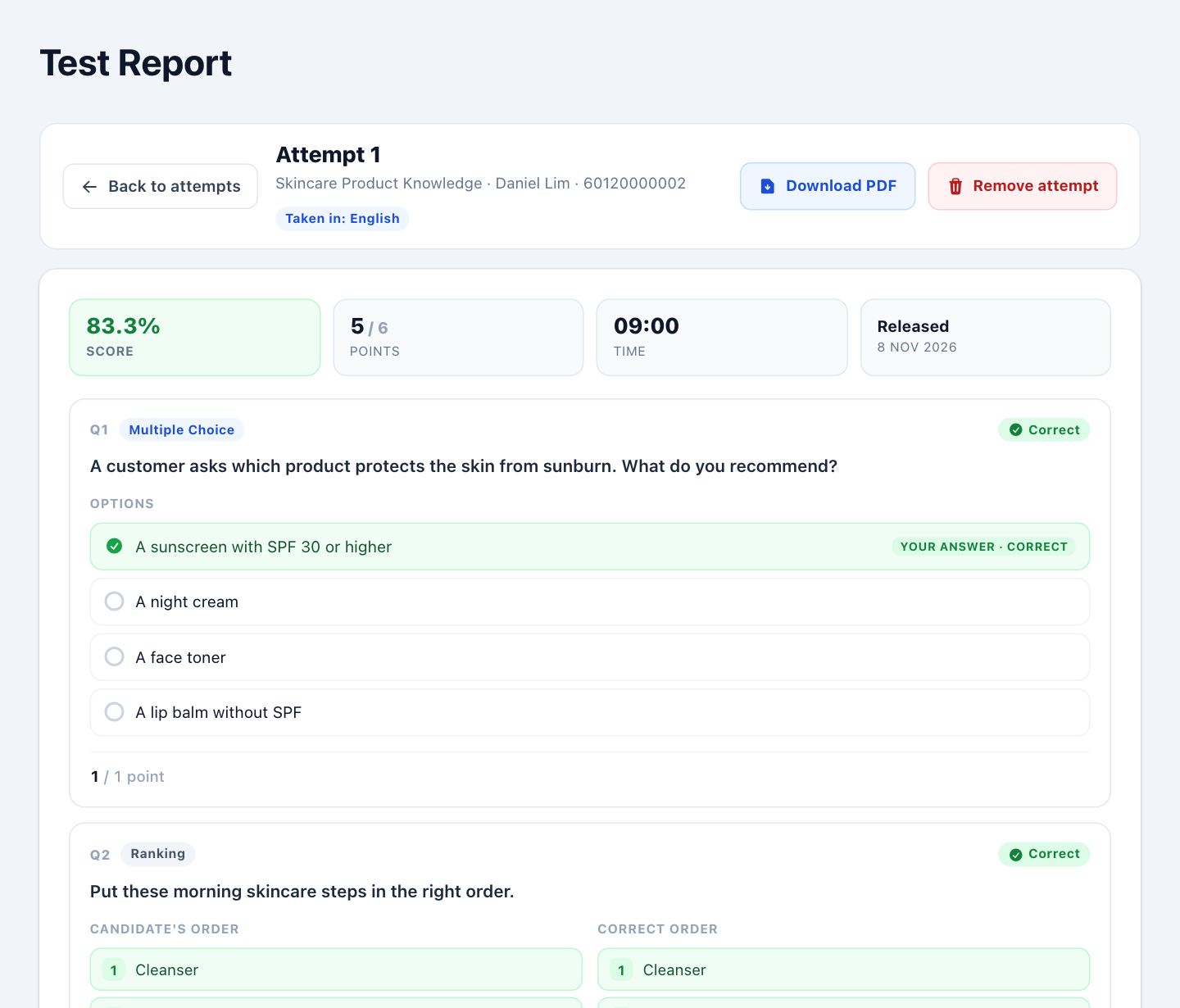
One person across all tests
- Open Candidate Report under REPORTS.
- Under Choose a candidate, pick the person.
You see how many tests they took, how many they passed, their average score, and their counted result for each test. When someone took a test more than once, their best try is the one shown.
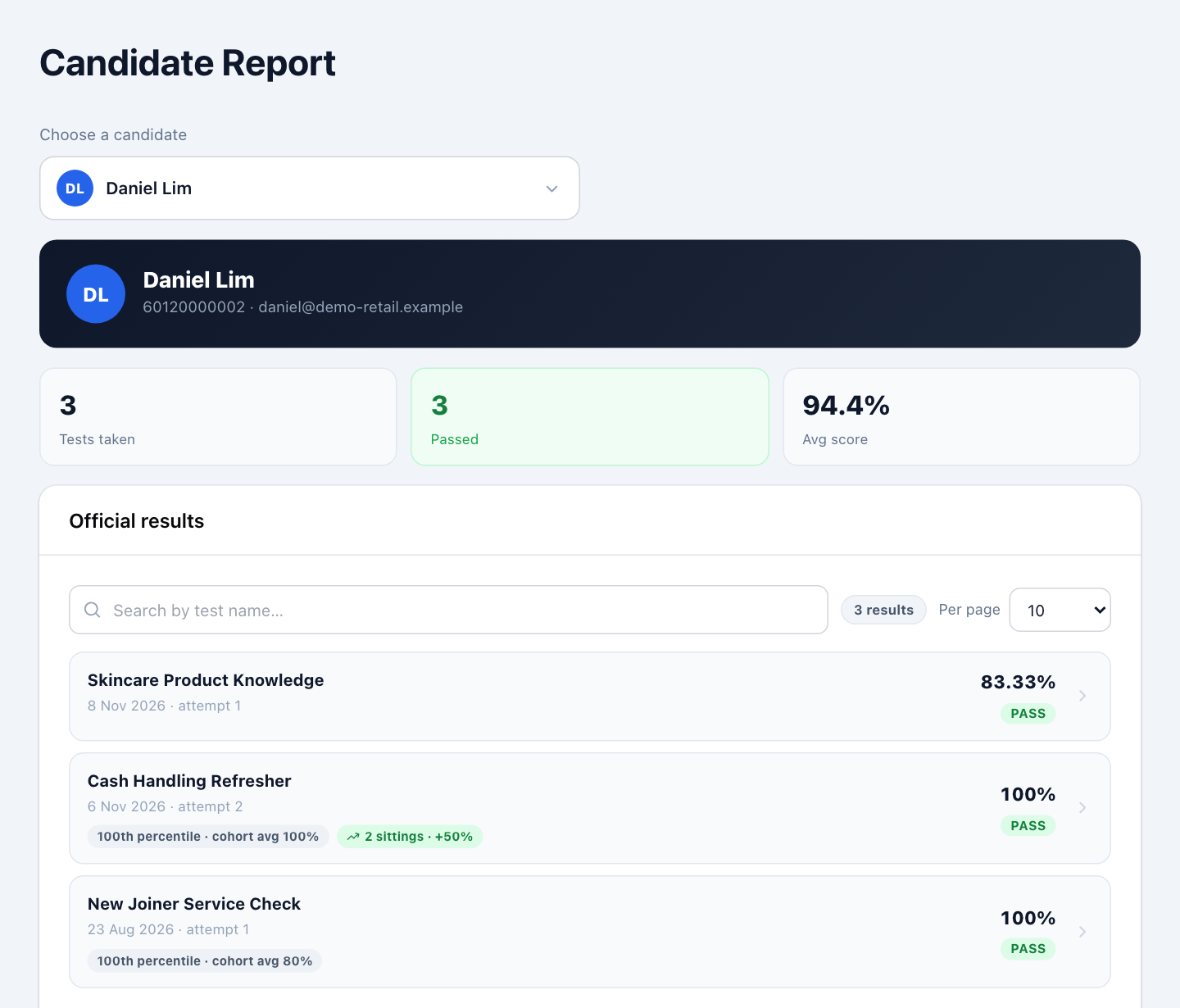
Results by topic label
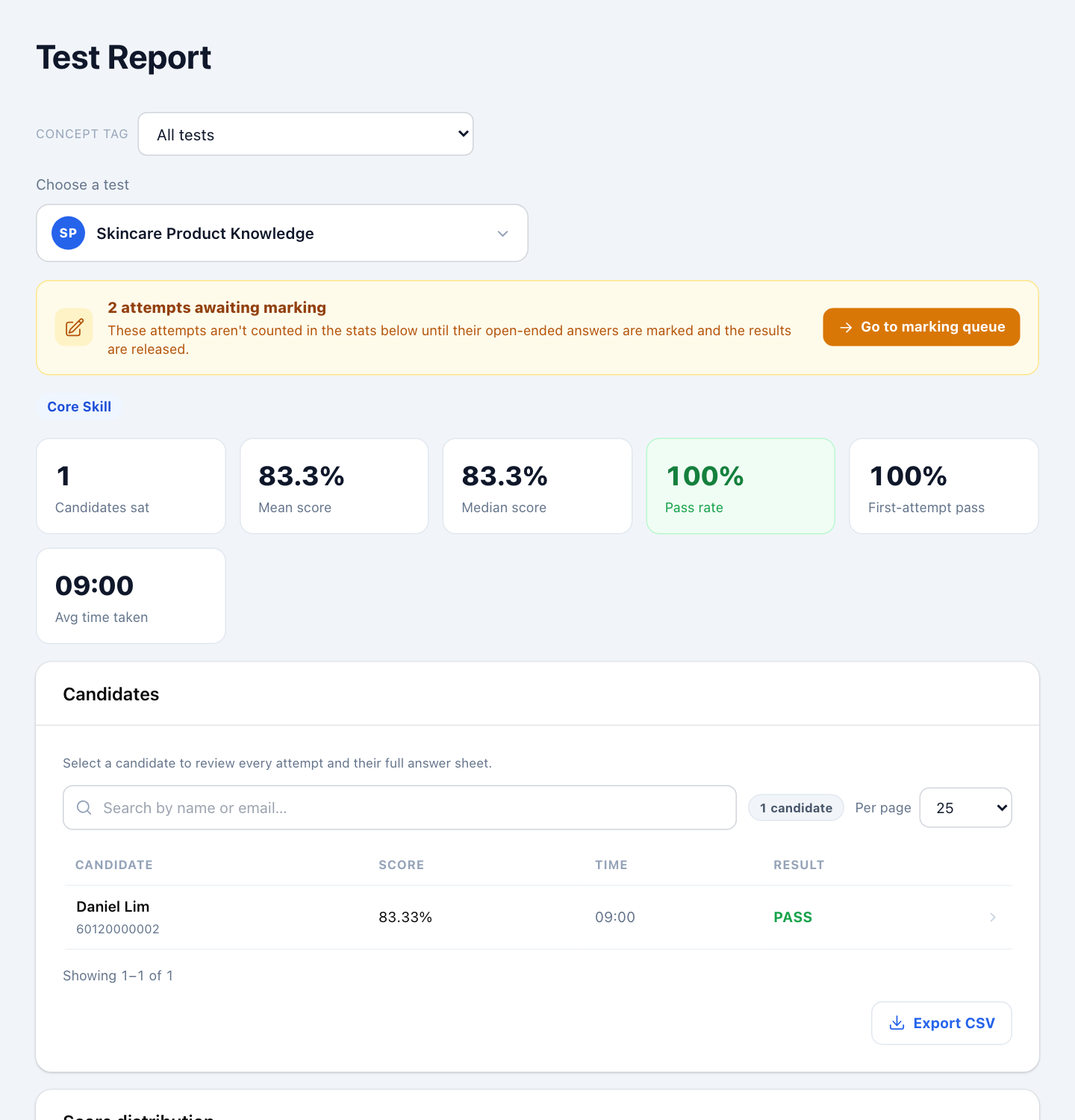
Open Tag Performance under REPORTS to see the average score and pass rate for all tests that carry the same concept tag, for example all "New Joiner" tests.