See your result
For: Staff
Whole guide as PDF (2 MB)Your result shows only after the examiner releases it. You get no message when that happens; your examiner tells you.
- Open the same test link you used to take the test.
- Sign in if asked.
If the result has been released, you see your score, PASS or FAIL, your Points, the Pass mark and the Time taken.
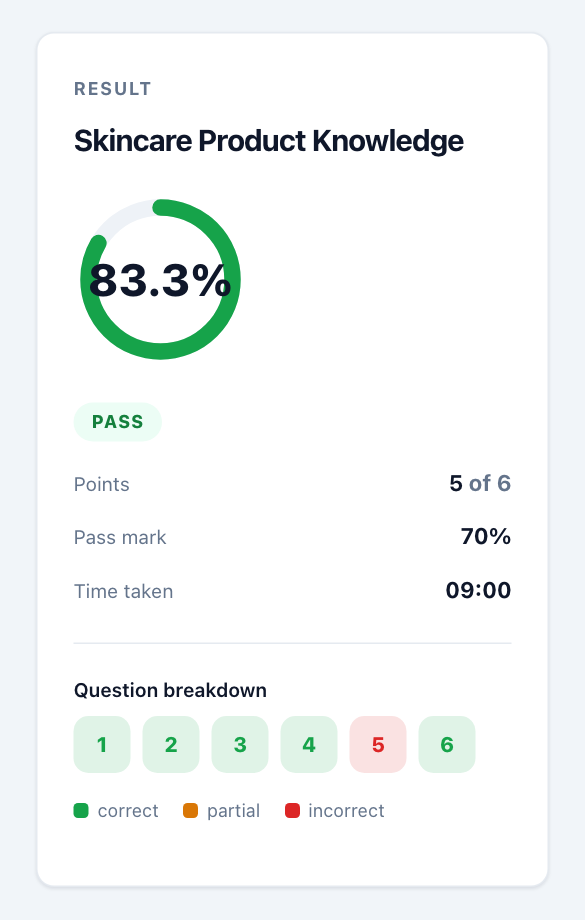
Question breakdown shows one box per question: green for correct, amber for partly correct, red for wrong. It does not show the right answer.
A ranking question can be partly correct: you get part of the point for each row in the right place. A written answer can get full, half or no marks.
If you see a different screen
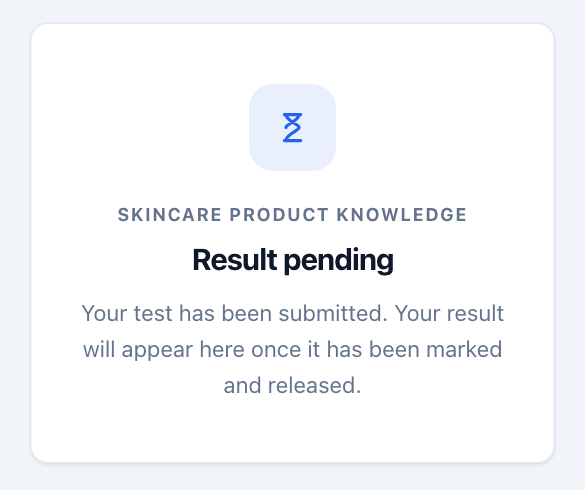
- Result pending: you have submitted, but the examiner has not finished marking or has not released the results yet. Check again later.
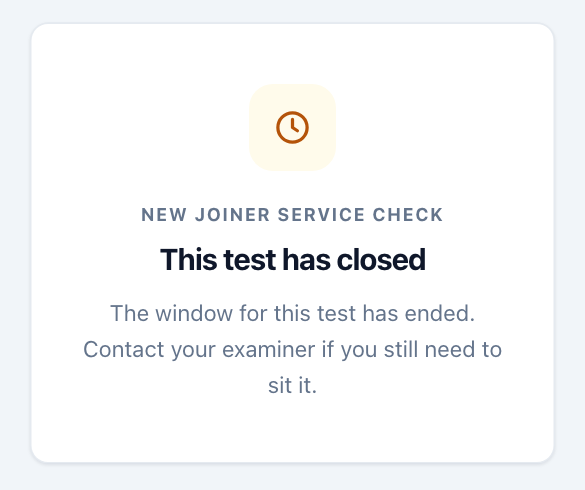
- This test has closed: the test's time window is over. Once a test has closed, its link shows this message instead of your result, even if your result was released. Ask your examiner for your score.
- If you are allowed more than one try, opening the link again shows the start screen so you can take the test again. Your best try counts.