See who did what, and set the branding
For: Administrators
Whole guide as PDF (1 MB)Activity
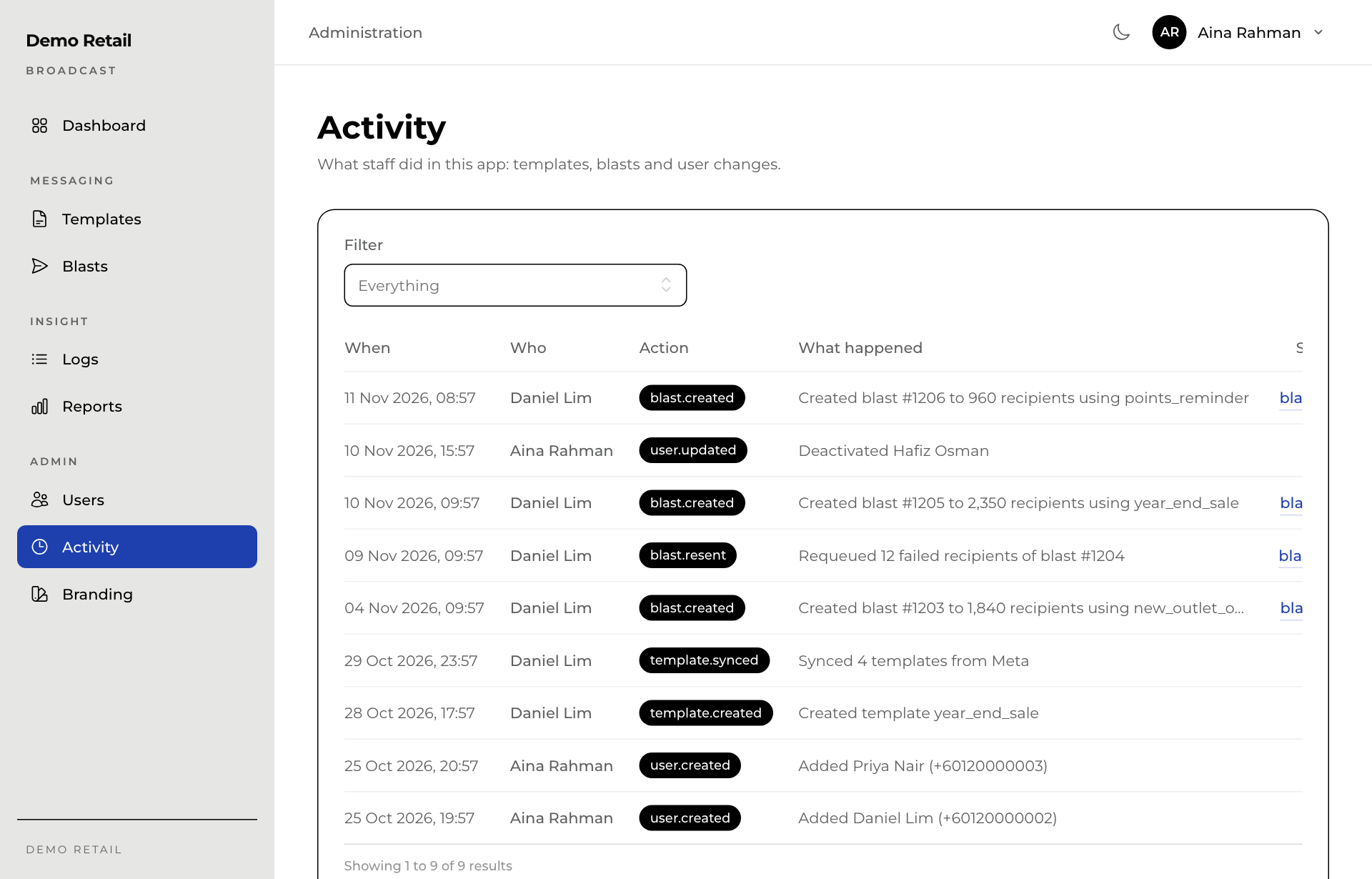
Activity lists what staff did in Broadcast: templates written, synced or deleted, blasts created, cancelled or resent, and people added or changed, with who did it and when. Use Filter to see one kind only. Managers can see this page too.
Branding
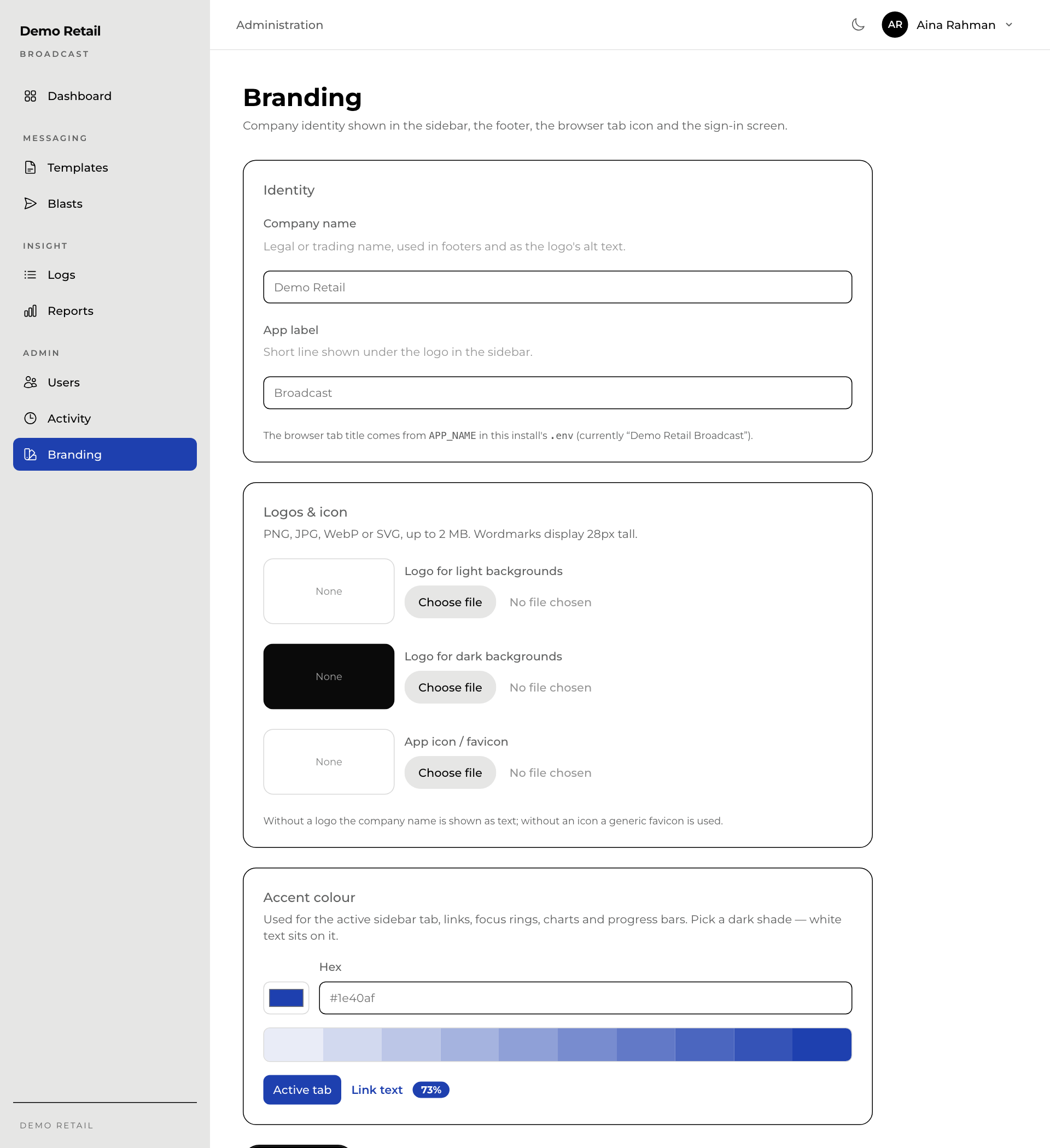
Branding sets how Broadcast looks for your company. Only super admins see it.
- Company name: shown in the footer, and in the sidebar when there is no logo.
- App label: the short line under the logo in the sidebar.
- Logo for light backgrounds, Logo for dark backgrounds and App icon / favicon (the small picture in the browser tab): PNG, JPG, WebP or SVG, up to 2 MB.
- Accent colour: the colour of the selected menu item, links and charts. Pick a dark shade, because white text sits on it.
Press Save branding at the bottom.