See how messages performed
For: Managers and viewers
Whole guide as PDF (1 MB)Open Reports. Pick a Range: Last 7 days, Last 30 days, Last 90 days or Custom.
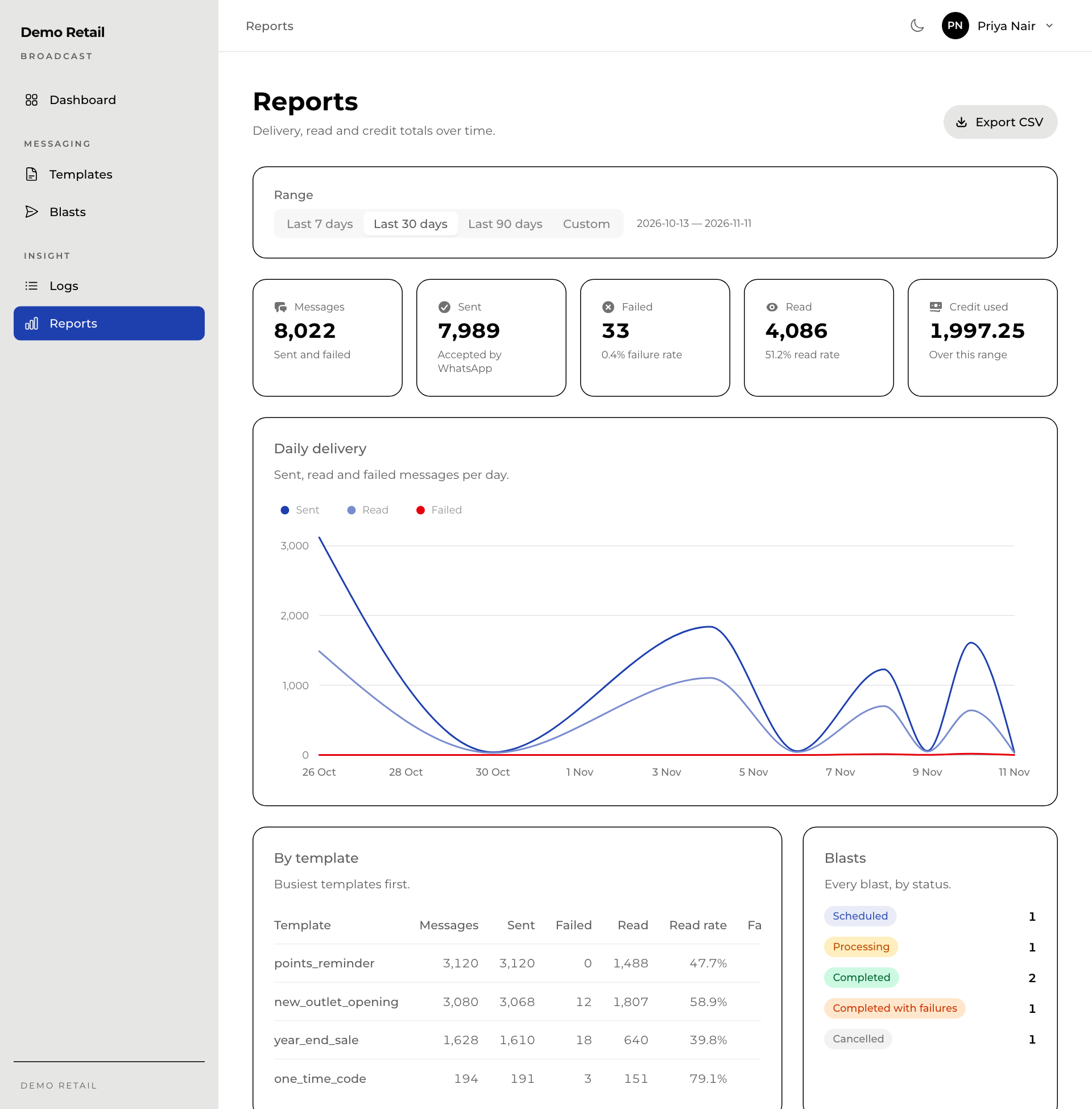
- The boxes at the top give the totals for the range. Read shows the read rate: of the messages delivered, how many were opened. Credit used is what the range cost.
- Daily delivery charts sent, read and failed messages per day.
- By template shows which messages were sent most and how well each was read. A low read rate can mean the message is not interesting enough, or is sent at the wrong time.
- Blasts counts every blast by status.
Export CSV downloads the figures.