Add and remove people
For: Administrators
Whole guide as PDF (1 MB)Only people listed under Users can sign in to Broadcast. This page is for super admins.
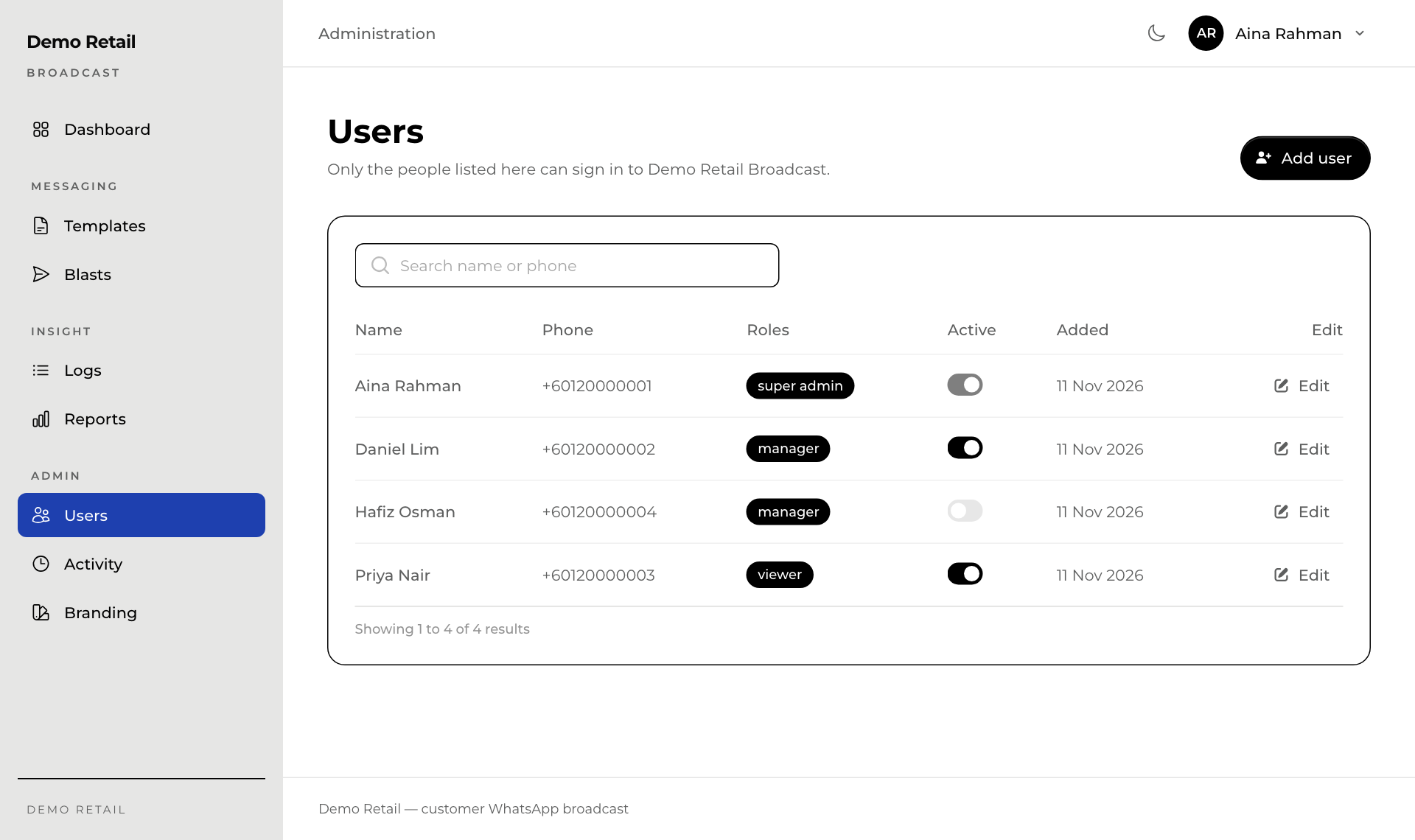
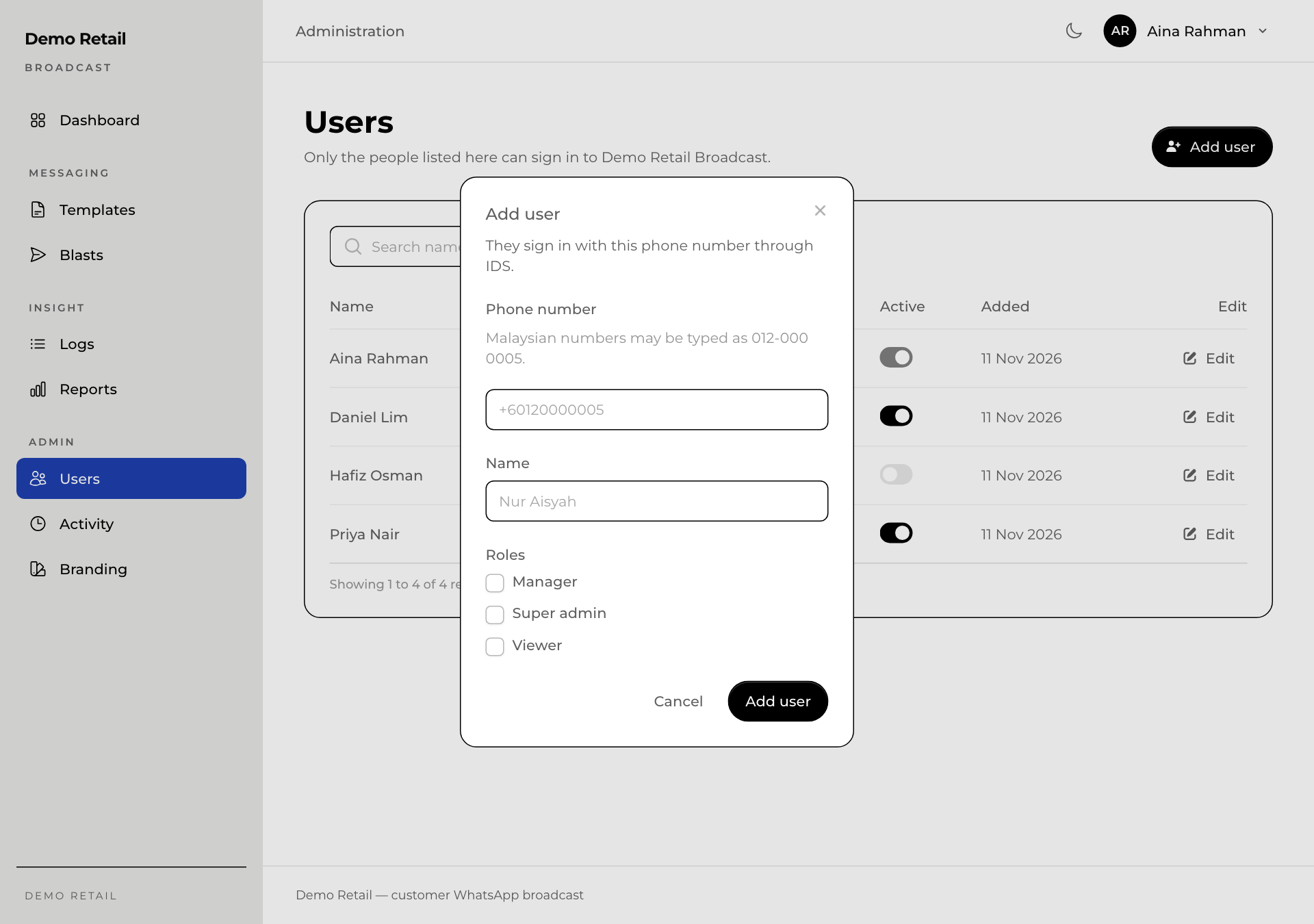
Add someone
- Press Add user.
- Type their Phone number (the one they sign in with) and Name.
- Tick their Roles: Viewer to look only, Manager to send, Super admin for everything.
- Press Add user.
Change or stop someone
- Press Edit to change a person's name or roles, then Save changes. The phone number cannot be changed here.
- Switch Active off to stop someone signing in, for example when they leave. Switch it on again to let them back.