See who has finished
For: HR
Whole guide as PDF (2 MB)Dashboard
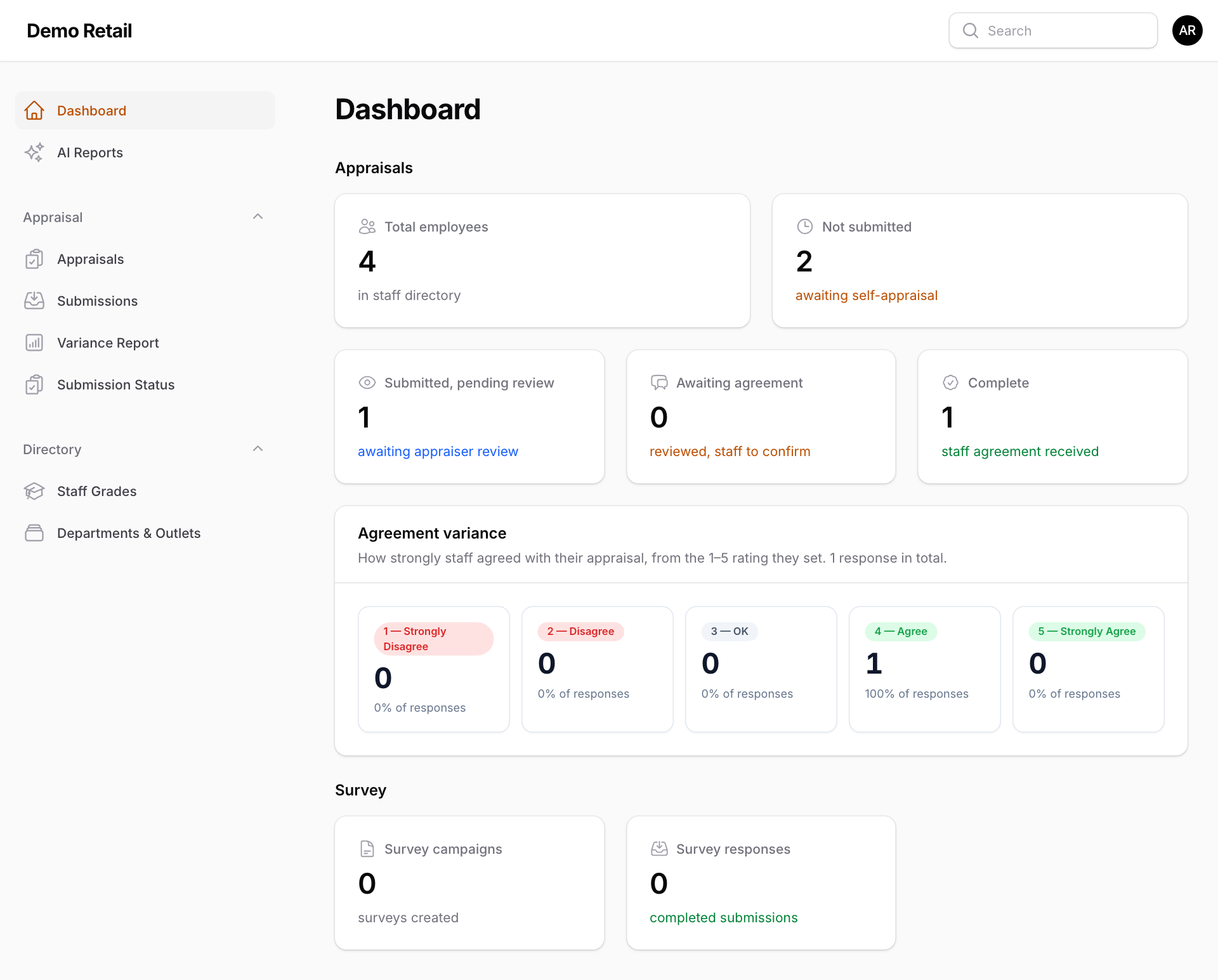
Dashboard, at the top of the menu, counts everyone in the staff directory by stage: Not submitted, Submitted, pending review, Awaiting agreement (the appraiser has rated, the staff member has not answered yet) and Complete. Agreement variance shows how many staff answered each point from 1 — Strongly Disagree to 5 — Strongly Agree.
Who still has to start
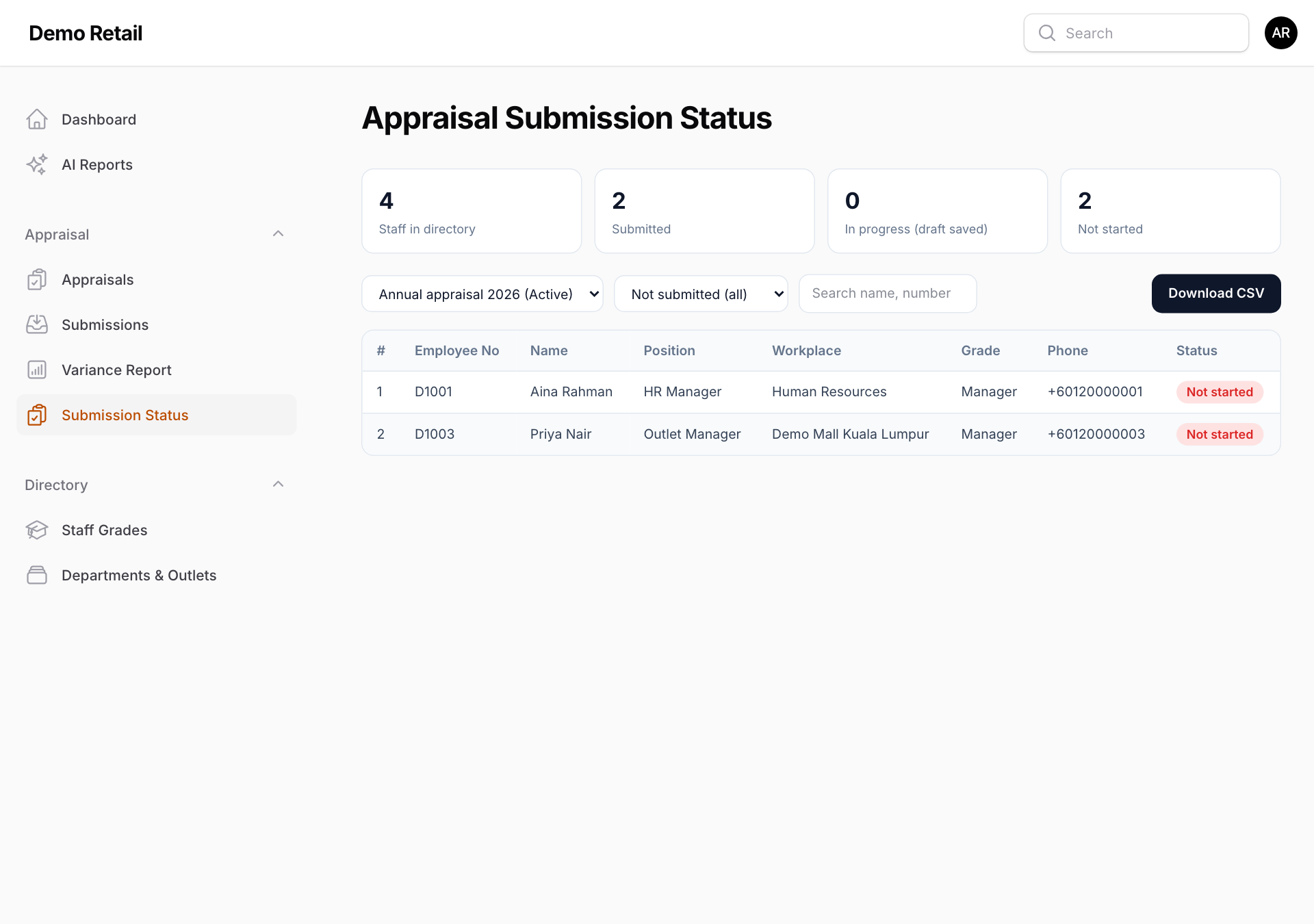
Submission Status lists every person in the staff directory against the active round, including people who have never opened the Appraisal page.
- Pick the round in the first drop-down.
- Pick who to show: Not submitted (all), Not started only, In progress only (a draft is saved), Submitted only or Everyone.
- Type in Search name, number to find one person.
- Press Download CSV to get the list as a spreadsheet file, for example to send reminders.
Every submission
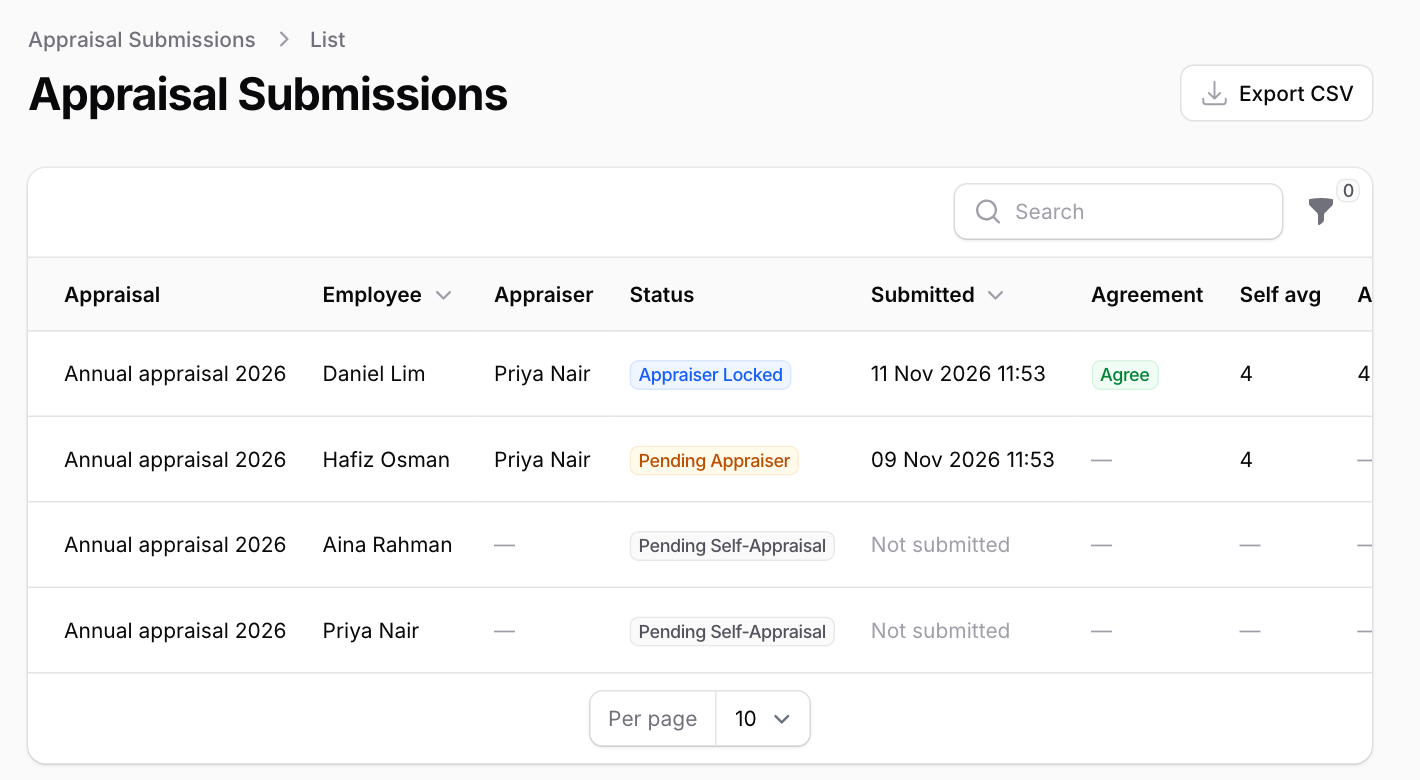
Submissions lists every participant with their appraiser, stage, the date they submitted, whether they agreed, and both averages. Press View on a row to read the whole appraisal. Export CSV downloads the list.
Where self-scores and manager scores differ
Variance Report shows, for each competency, how many reviews were Aligned (1 point apart or less), to Review (2 apart) or a Major Gap (3 or more apart). Press a number to see the staff in it. The agreement variance table from the dashboard is repeated at the top.