Staff grades, departments and outlets
For: HR
Whole guide as PDF (2 MB)These two lists, under Directory in the menu, feed the drop-downs staff see on Confirm your details.
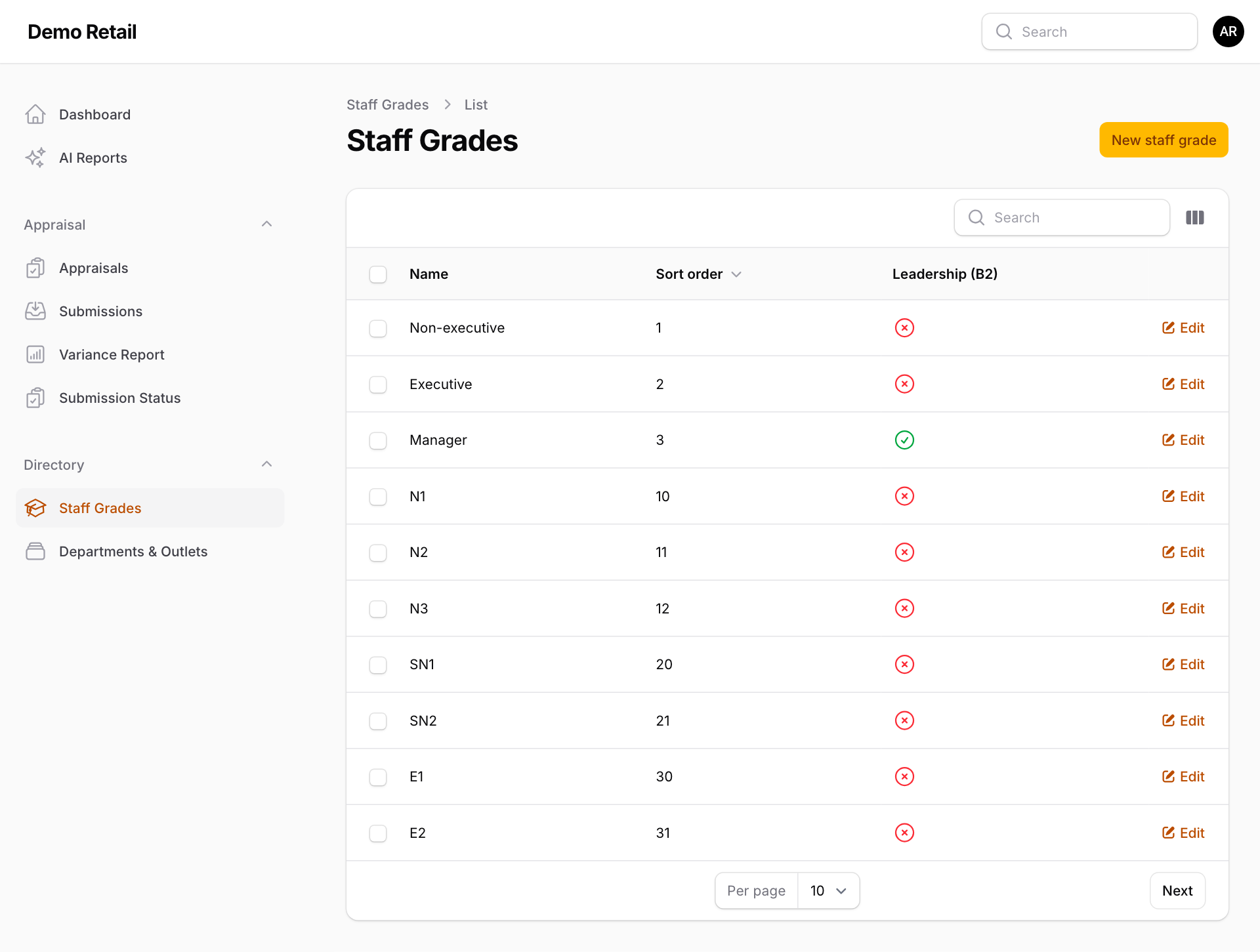
Staff grades
A staff grade decides whether a person also rates the 5 leadership behaviours (part B2) on top of the 7 core ones.
- Press Staff Grades, then New staff grade, or Edit on an existing one.
- Give it a Name and a Sort order (the order it appears in the drop-down).
- Switch on Can view leadership competencies (B2) for supervisor and manager grades.
- Save.
A tick in the Leadership (B2) column shows which grades have it switched on.
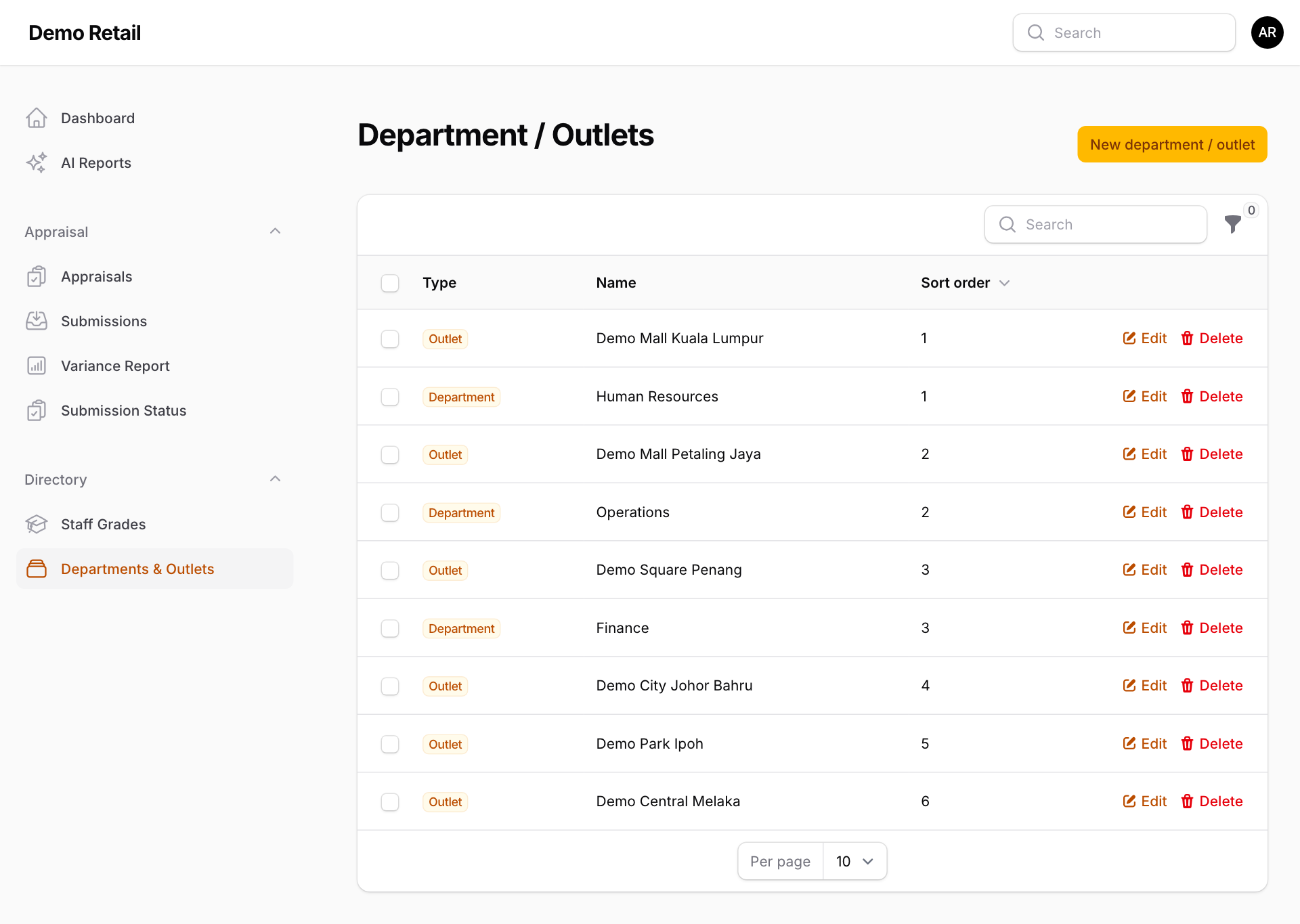
Departments and outlets
Staff pick their department (if they work at headquarters) or outlet (if they work at an outlet) from this list.
- Press Departments & Outlets, then New department / outlet.
- Choose the Type (Department or Outlet), type the Name and a Sort order.
- Save. Use Edit or Delete on a row to change or remove one.