Open your appraisal
For: Staff and appraisers
Whole guide as PDF (2 MB)You do not need a password. You prove who you are with a code sent to your phone.
-
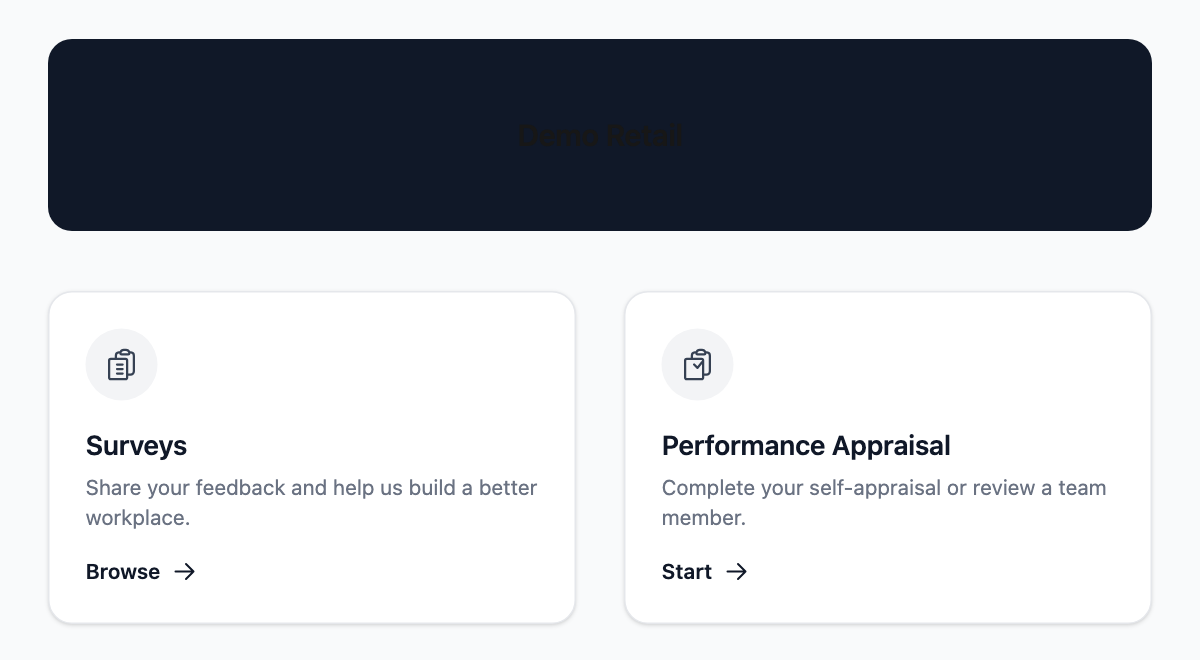
Open the Appraisal web address your HR team gave you. On the front page, press Start under Performance Appraisal.
-
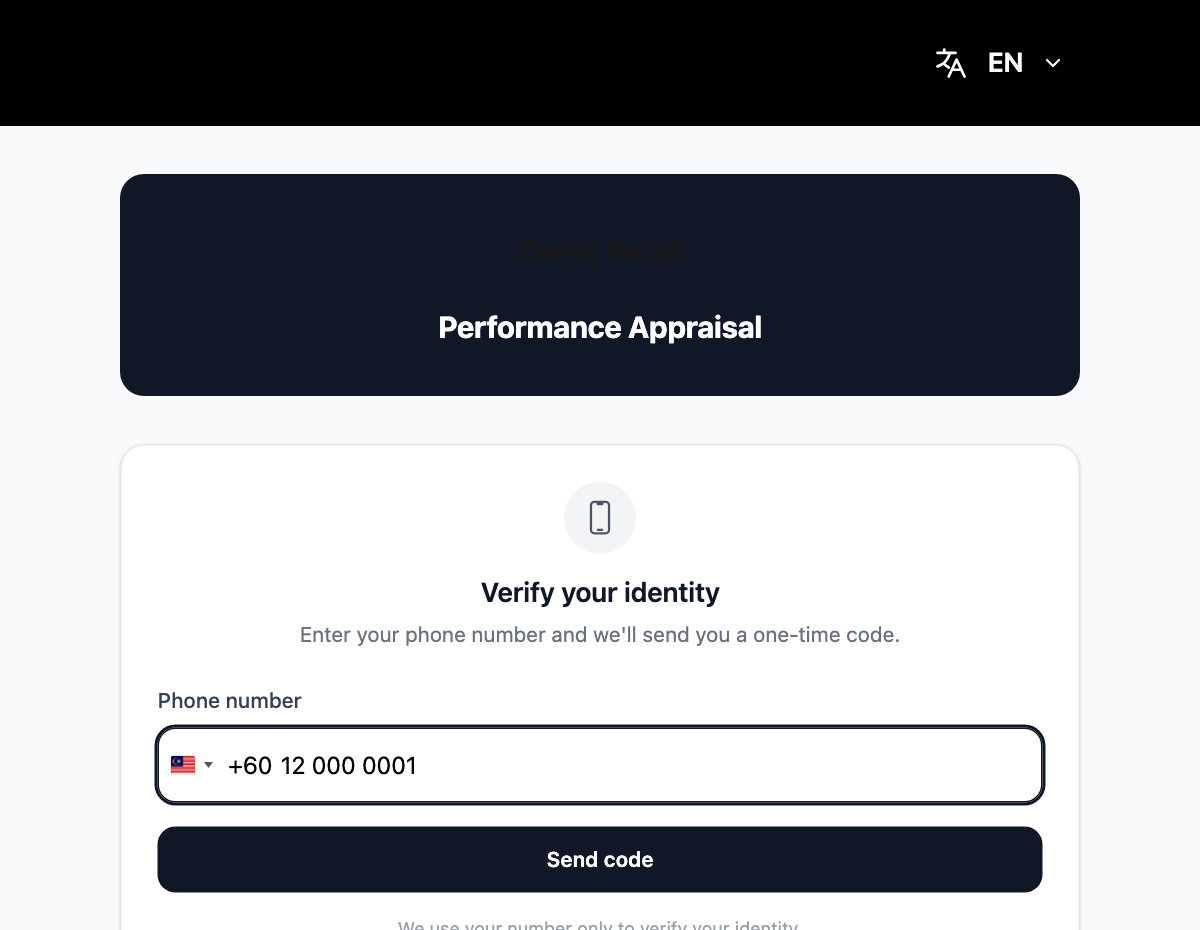
Type your phone number under Phone number. The country code (+60 for Malaysia) is already chosen; change it with the flag if you need to. Press Send code.
-
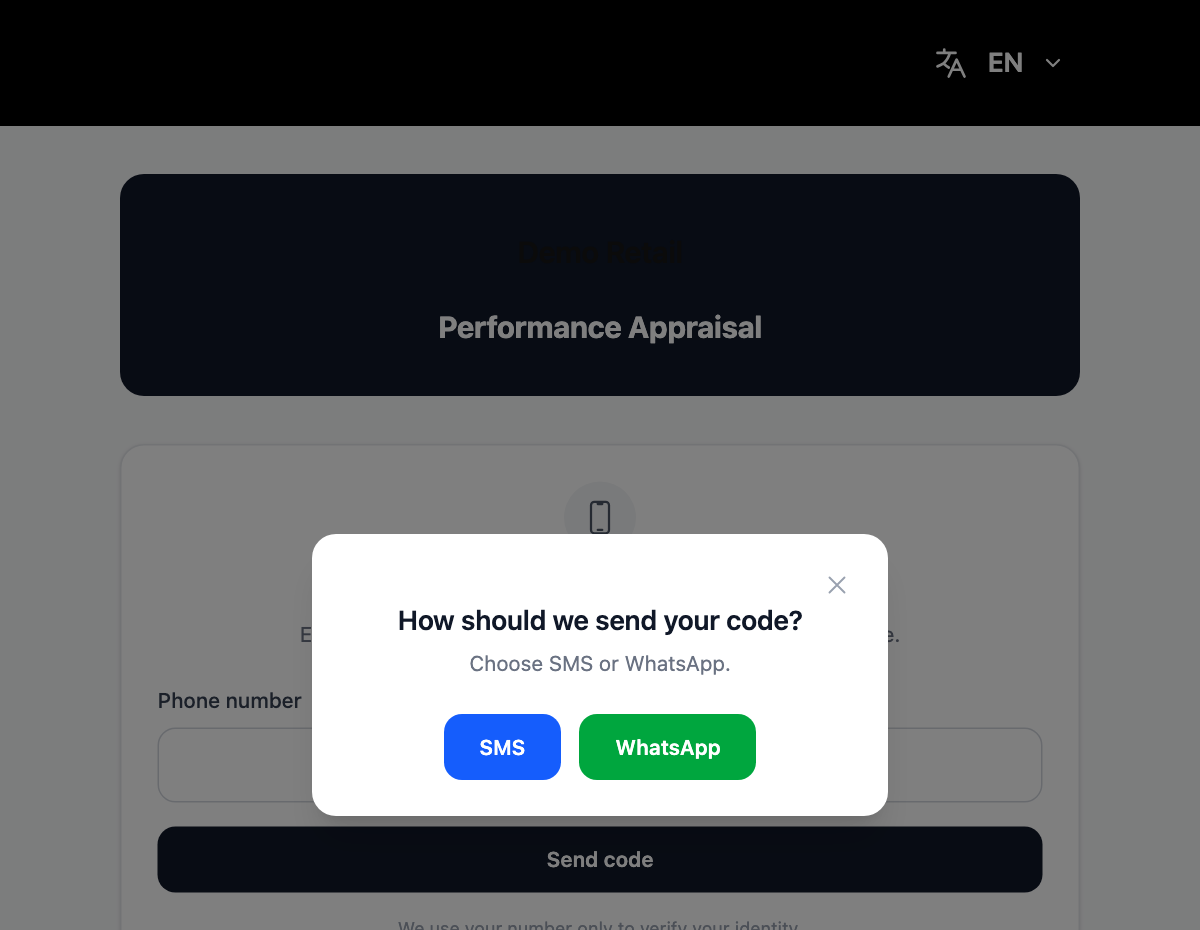
Choose SMS or WhatsApp.
-
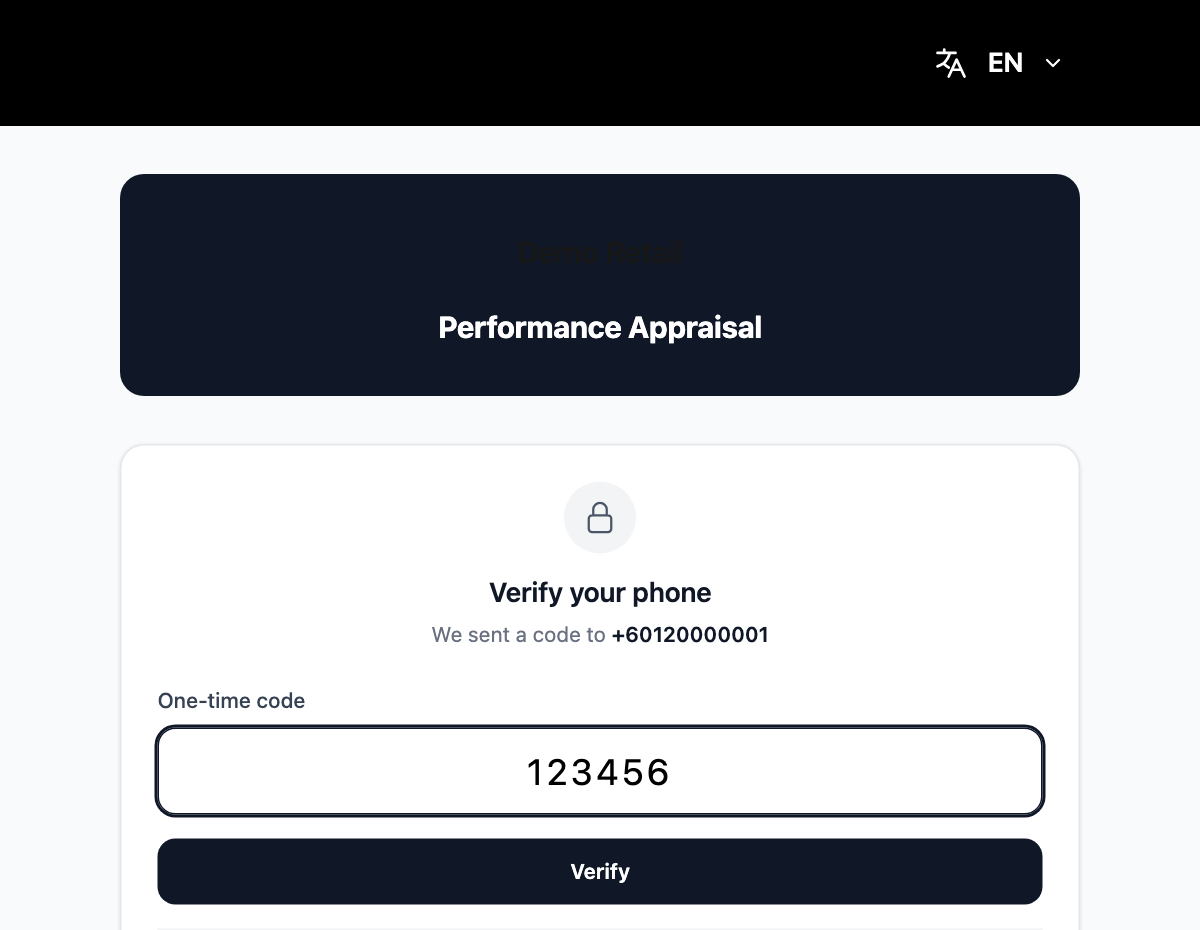
Type the 6-digit code you received under One-time code and press Verify. If it does not arrive, wait for the countdown and press Resend code.
-
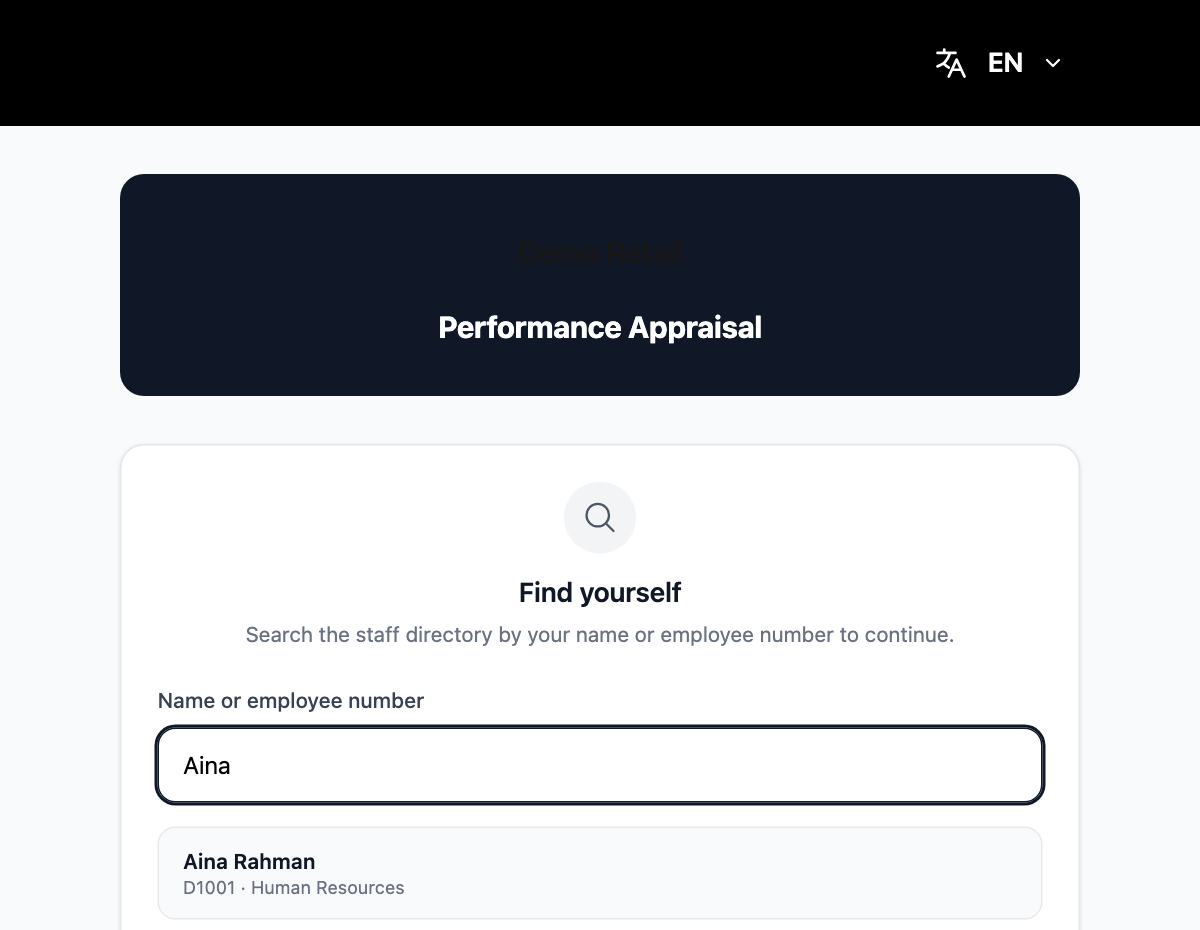
First time only: the Find yourself screen opens. Type at least 2 letters of your name or your employee number, then press your name in the list.
-
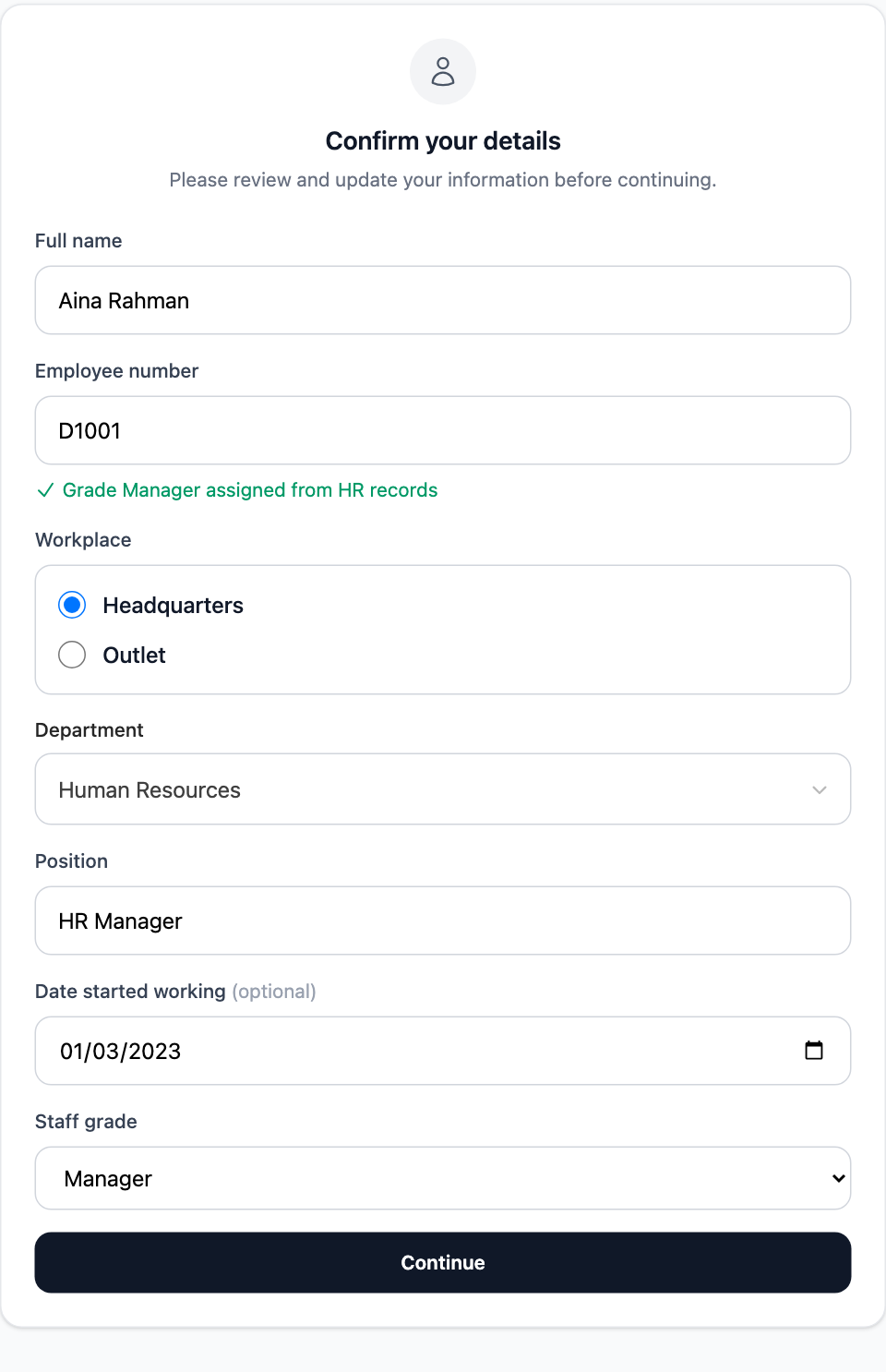
On Confirm your details, check your name, employee number, workplace, position and staff grade. Correct anything that is wrong and press Continue.
You land on My Appraisals. If you only have your own self-appraisal to do, it opens straight away.
When something goes wrong
- "No matching record" on Find yourself: you are not in the staff directory yet. Ask HR to add you.
- "Already linked" next to your name: another phone number has already claimed that record. The last 4 digits of that number are shown. Ask HR to fix it.
- "Employee number not found": the number you typed does not match the directory. Check it with HR.
- The code never arrives: press Can't receive the code? Log in with your account and sign in with your company account (phone number and password) instead. If you see "Your account has no phone number linked", ask HR.
- To leave, press your name at the top right and choose Log out.