Approve spending points at the till
For: Members
Whole guide as PDF (1 MB)When you pay with points at a shop till, the cashier must know it is really you. The till sends an approval request to your phone, called eSecure: a notice in the mobile app, and a WhatsApp message with a button for people without the app.
- Tell the cashier you want to pay with points. They send the request from the till.
- Open the WhatsApp message and press its button. A page opens showing the outlet, how many points, what they are worth and the receipt number.
- Check the details. If they match what you asked for, press Approve. If not, press Reject.
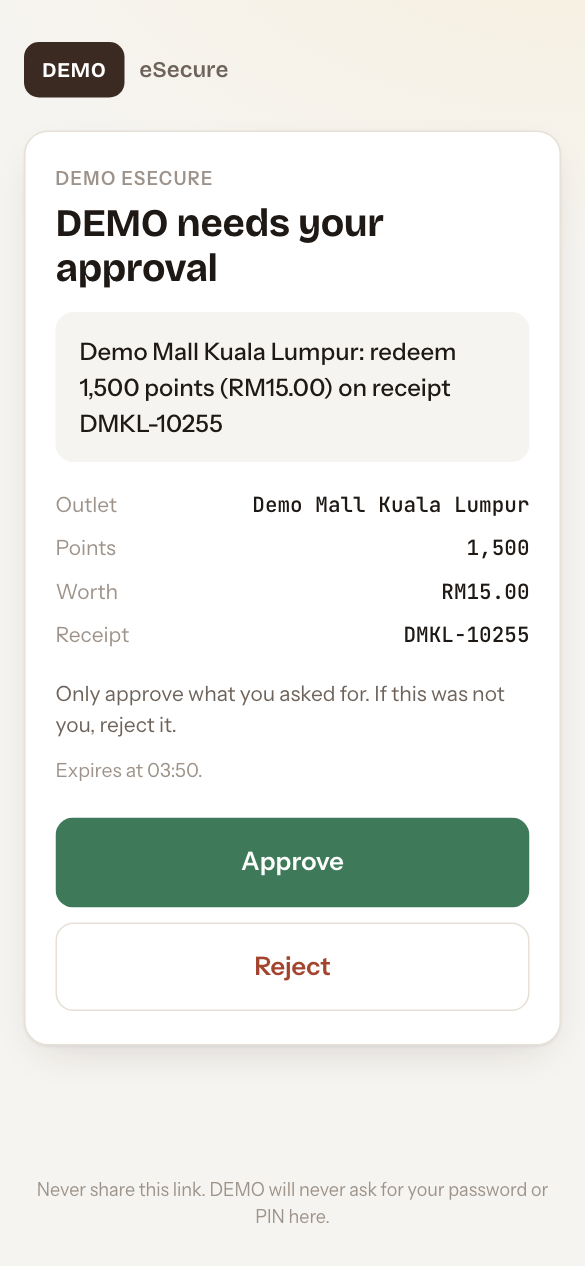
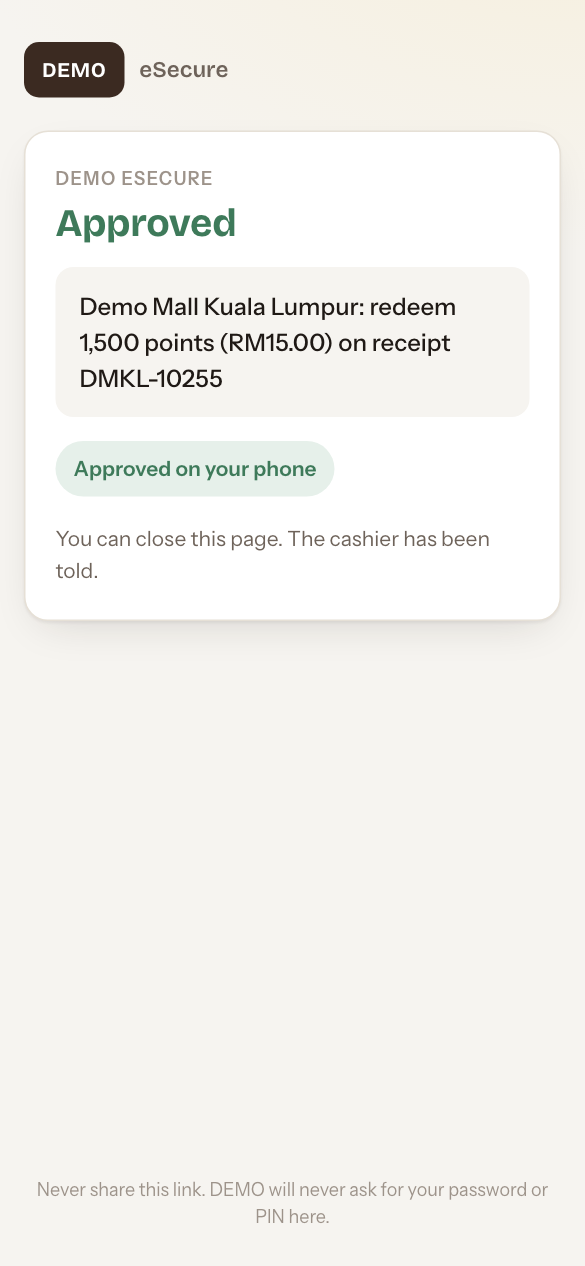
The page then says Approved and the cashier's till is told straight away.
- The request lasts about 2 minutes. If it runs out, ask the cashier to send a new one.
- Never share the link. Your company will never ask for your password or PIN on this page.
- Instead of eSecure, the cashier can send you a one-time code by WhatsApp or SMS for you to read out.