Correct points, suspend or move a tier
For: Staff
Whole guide as PDF (1 MB)Open a member from Members. Their page shows Membership details, the Points balance, every point change under Transactions (with who made it under By), and the friends who joined with their code under Referrals made.
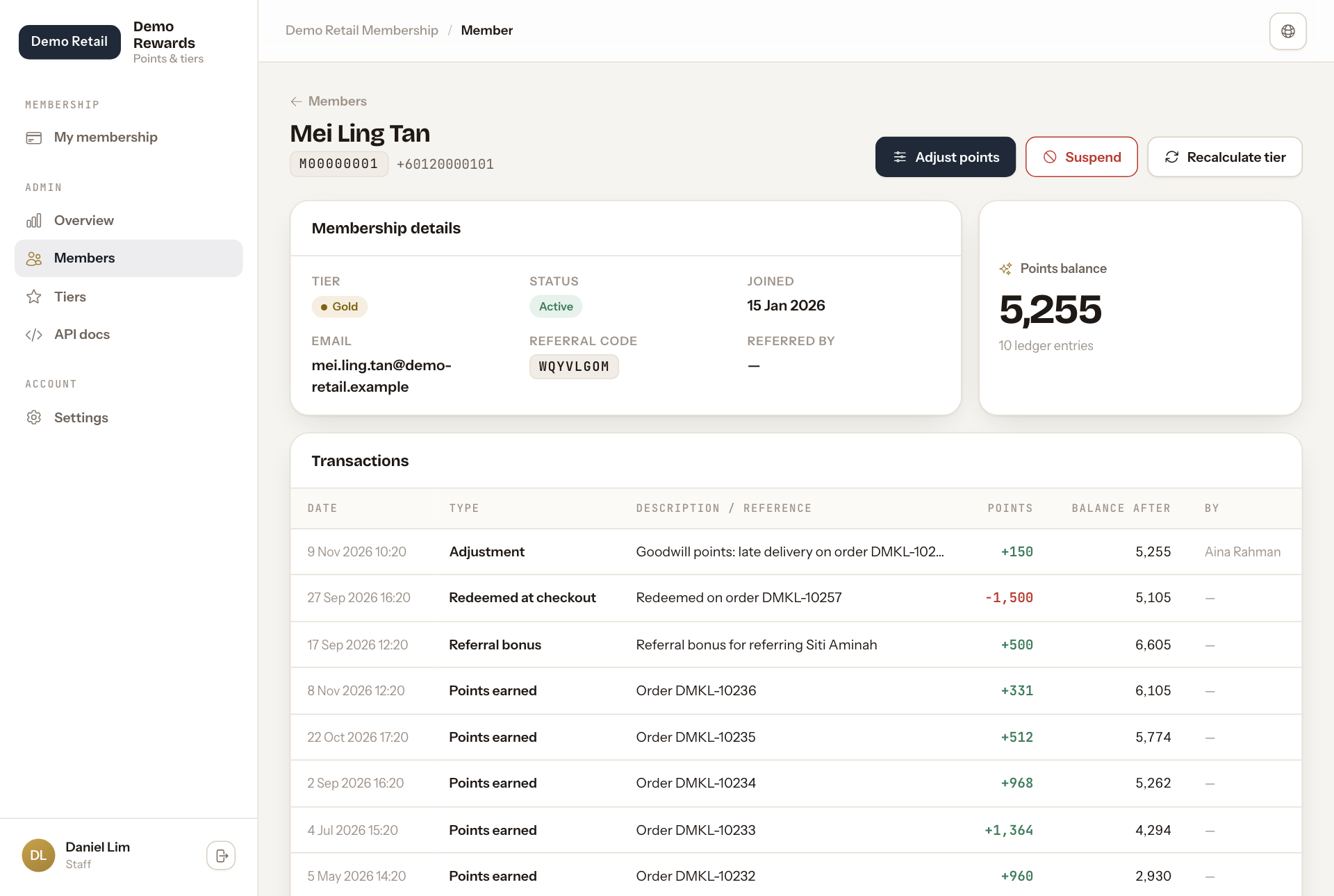
Add or remove points by hand
Use this for goodwill points or to fix a mistake.
- Press Adjust points at the top right.
- In Points, type the number to add. To take points away, put a minus in front (for example -100).
- In Reason, say why. The reason is required, and the change is saved under your name.
- Press Post adjustment.
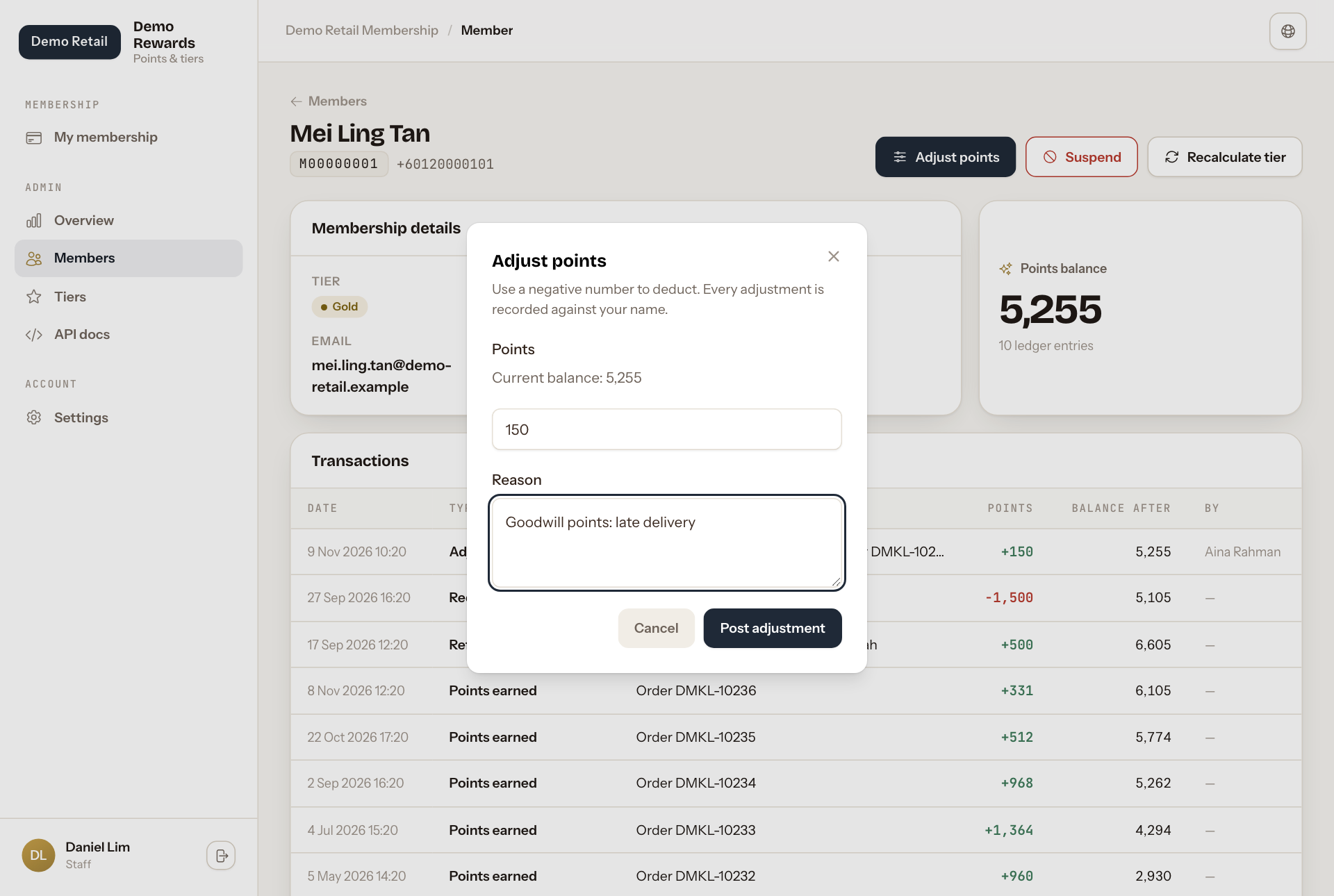
You cannot take away more points than the member has. Points added by hand do not count towards the member's tier.
Suspend or reactivate a membership
Press Suspend and confirm. A suspended member cannot earn or spend points, and their page shows a red notice. To undo it, press Reactivate.
Recalculate tier
A member's tier is checked again after every paid order. Press Recalculate tier to check it now, for example after the tier thresholds were changed. The member can move up or down, depending on the points they earned from orders and referrals in the last 12 months.