See your points and card
For: Members
Whole guide as PDF (1 MB)After you sign in you land on My membership.
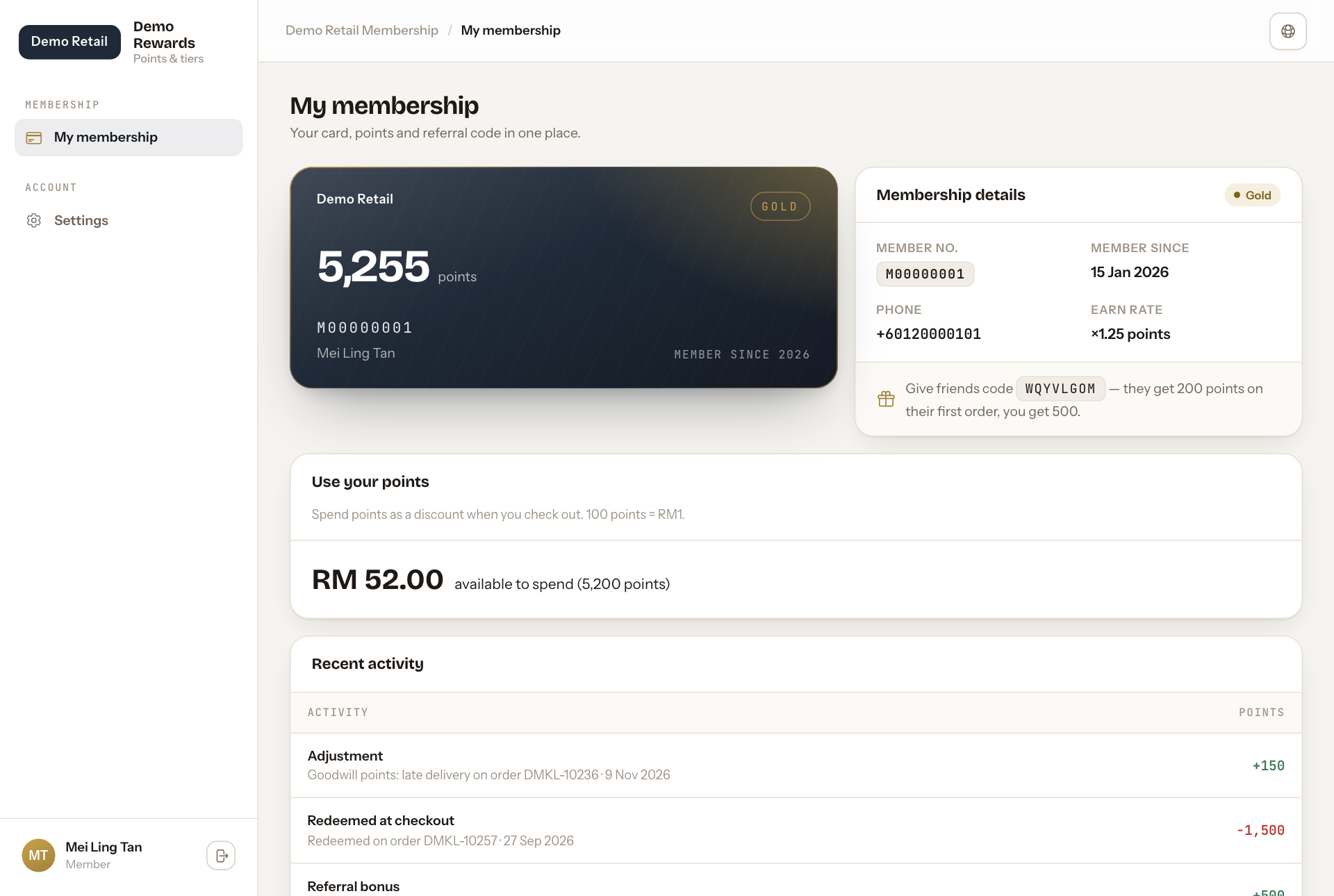
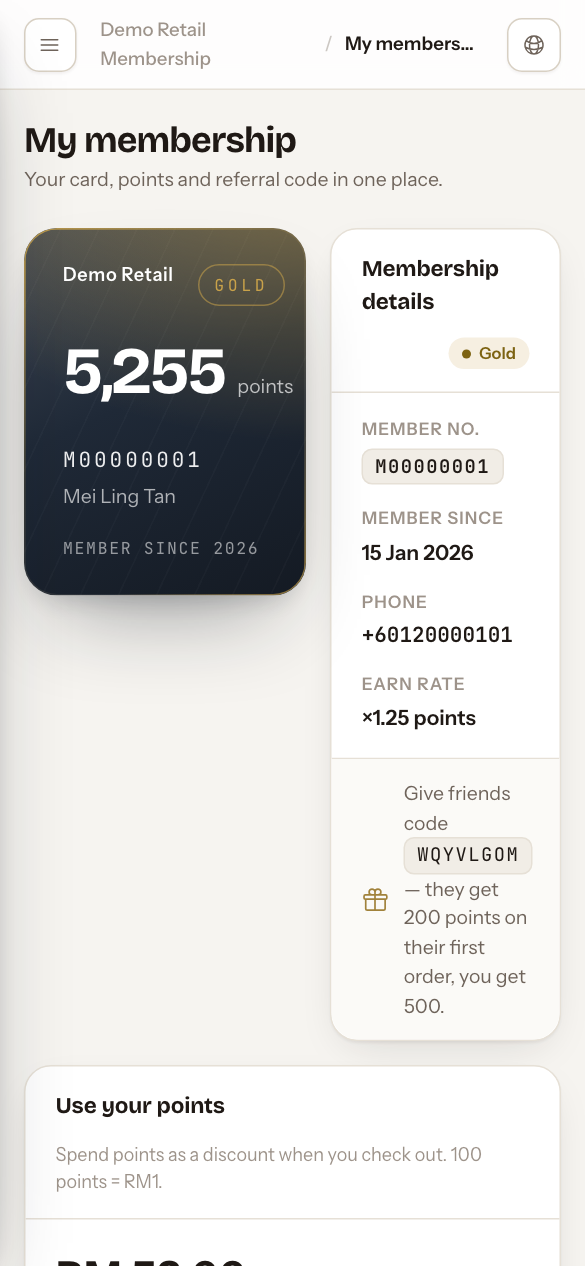
- The card shows your points, your member number, your name and your tier (for example GOLD).
- Membership details shows your Member no., Member since, Phone and Earn rate. An earn rate of ×1.25 means RM100 paid gives you 125 points.
- Give friends code is your referral code. When a friend joins with it and pays for their first order, they get 200 points and you get 500.
- Use your points shows how much money off your points are worth right now. Points are spent in steps of 100 (100 points = RM1), so a balance of 5,255 points gives RM 52.00 off.
- Recent activity lists your last 10 point changes: points earned on an order, points spent, referral bonuses and corrections made by staff.
If something looks wrong
- "We need your phone number to open your membership": your account has no phone number. Ask staff to add it.
- "Your membership is suspended": you cannot earn or spend points until staff reactivate it. Contact your company.
- Points missing for an order: ask staff to check the order. They can add the points by hand.