Find a member
For: Staff
Whole guide as PDF (1 MB)- Open Members in the menu on the left.
- Type in Search: part of a name, phone number, member number or email. The list updates as you type.
- To narrow the list, pick a Tier or a Status (Active or Suspended).
- Press the member number on the left of a row to open that member.
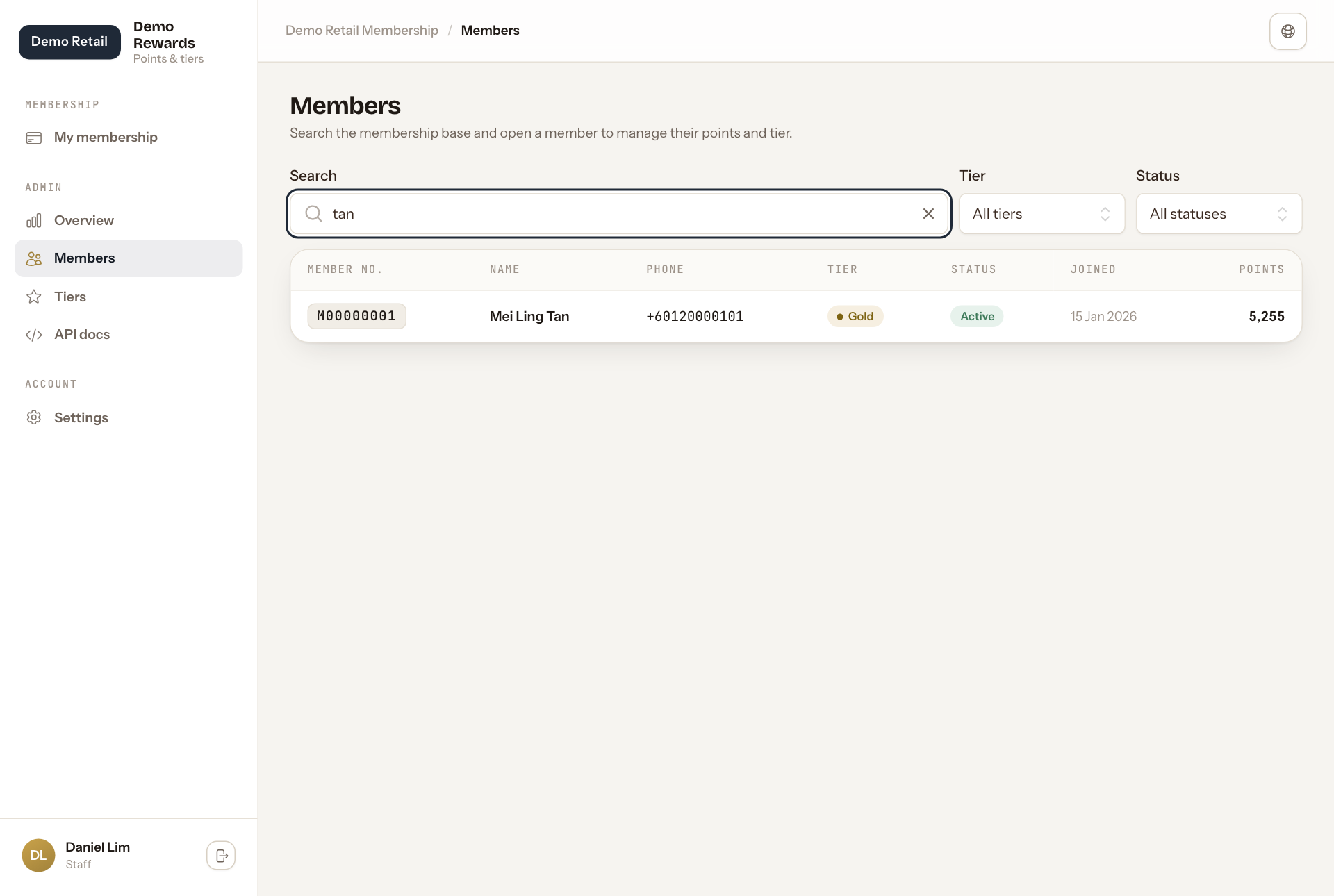
The list shows the newest members first, 25 to a page. Points is the member's balance right now.
If nothing matches, the page says No members match. Try fewer letters, or set Tier and Status back to All tiers and All statuses.