What it is for
For: Everyone
Whole guide as PDF (1 MB)The Payment system sits between your company's systems and the bank's online payment service. Your web shop, membership app or till asks it to take a payment, the customer pays on the bank's page, and the Payment system records the result and tells the system that asked. Staff can also send a customer a payment link by email. Once a day it adds up each merchant's paid sales so finance can pay them into the merchant's bank account.
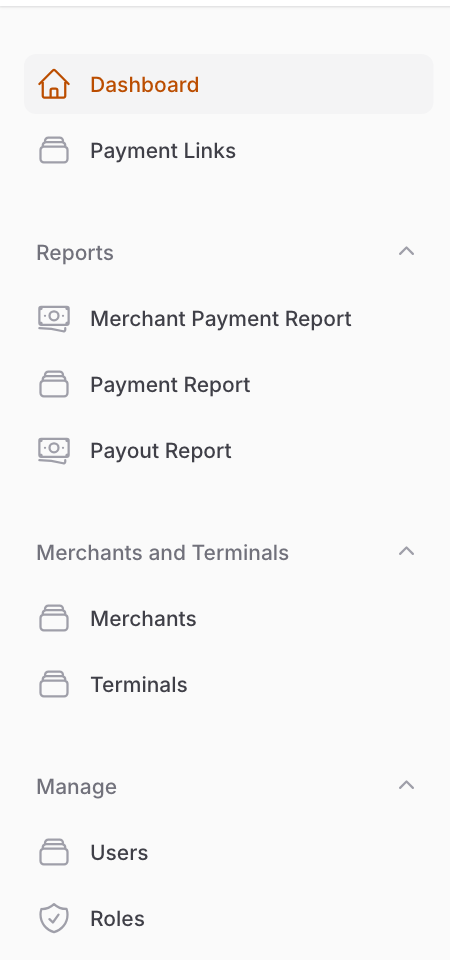
Words used on the screens
- Merchant: a business that receives money, for example your online store or one outlet. Each merchant can have one bank account.
- Terminal: one system that is allowed to take payments for a merchant, for example the web shop or the membership app. Each terminal has a four-digit Code that starts every order number it makes.
- Payment link: a web address you email to a customer so they can pay an invoice.
- Payout: money sent out of your company account to a merchant's bank account.
Who uses it
- Finance and customer service staff look up payments and send payment links.
- Finance checks the daily merchant reports and sends payouts.
- Administrators set up merchants and terminals and decide who can do what. The role that can do everything is called Super Admin on screen.
What it needs
- A live account with the bank's online payment service, and a separate one for sending payouts. Without them, looking things up works, but taking payments, sending payment links, checking a payment with the bank and sending payouts do not.
- Staff sign in with the company's shared sign-in. A person appears in Users after their first sign-in.