What a customer sees before paying
For: Everyone
Whole guide as PDF (1 MB)When a customer pays through your web shop or app, the Payment system first shows them a short summary. Nothing is charged on this page.
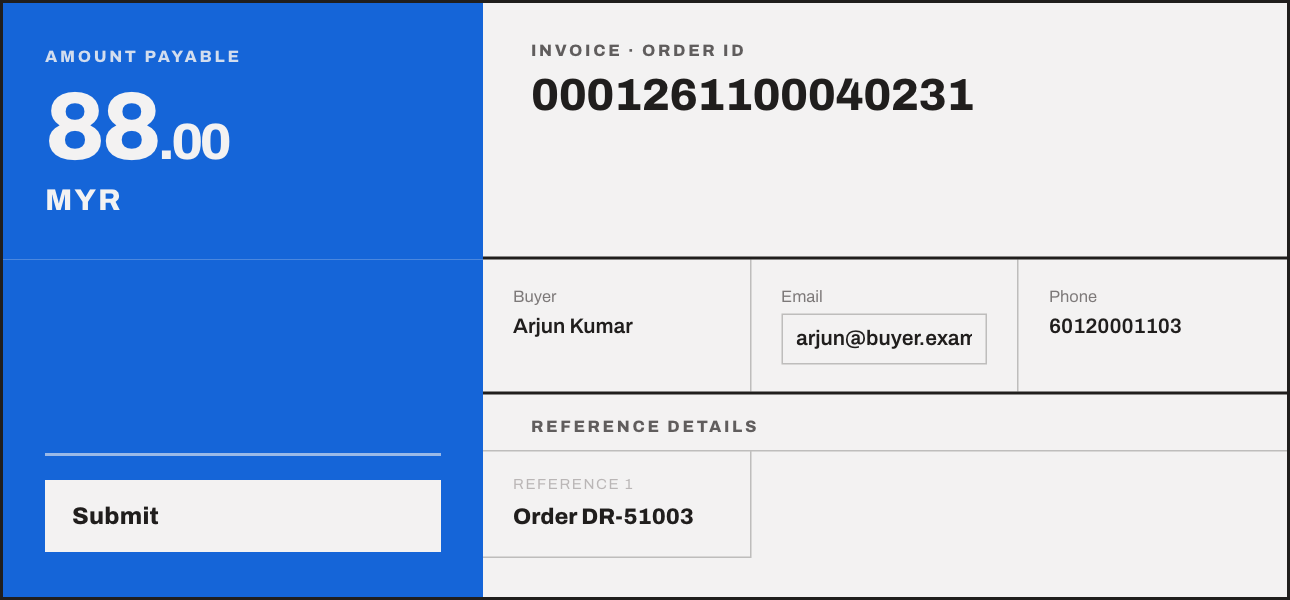
The customer checks:
- Amount payable and the Order ID.
- Their name and phone number.
- Their Email. They can correct it here, and the corrected address is the one passed back to your shop.
Pressing Submit takes them to the bank's own payment page. That step needs the live bank account, so it is not shown here.
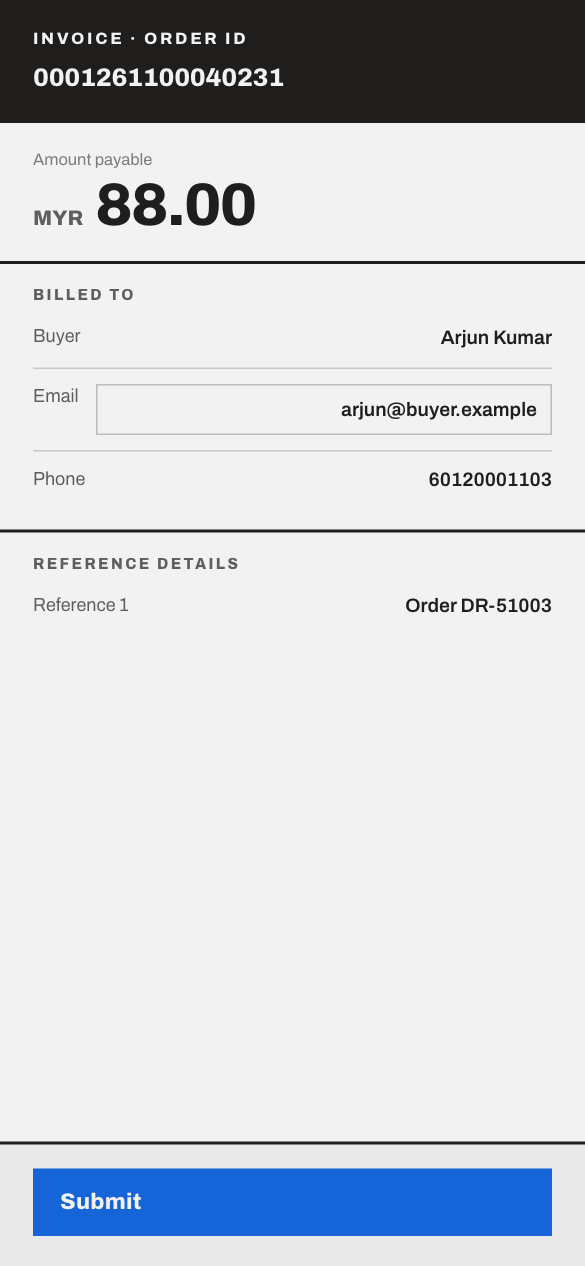
The page fits a phone screen:
The page works only once and for a limited time. If the customer opens an old one, they see an error and need to start the payment again from the shop.