Check what arrived
For: Stock clerks
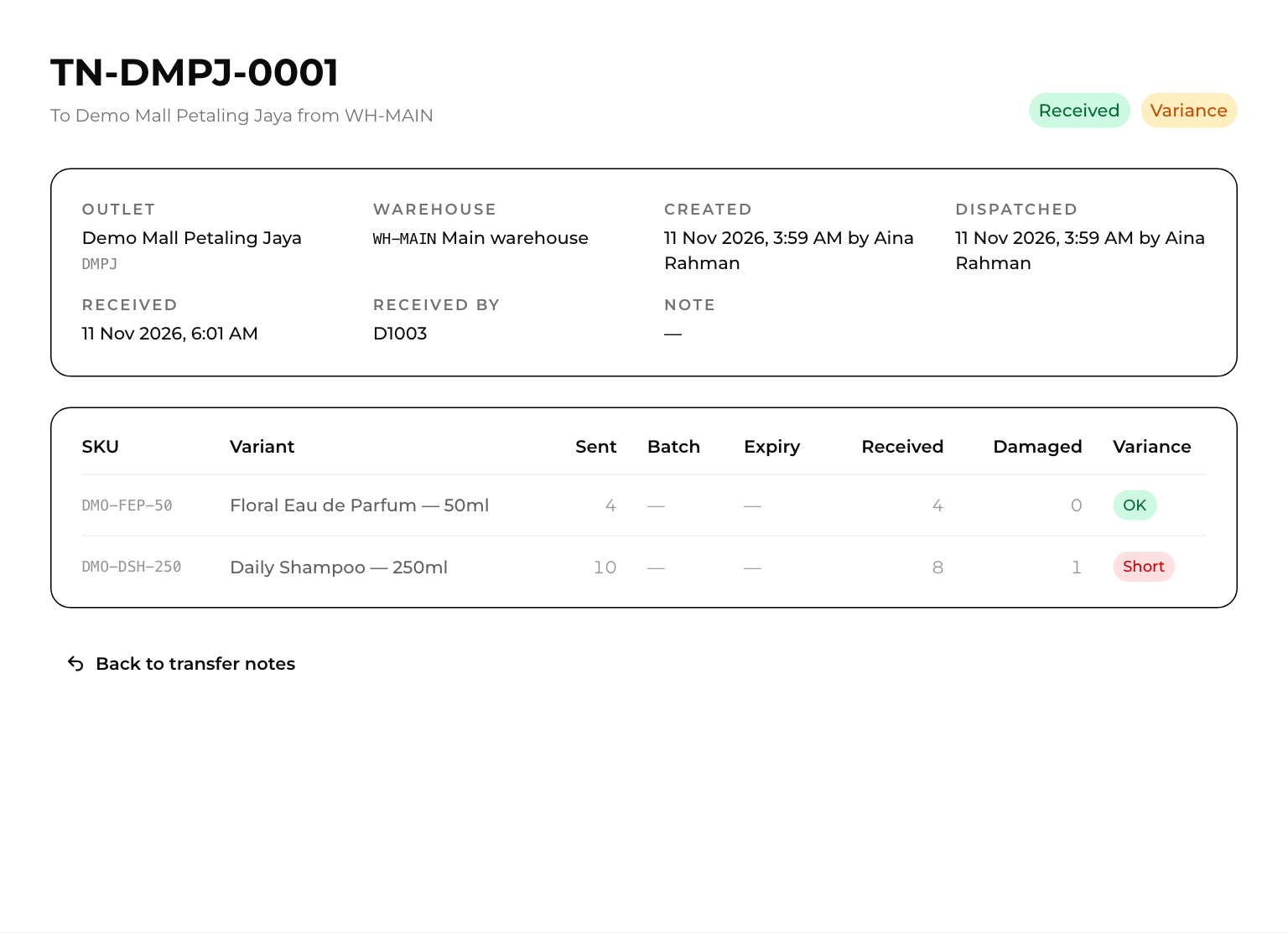
Whole guide as PDF (2 MB)When the outlet confirms a note, its status changes to Received and the arrival date and the staff code of the person who received it are filled in.
If what arrived does not match what was sent, the note also shows Variance. The dashboard counts these under Received with variance for the last 7 days.
Open the note to see each line:
- Sent: how many left the warehouse.
- Received and Damaged: what the outlet reported.
- Variance: OK when everything arrived, Short when fewer arrived or some were damaged, Excess when more arrived than were sent.
Inventory records the difference but does not fix it. Follow up with the outlet, and correct warehouse stock if the goods never left (see Receive and correct stock).