What it is for
For: Everyone
Whole guide as PDF (2 MB)Inventory is where your company keeps its product list and the stock held in its warehouses. When stock leaves a warehouse for an outlet or the online store, it goes on a transfer note. The outlet's till system or the online store receives the goods and reports back what arrived, so you can see anything that went missing or was damaged on the way.
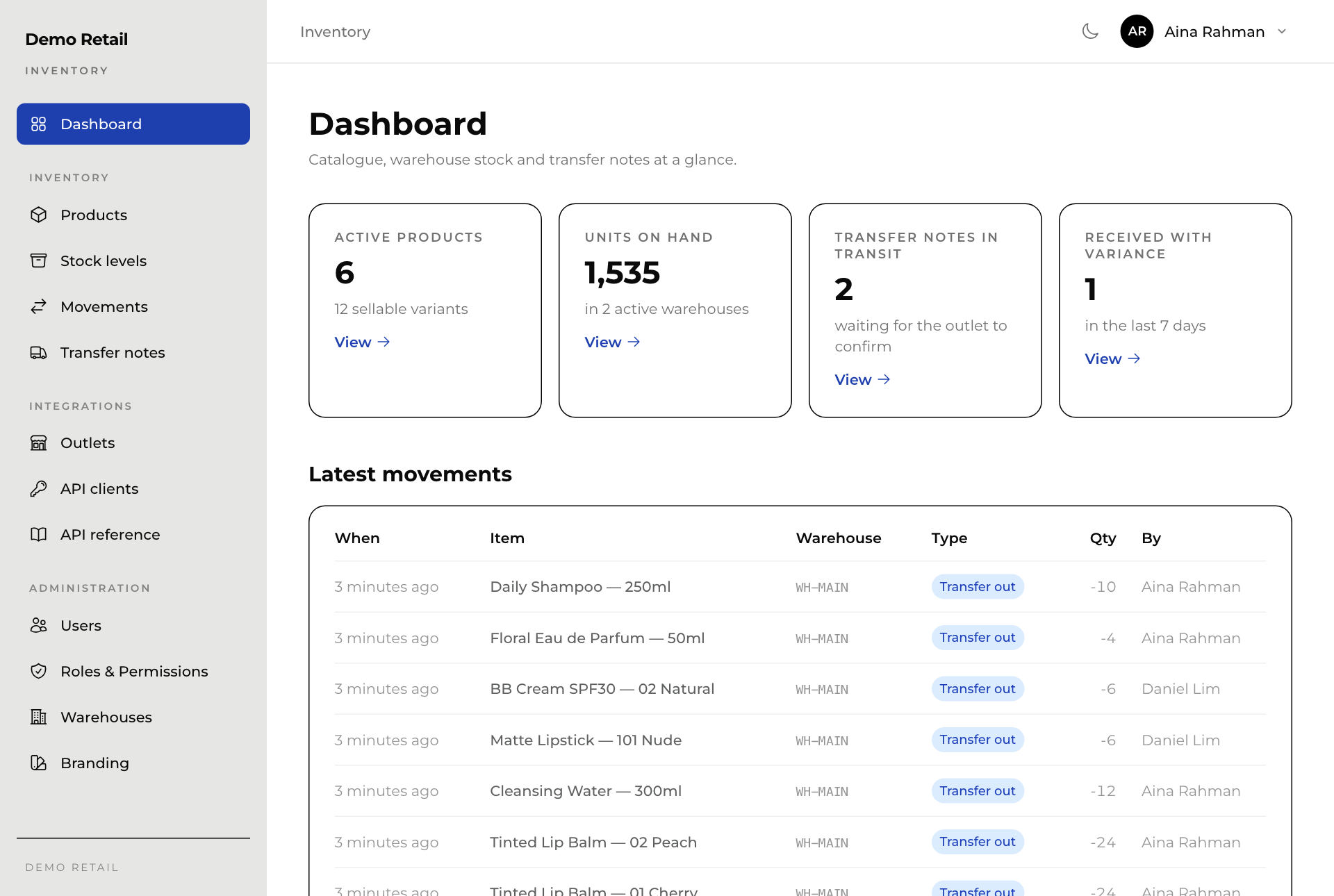
Still being built
- RFID (reading stock with radio tags instead of scanning barcodes) is planned. Nothing for it exists in Inventory yet.
- Inventory only counts stock in warehouses. Once a transfer note is received, the outlet's own system keeps that stock.
- The Outlets screen does not open in the current version: it shows an error. The outlet list still arrives from Master data on its own.
Words used on the screens
- Variant: one thing you sell, such as one shade or one size of a product. Stock and prices are kept per variant.
- SKU: the code that identifies one variant, for example DMO-TLB-01.
- Transfer note: the paper trail for stock moving from a warehouse to an outlet. Its number starts with TN and the outlet's code.
Who uses it
The roles, as named on screen:
- Stock Clerk: sees products and stock, receives and corrects stock, and makes transfer notes.
- Inventory Manager: everything a Stock Clerk does, plus adding and changing products and connecting the online store and tills.
- Super Admin: everything, including people, roles, warehouses and branding.
What it needs
- Master data for the list of outlets and for signing in staff.
- The till system and the online store, to receive transfer notes and confirm what arrived.