See every stock movement
For: Stock clerks
Whole guide as PDF (2 MB)Every change to warehouse stock is recorded and cannot be edited, so you can always see why a number changed.
- Open Movements in the menu on the left.
- Narrow the list by Warehouse or Type, or search by SKU, name or reference.
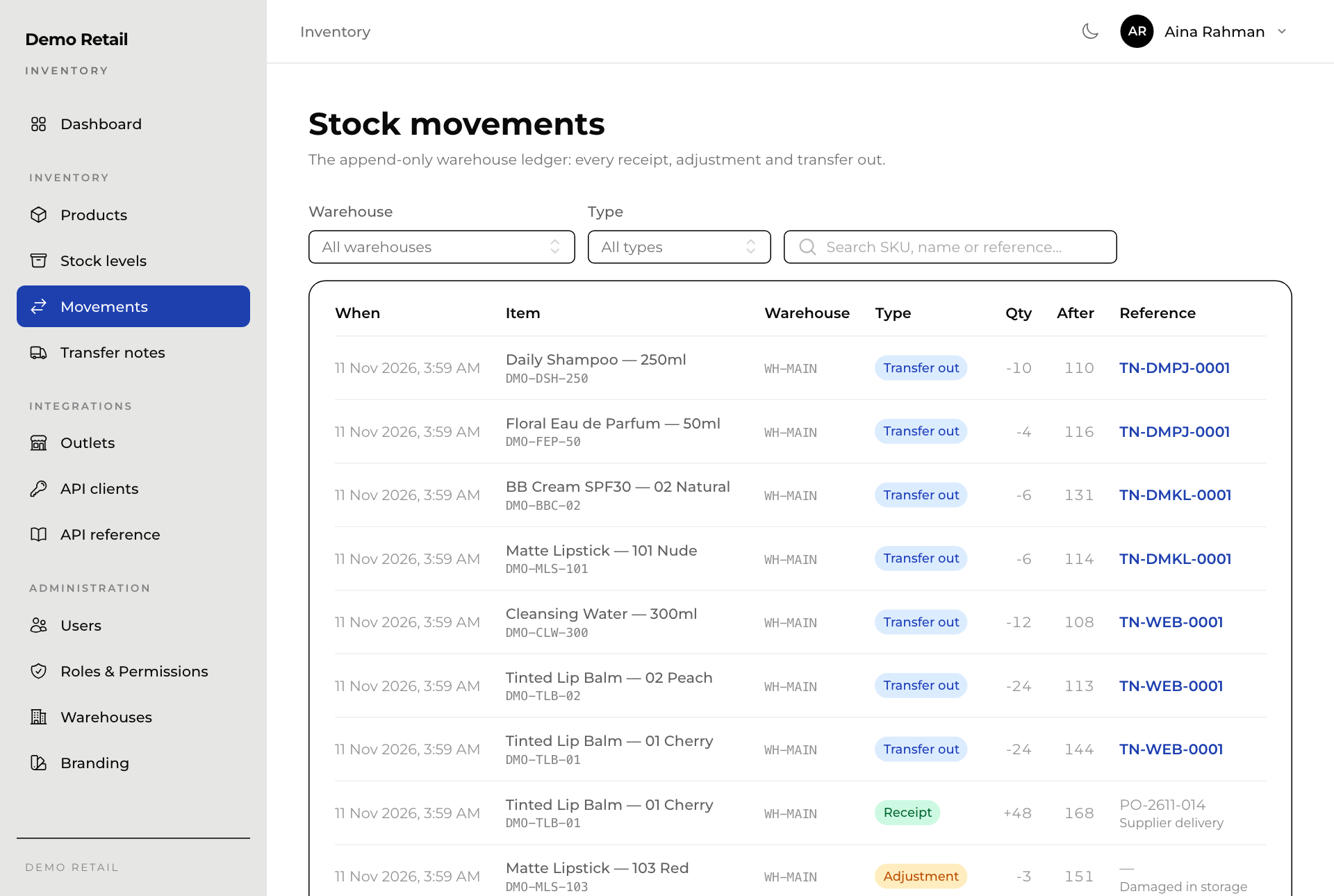
| Type | Meaning |
|---|---|
| Receipt | Stock received into the warehouse. |
| Adjustment | A correction after a count or damage. |
| Transfer out | Stock that left on a transfer note. |
After is how many the warehouse held straight after that movement.