Load the monthly sales
For: Head office
Whole guide as PDF (1 MB)Each month, head office loads every outlet's sales from one file. Nothing is saved until the file passes every check and you confirm.
Prepare the file
- A .csv or .xlsx file, up to 5 MB.
- Two columns: the outlet name, then the sales amount. A heading row is fine.
- Amounts may include commas, spaces or RM.
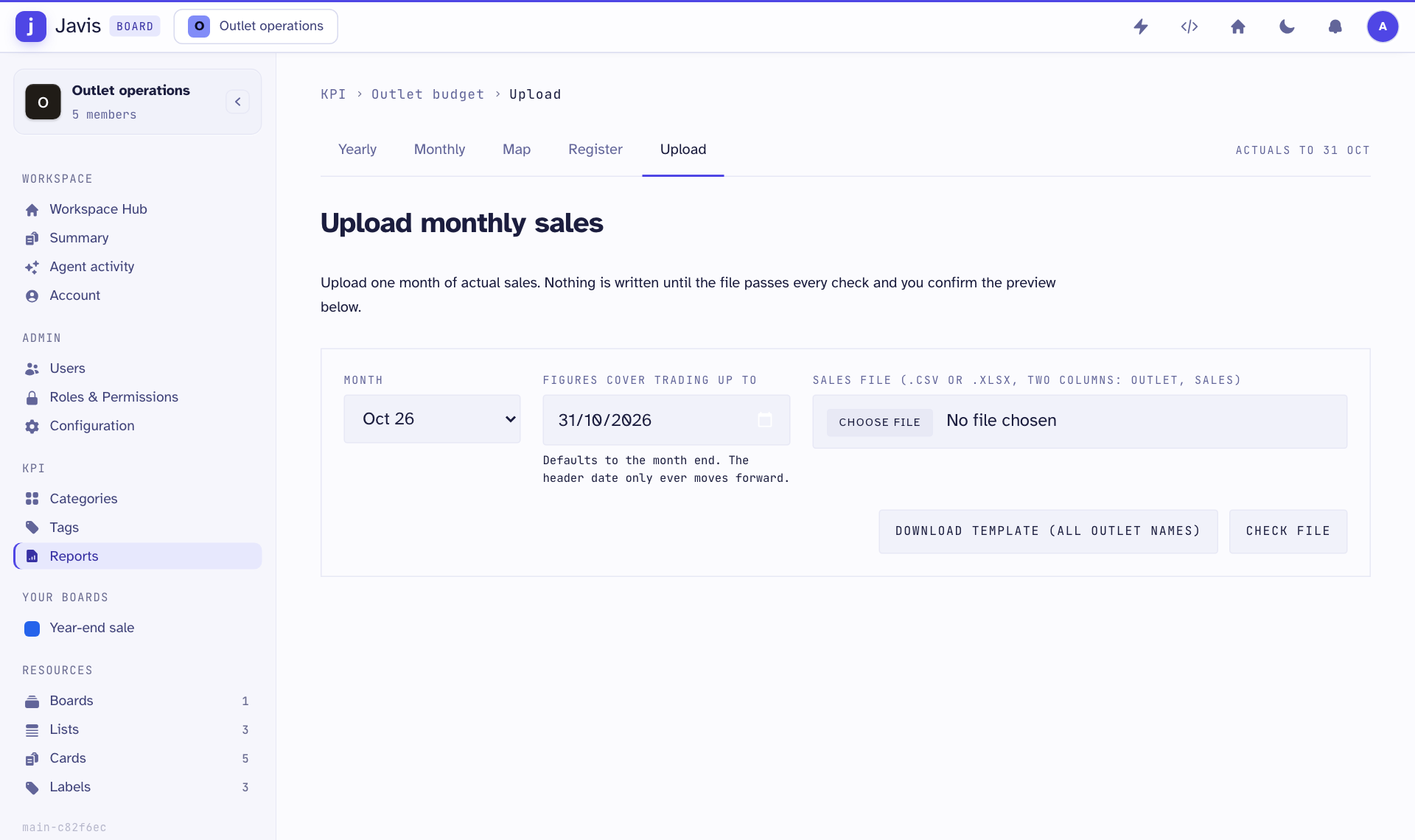
- Press Download template (all outlet names) to get a file with every outlet name spelled the way the app expects. Starting from it avoids most mistakes.
Load it
- Open Reports in the menu on the left, then the Upload tab.
- Under Month, pick the month the sales belong to.
- Under Figures cover trading up to, set the last day the figures cover. It starts at the month end.
- Choose the file and press Check file. You see what would change, and any problems.
- If there are no problems, press Confirm — load into database.
What stops a file
- An outlet name that does not match any outlet. Upper and lower case and extra spaces do not matter.
- The same outlet twice.
- An amount that is not a number or is below zero.
- An empty file.
An outlet missing from the file is only a warning. Its current figure stays as it is, so you can load part of the outlets.
If the month is part-way through, the report shows an estimate for the full month until the month is complete.