What it is for
For: Everyone
Whole guide as PDF (1 MB)KPI board does two jobs.
Sales targets (KPI, key performance indicators). Head office sets each outlet's sales target for every month of the year. An outlet manager can share their outlet's target between the people who work there. Each month, the sales are recorded against the targets, and everyone can see how far ahead or behind they are.
Targets work on three levels:
- HQ (head office): the whole company, which is the outlets added up.
- Outlet: one shop's target, set by HQ.
- Staff: one person's share of their outlet's target, set by the outlet manager. This level is optional.
Sales are typed on the lowest level only. Every level above is the total of the one below.
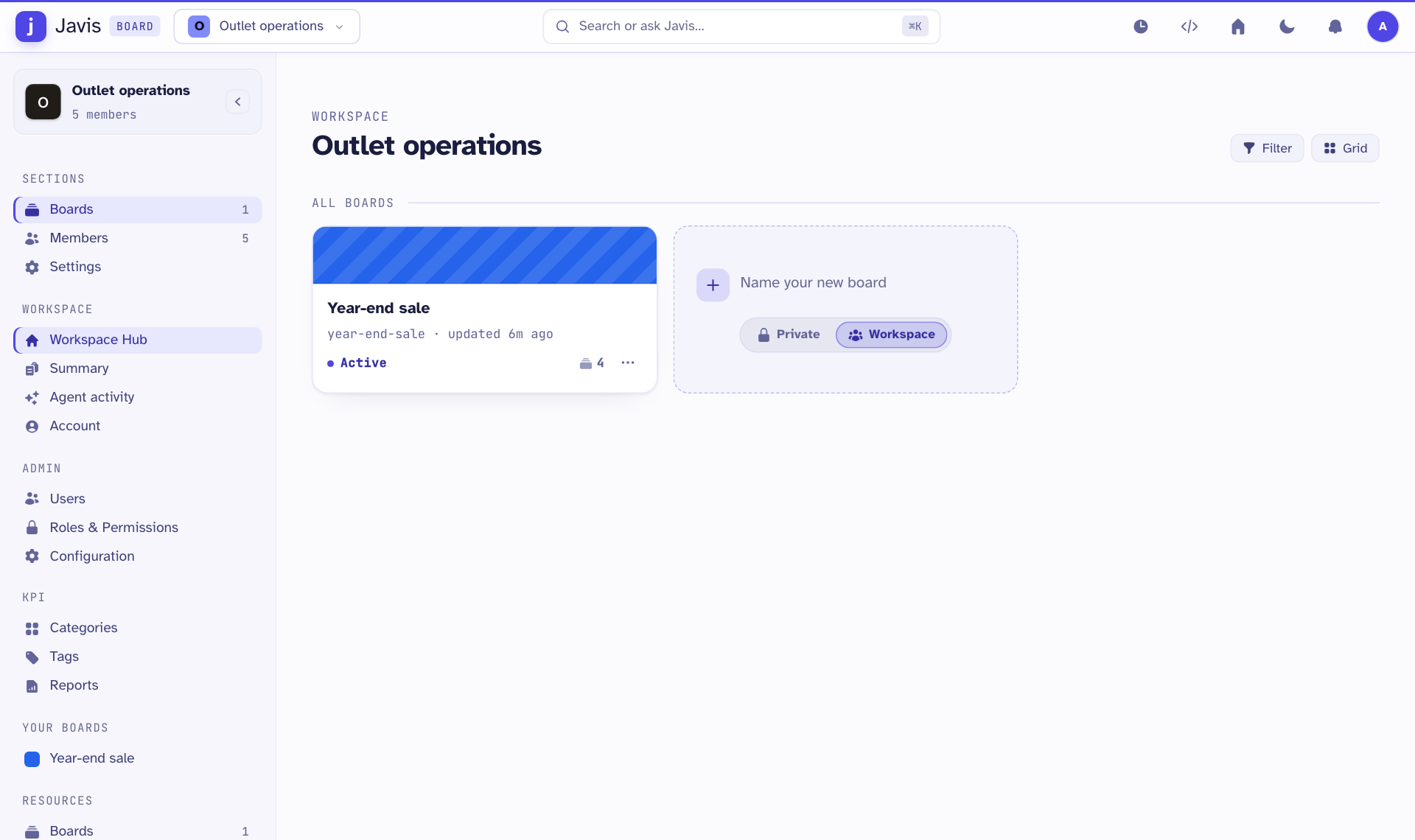
Task boards. A board is a set of lists, such as To do, Doing and Done, with a card for each task. Teams use them for work such as a sale, an opening or a refit.
The app's name at the top of the screen is Javis Board.
Who uses it
| Role on screen | What they do |
|---|---|
| KPI - Staff | See their own target and record their own sales. |
| KPI - Manager | Share their outlet's target with staff and record the outlet's sales. |
| System Admin | Set outlet budgets, load the monthly sales, and manage KPI categories. |
| Owner, Admin, Member, Guest | Roles on the task boards, from full control to read and comment. |
Shop staff and outlet managers see a short bar at the top with Targets, Actuals and Reports. Head office and administrators see the full menu on the left.
What it needs from other modules
- You sign in with the same phone number and password you use for your other work apps.
- Outlets, staff and who manages which outlet come from your company's staff records. Your login is matched to your staff record by phone number. If you see no outlets, ask HR to check the phone number on your staff record.