Record your outlet's sales
For: Outlet managers
Whole guide as PDF (1 MB)- Press Actuals at the top of the screen. Each outlet you manage has a row, with the months across.
- Click a month on your outlet's row, type the sales, and press Enter.
- Press Save.
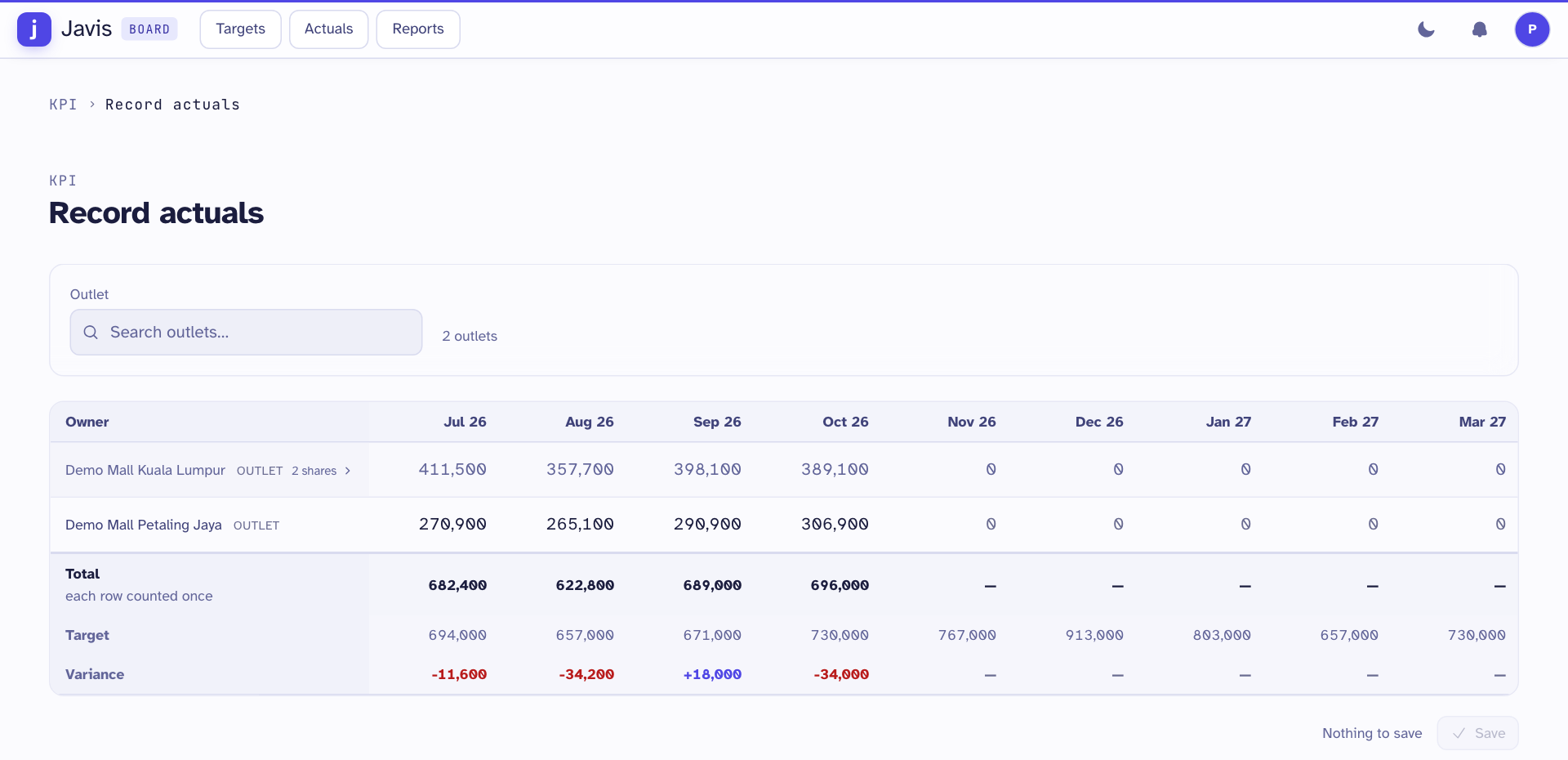
The bottom rows show the Total of your outlets, the Target and the Variance.
An outlet whose target is shared with staff shows how many shares it has, for example 2 shares. Its figures are the total of what those people record, so you cannot type them on this row.
Head office can also load every outlet's sales at once from a file. See Load the monthly sales.