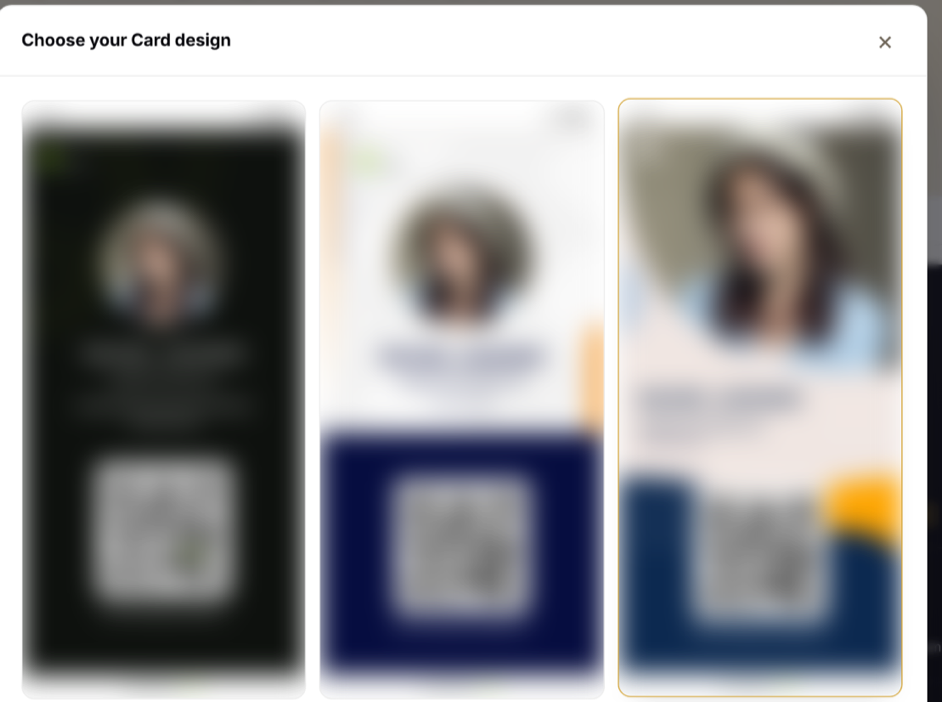
Change your card
For: Account Owner, Account Admin, Account User
Whole guide as PDF (1 MB)- Open My vCards and press your card.
- Press the Edit tab.
- Change any field. There is no save button: each change saves on its own a moment after you stop typing, and the card on the right updates.
- Use the switch next to a field to hide it from the card, or show it again.
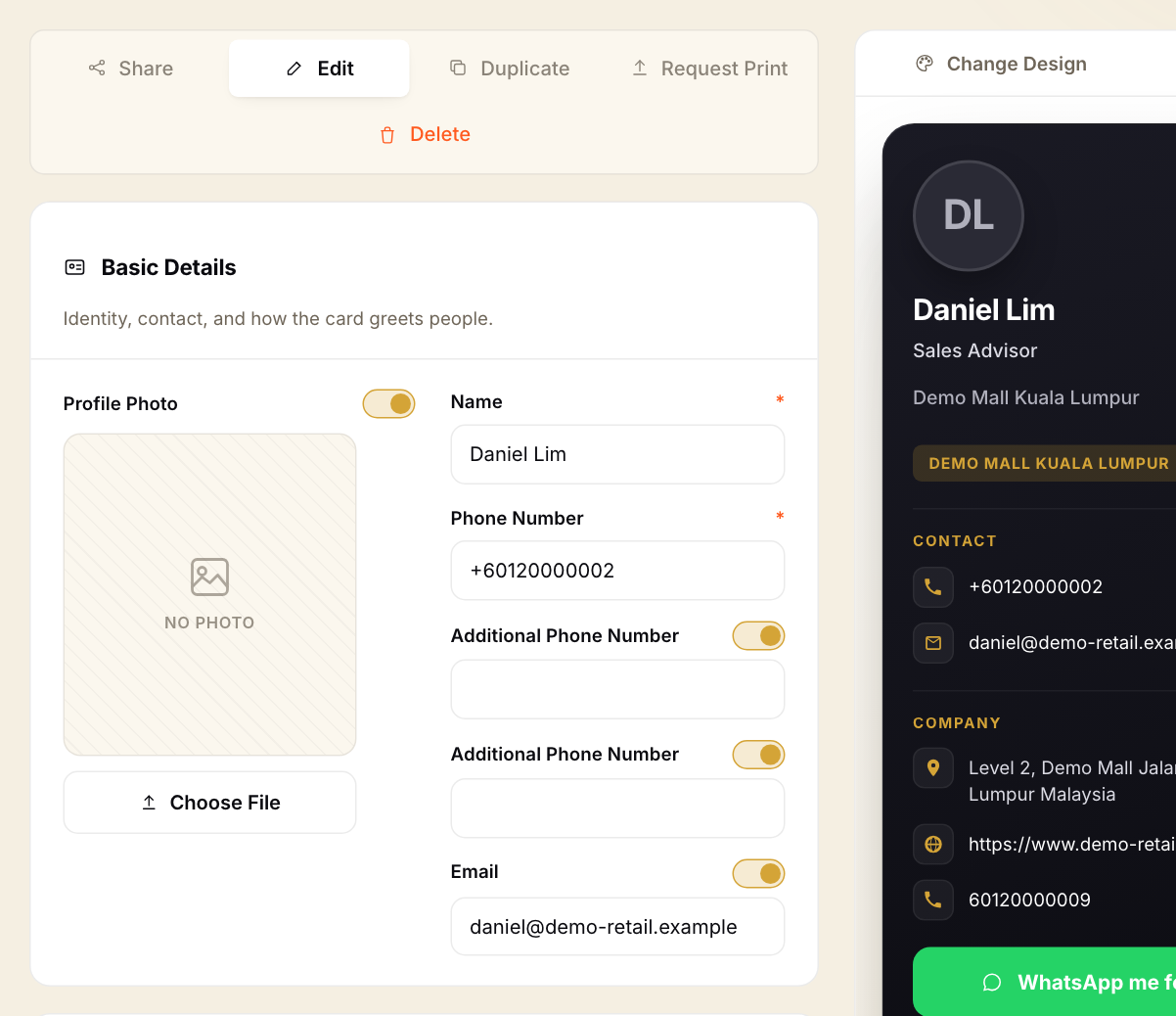
If a change does not stick, check the Email field. vKad refuses changes while the email address is not a real one.
Change the design
- On the Manage Card page, press Change Design above the card preview.
- Press the design you want. Your details stay the same; only the look changes.