See who asked for your catalogue
For: Account Owner, Account Admin, Account User
Whole guide as PDF (1 MB)When your card has a catalogue, customers see a WhatsApp me for eCatalogue button. They press it, type their WhatsApp number and press Send eCatalogue. vKad then sends them the catalogue on WhatsApp and lists the request under Leads so you can follow up.
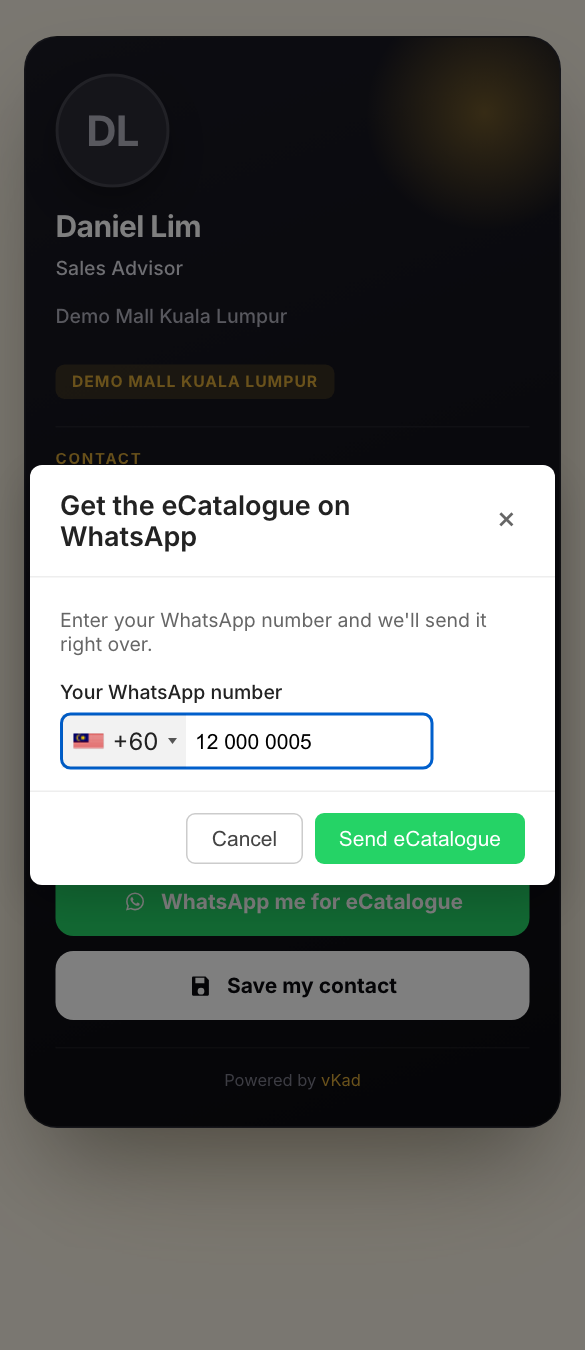
To see the requests:
- Open Leads in the menu on the left.
- Each row shows when the customer asked, which card they used, their number and how many times they asked.
- Status says whether the WhatsApp message went out: Sent, Partial (only part of it went out) or Failed.
- Use Card, Status and Date at the top to narrow the list.
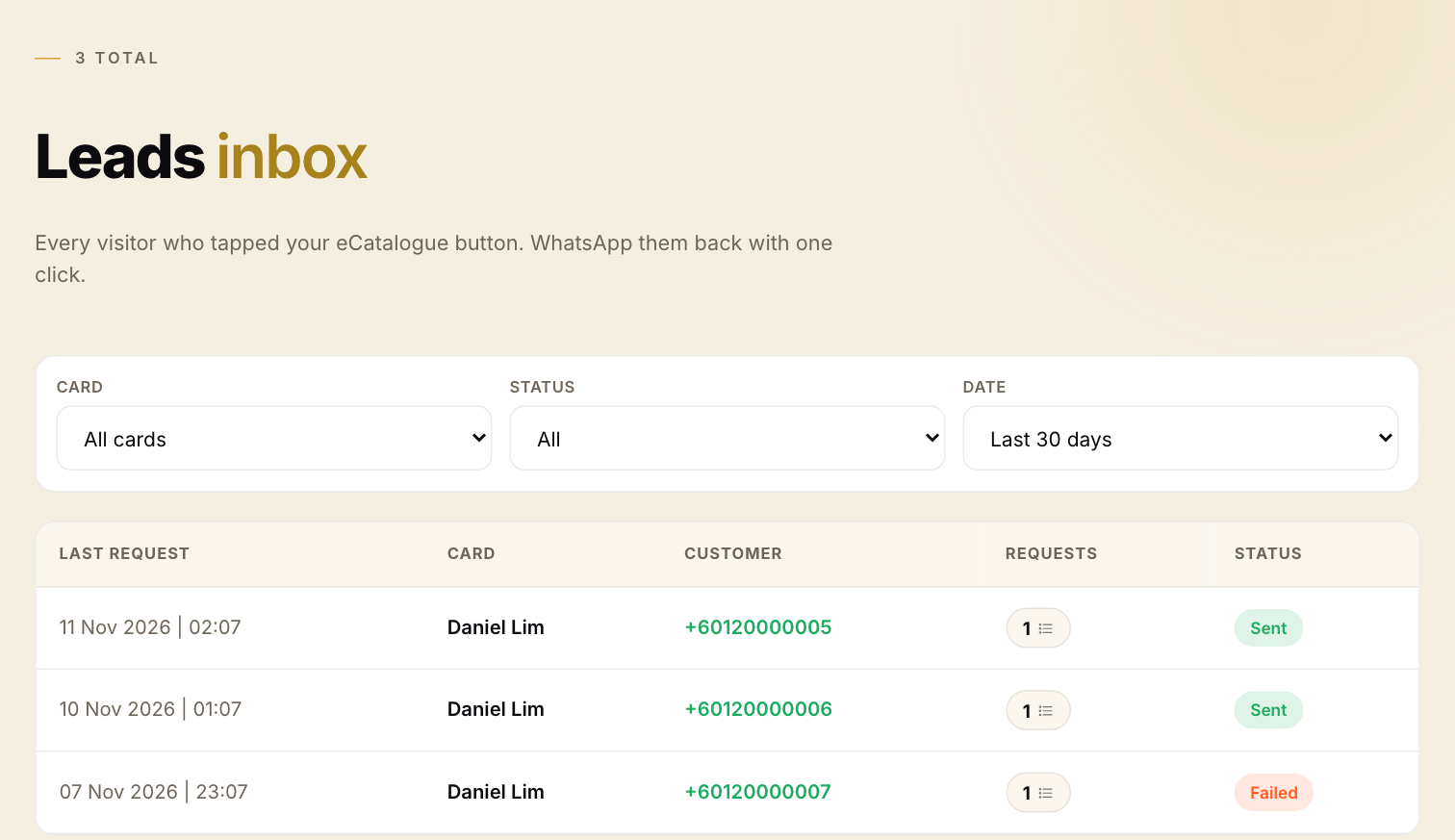
An Account User sees requests for their own cards. Account Owner and Account Admin see requests for every card in the account.
The WhatsApp sending was switched off in the copy used for this guide, so the customer's "sent" message was not seen here. The request was still saved and listed.