What vKad is for
For: Everyone
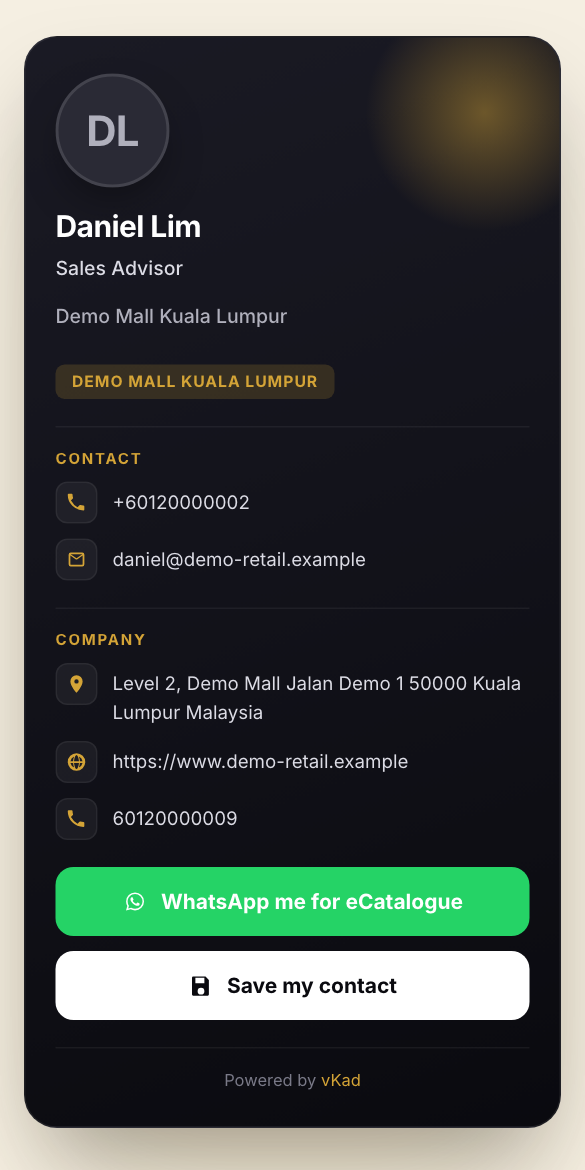
Whole guide as PDF (1 MB)vKad gives each salesperson or manager a digital name card: a web page with their name, job title, phone, email, company address and website. Customers open it by scanning a QR code, tapping an NFC card (a card with a chip that opens a link when held against a phone) or following a link. From the card a customer can save the person's contact to their phone, or ask for the product catalogue on WhatsApp. Each catalogue request shows up as a lead (a customer who asked to hear from you) in the Leads list.
The screen names four roles. Account User makes and shares their own cards and sees their own leads. Account Admin can also add people, import cards for many staff at once and see everyone's leads. Account Owner can do all of that and manages the plan under Billing & Plan. Account Finance sees billing and can view cards, but cannot make them.
What vKad needs:
- You sign in with your IDS account (your phone number and password). Someone with Account Owner or Account Admin must invite you first.
- Your account needs an active plan. The plan sets how many cards you can make; the number shows at the top of My vCards (for example "0 / 15 vCards"). Without an active plan, vKad sends you to a payment page instead of letting you create cards.
- Sending the catalogue on WhatsApp uses an outside messaging service that your company's administrator sets up. If it is not set up, requests are still listed under Leads, but no WhatsApp message goes out.