Sign in and find your way
For: Finance team and administrators
Whole guide as PDF (1 MB)- Open the wallet's web address that your IT team gave you. If your company uses the Portal, you can also open it from there.
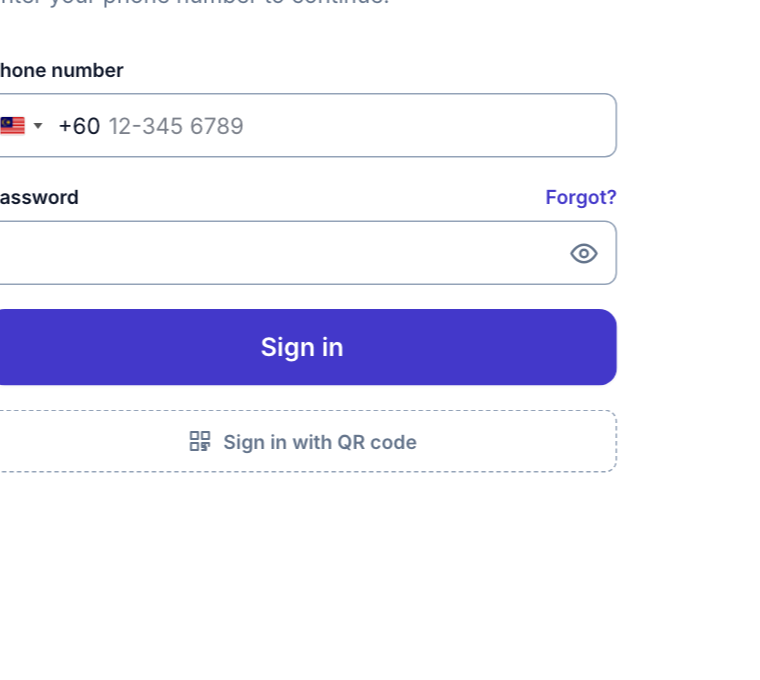
- On the Sign in page, type your Phone number and Password, then press Sign in. You can also press Sign in with QR code and scan the code with your phone.
- You land on the Dashboard. The menu on the left holds everything:
- Top-ups: customer top-ups, the Payment modes customers can pay with, and the Preset amounts the app offers.
- Ledger: the Journal of every money movement, Withdrawals waiting for a decision, every Wallet and its balance, and the Merchants (the apps that use the wallet).
- Vouchers: issued Vouchers, Voucher Packages, Voucher Setups and Voucher Types.
- Filament Shield: Roles, which decide who can see the voucher screens.
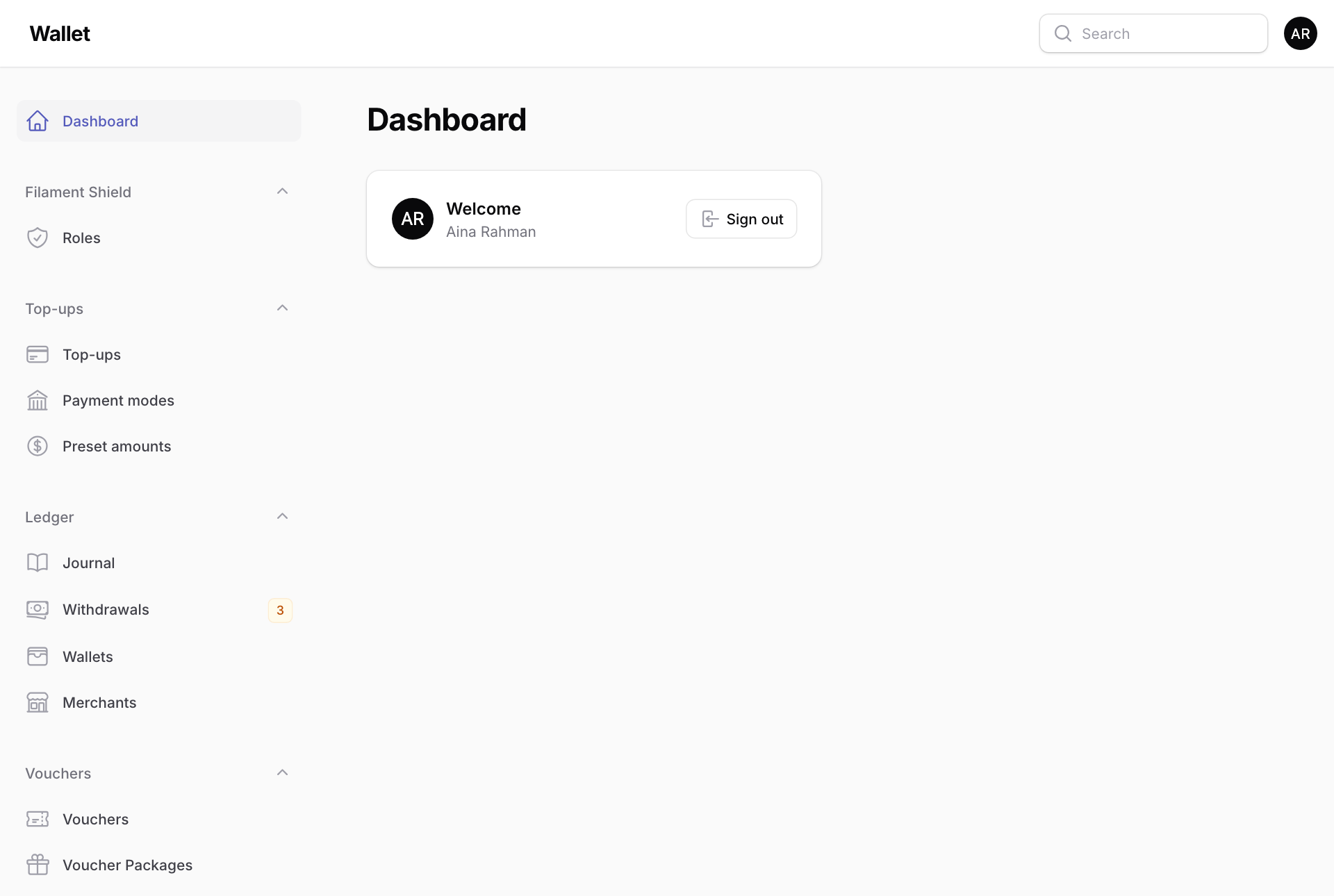
The orange number next to Withdrawals is how many staff withdrawals are waiting for someone to approve or reject them.
To leave, press Sign out on the Dashboard, or press your initials at the top right.