Make a satisfaction report
For: Everyone
Whole guide as PDF (1 MB)The satisfaction report puts one period's results on a few pages, ranked by outlet, ready to share or print.
- Open Satisfaction Report in the menu on the left.
- Pick the From and To dates.
- Press Generate report.
- To save or send it, press Export PDF.
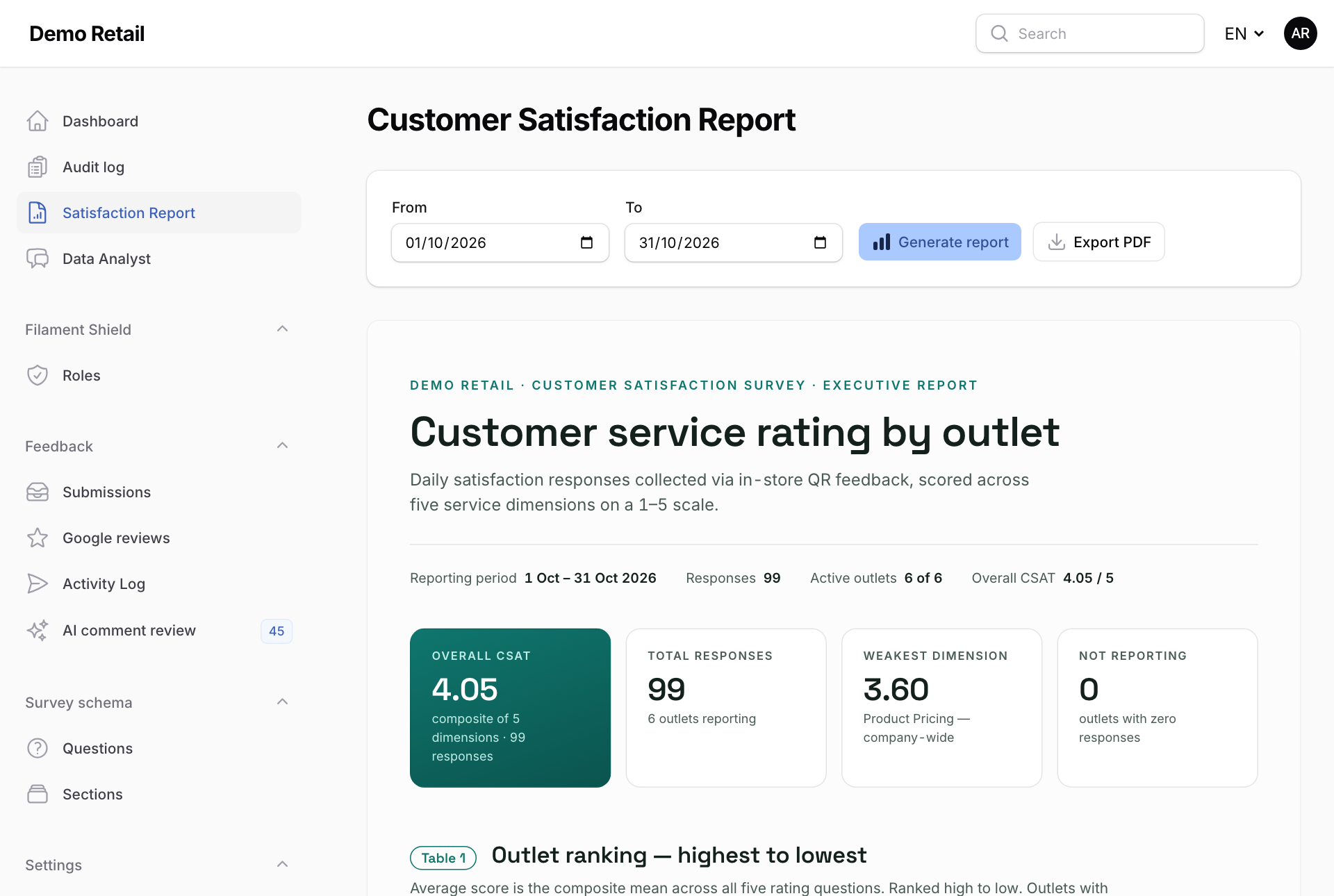
The report shows the overall score, how many surveys came in, the weakest of the five questions, the outlets with no surveys, and a ranking of every outlet from highest to lowest.