Set your company name and logo
For: Admins
Whole guide as PDF (1 MB)The name and logo appear on the customer survey, the sign-in screen, reports, the WhatsApp messages and in the middle of outlet QR codes.
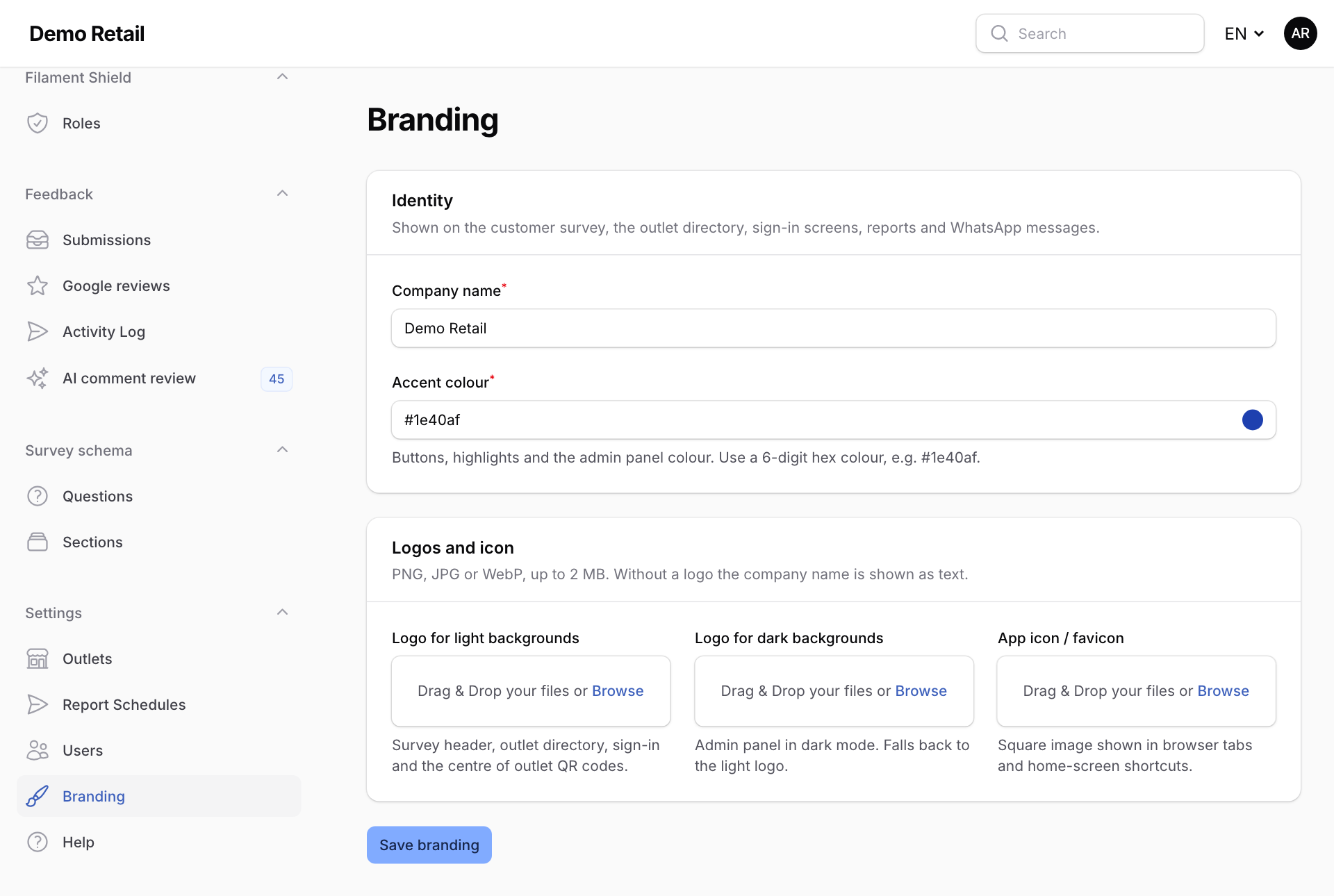
- Open Branding under Settings.
- Type the Company name.
- Set the Accent colour, the colour of buttons and highlights, as a 6-digit colour code such as
#1e40af. - Upload the Logo for light backgrounds, and if you have one, the Logo for dark backgrounds and the App icon / favicon (the small picture in the browser tab). PNG, JPG or WebP, up to 2 MB each. Without a logo, the company name is shown as text.
- Press Save branding.