Give people access
For: Super Admins
Whole guide as PDF (1 MB)People appear under Users after they first sign in. Until they are given a role, they see Account waiting for role.
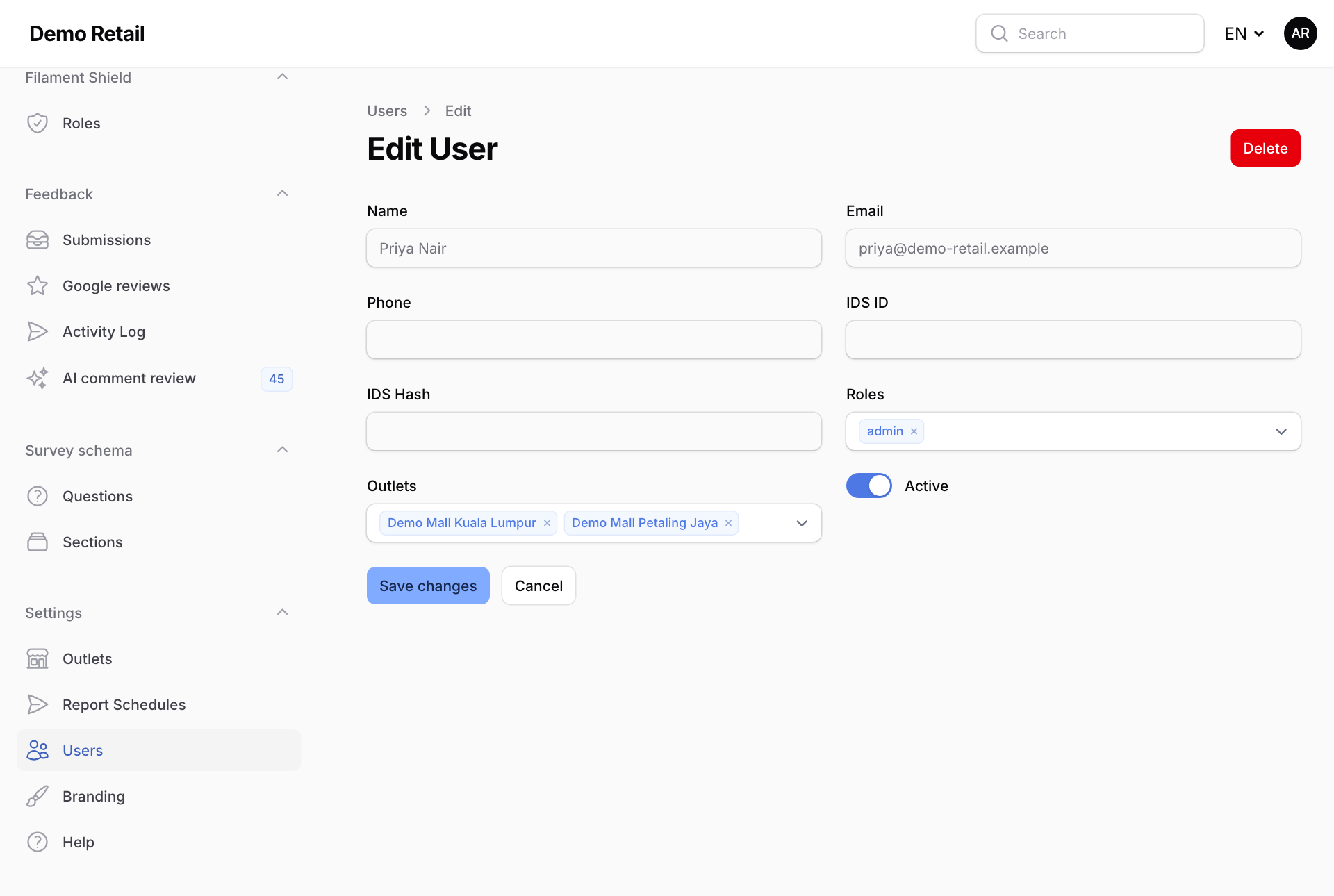
- Open Users under Settings.
- On the person's row, press Edit.
- Under Roles, choose super_admin, admin or auditor. What each one can do is listed on What it is for.
- Under Outlets, choose the outlets this person should see. A Super Admin sees every outlet anyway.
- Press Save changes.
When someone leaves, press Revoke all access on their row. It removes every role at once.
Change what a role can do
Open Roles under Filament Shield, open the role, and tick or untick what it may do.
See who changed what
Audit log in the menu on the left lists every change made here, and every page an administrator opened, with who did it and when.