Approve a change
For: Approvers
Whole guide as PDF (2 MB)Anything that changes how money is worked out needs a second person: new rule versions, awards, settings and some adjustments. The person who made the change can never approve it.
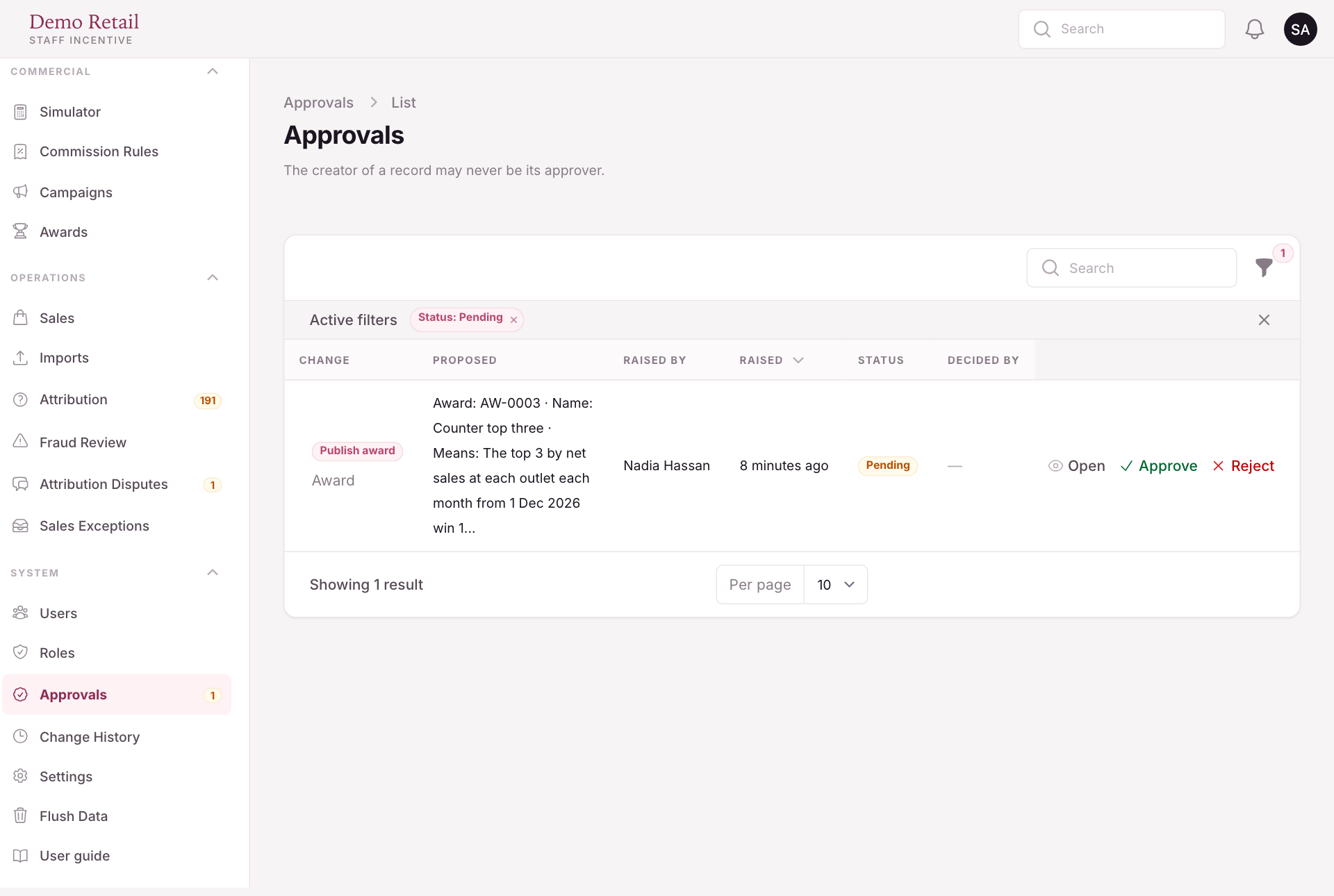
- Open Approvals. The number in the menu counts what is waiting.
- Read Proposed. Press Open for the full detail.
- Press Approve or Reject.
Change History lists every change and action in the admin panel, with who did it and what the record said before.