Settings, users and roles
For: Administrators
Whole guide as PDF (2 MB)Settings
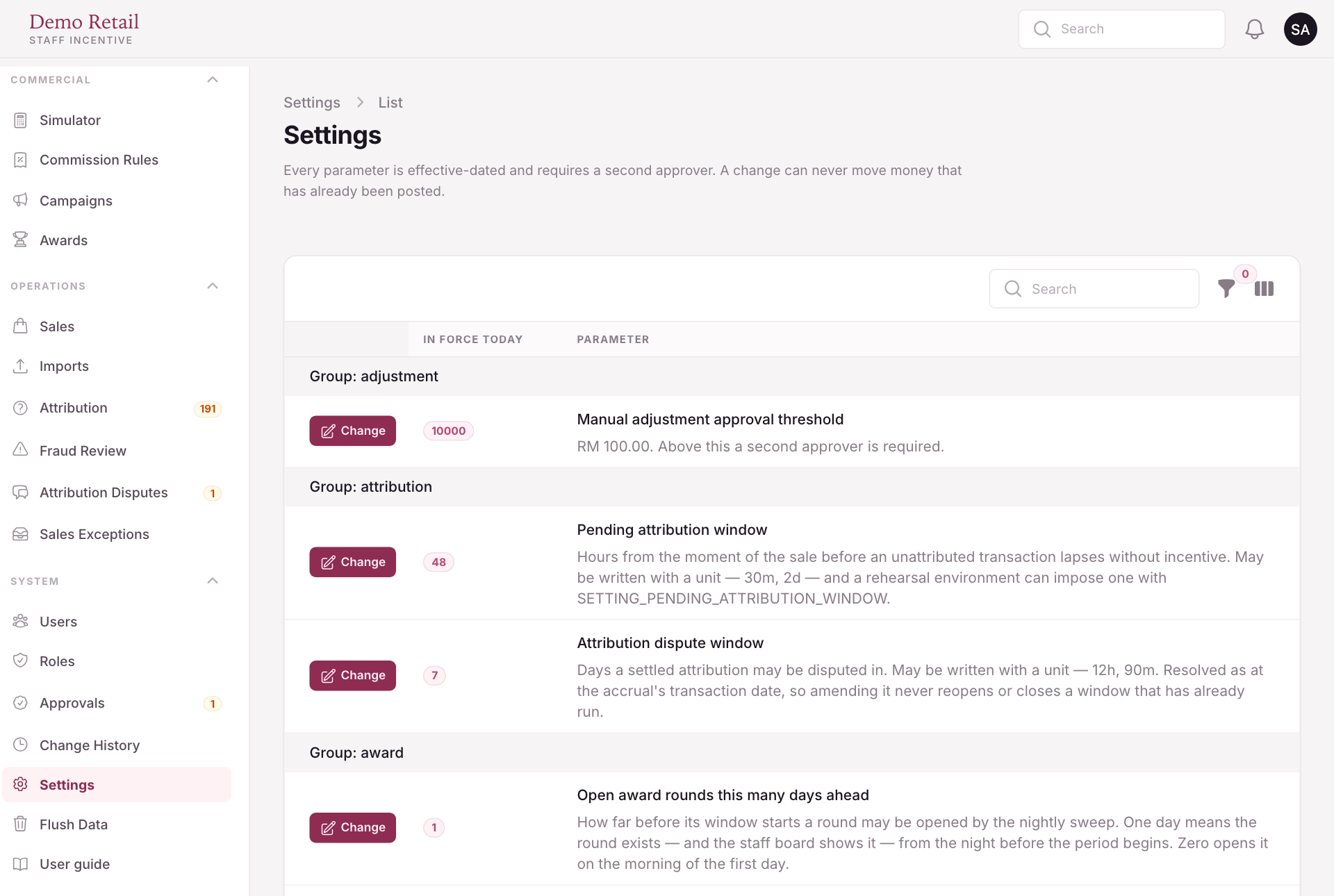
Settings holds the numbers the whole module runs on: how long a sale can wait for a name, how long commission stays pending, whether commission is sent automatically, prize settlement, and more. Each one says in plain words what it does.
Press Change to propose a new value. Every change needs a second approver, and a change never moves money that has already been paid. Where a date matters, you choose when the new value starts.
Users and roles
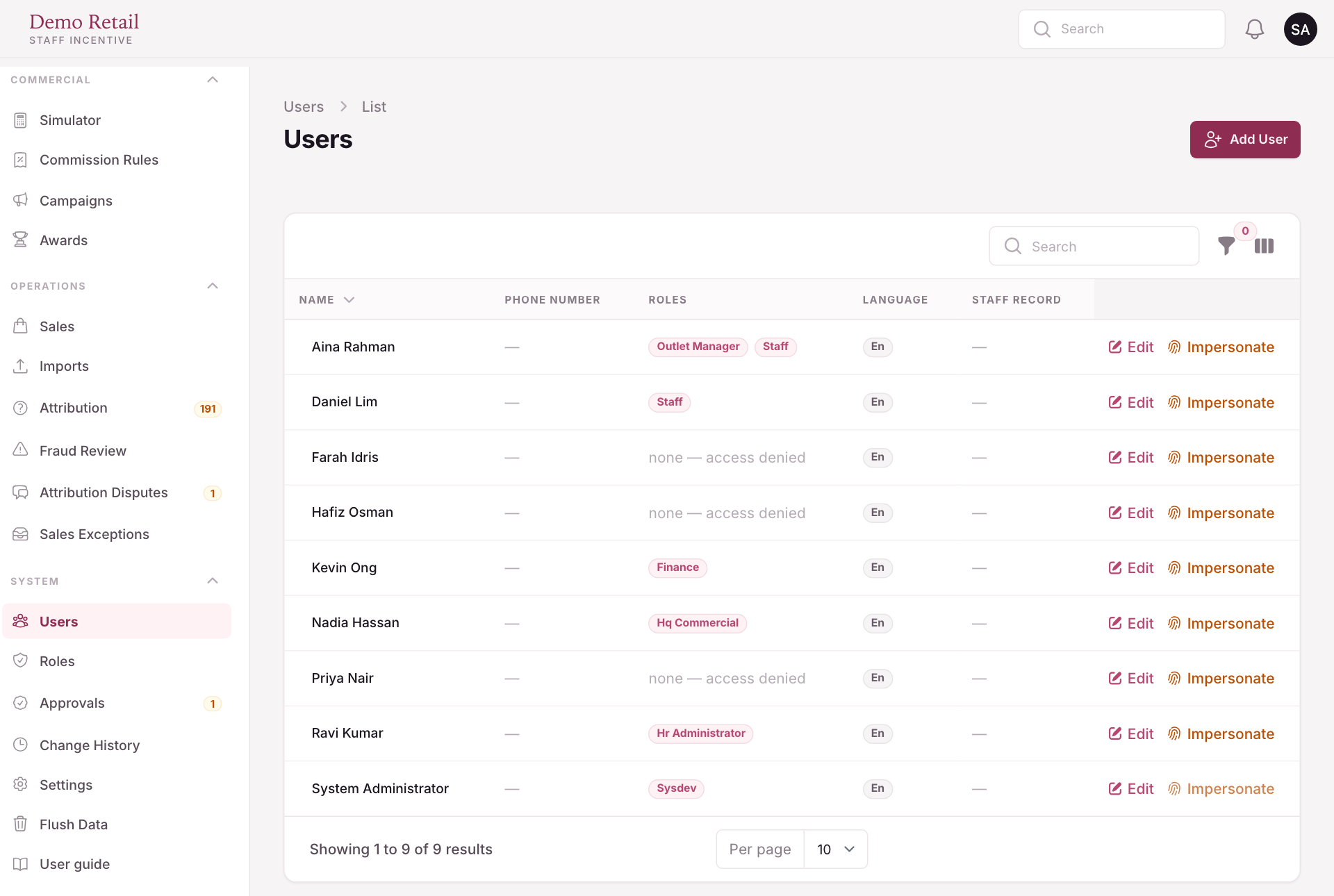
Users lists who can sign in, with their roles. Press Add User to add one or Edit to change one. Impersonate lets an administrator see the panel as that person, to check what they can reach. A user with no role sees "none — access denied".
Roles sets what each role can reach. Only permissions the module really checks are listed, so ticking a box always changes something.
Flush Data in the menu empties whole groups of data, such as all sales or all payouts, so they can be loaded again. Users, roles, settings and the staff directory are never touched. What it deletes cannot be brought back.