Pay out commission
For: Finance
Whole guide as PDF (2 MB)Commission Payouts shows one row per staff member per sale: what was earned, and whether it has reached their balance.
The page opens on the rows that need someone to act: Failed and Held. Remove that filter to see everything.
The Status of each row:
- Held: earned but not sent. It waits here until someone releases it.
- Sending: released, waiting for the e-wallet to confirm.
- Posted: in the staff member's balance, as Pending until it clears.
- Failed: the e-wallet refused it or could not be reached. Read the reason and retry; nothing is ever paid twice.
- Blocked: an open fraud flag is holding it.
- Nothing earned: the line qualified for nothing. It is kept so it can be explained.
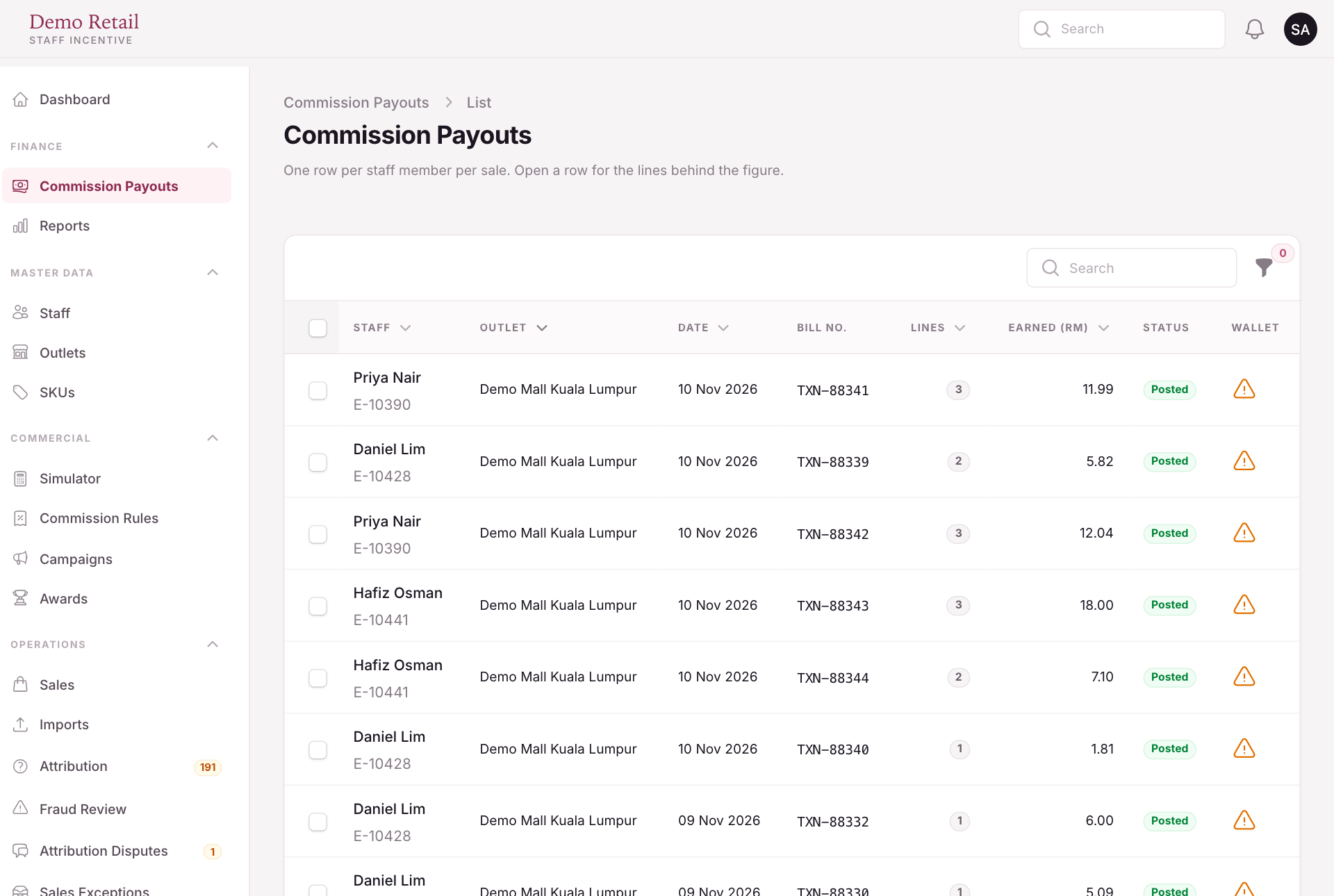
- Tick rows and press Release Selected, or Retry Failed for refused payouts.
- Release All Held sends everything the current filters show, not only the visible page. It tells you how many lines, how many people and the total before you confirm.
- Press a row to see each product line behind the figure, and release or retry single lines.
Whether commission is sent on its own or waits here as Held is a setting (Send commission automatically). A warning sign in the Wallet column means the person's money is kept against their staff record, because they had no sign-in account when they first earned.
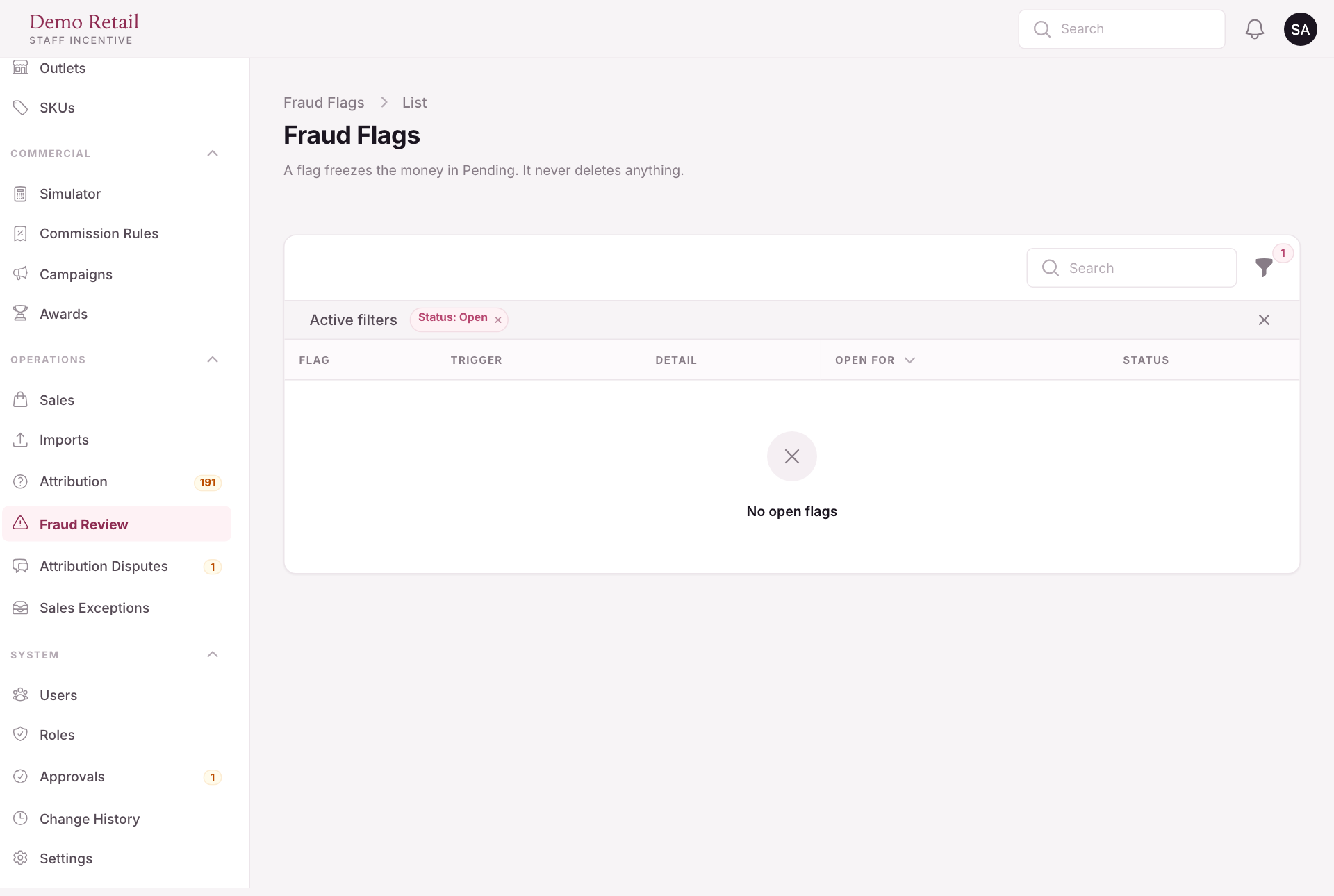
Fraud review
Some patterns, such as a sale followed quickly by a return, raise a flag. A flagged amount stays Pending until someone reviews it, so nothing suspicious becomes withdrawable on its own. Open Fraud Review and press Clear Flag if all is well, or Uphold if it is not.