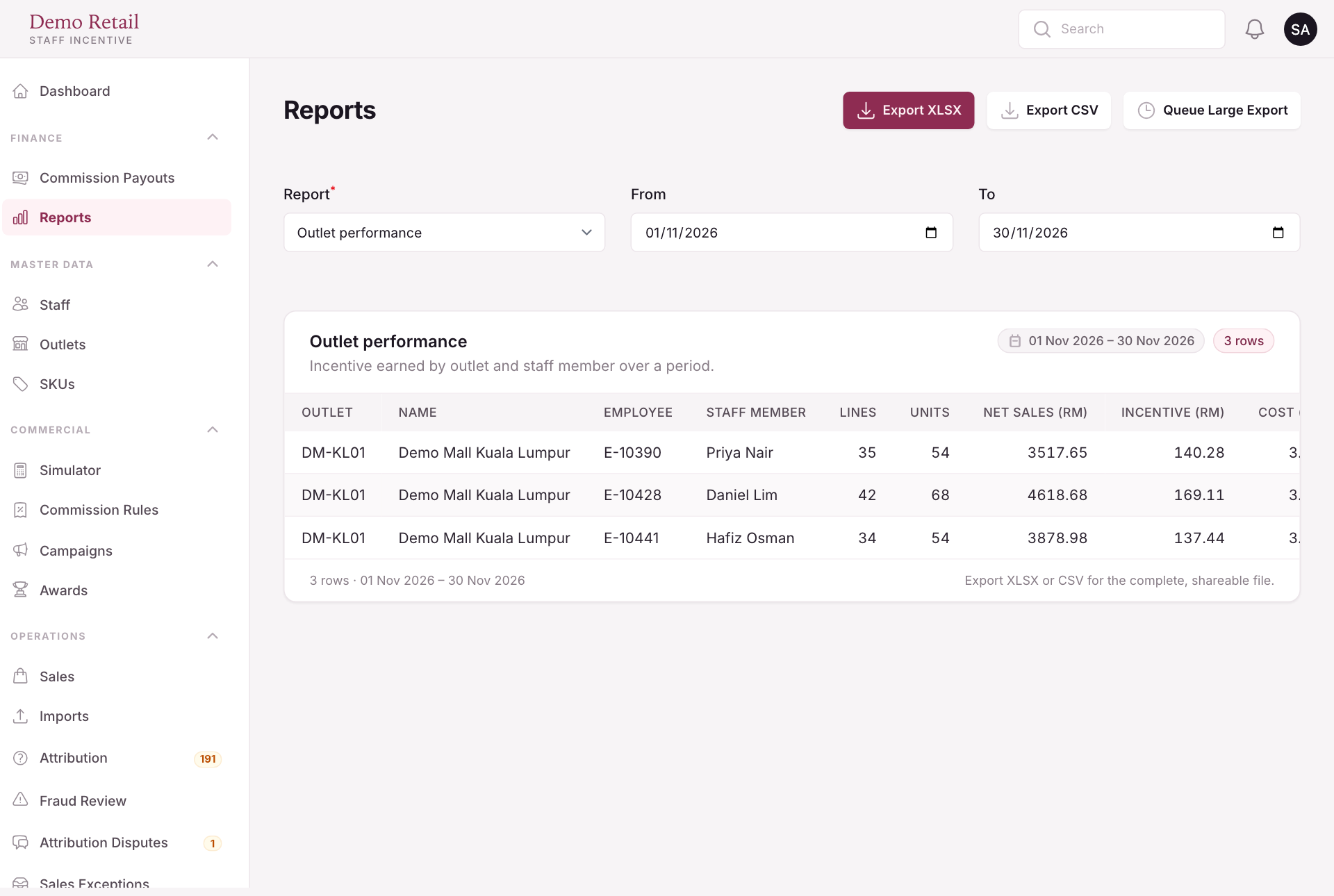
Get reports
For: Finance
Whole guide as PDF (2 MB)- Open Reports.
- Pick the Report, for example Outlet performance, Staff performance, Outstanding liability, Payment register or Annual earnings summary.
- Set From and To. The first rows appear below.
- Press Export XLSX or Export CSV for the full file.
For a very long period, press Queue Large Export and collect the file when it is ready.