Check staff, outlets and products
For: Administrators
Whole guide as PDF (2 MB)Staff, Outlets and SKUs (product codes) come from your company's staff directory and product list. They are kept up to date automatically, not typed in here. When an imported sale does not match, check here that the staff code, outlet or product exists.
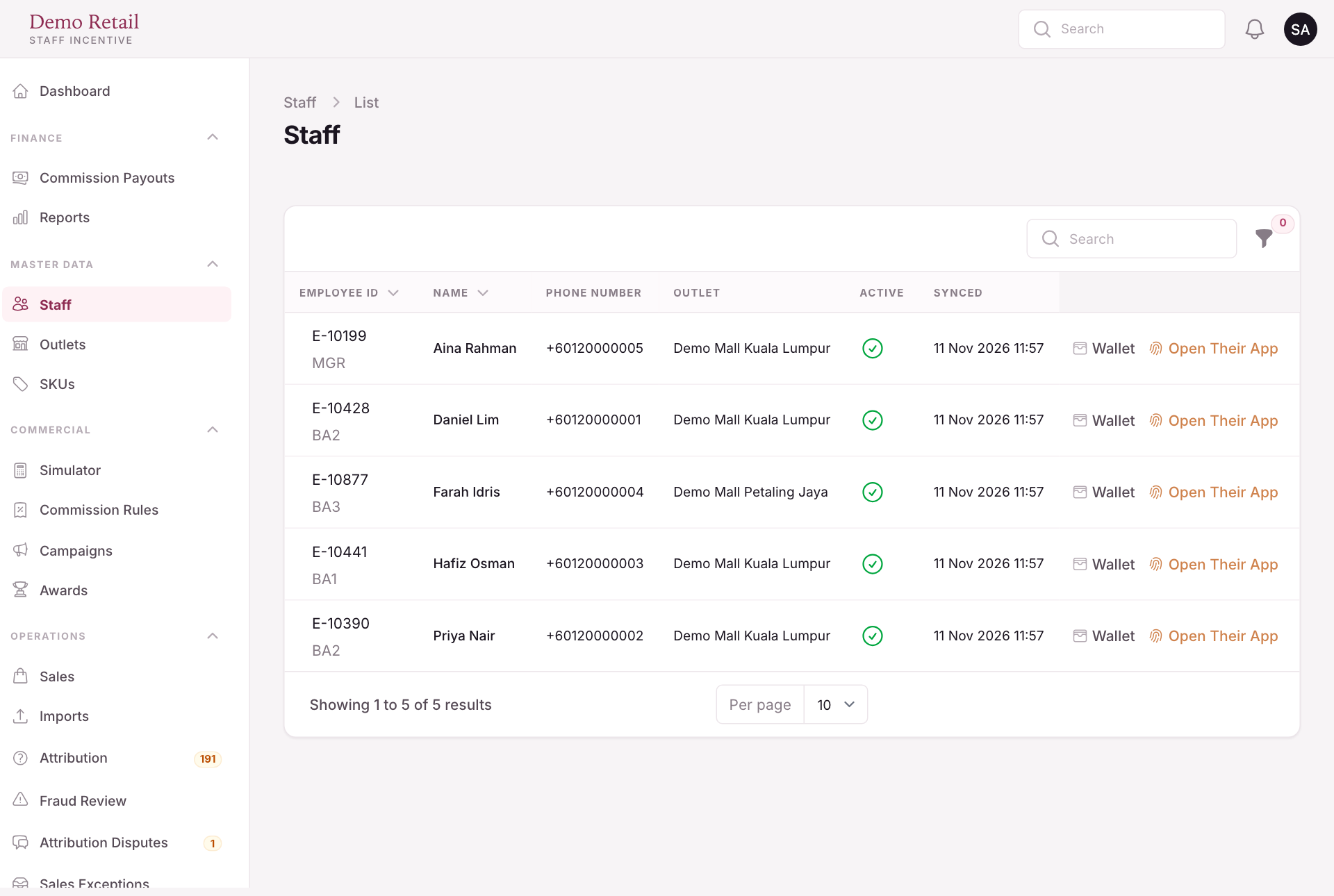
On Staff:
- Wallet shows that person's balance, read only.
- Open Their App shows the staff app exactly as they see it. Only authorised administrators can use it.
On SKUs:
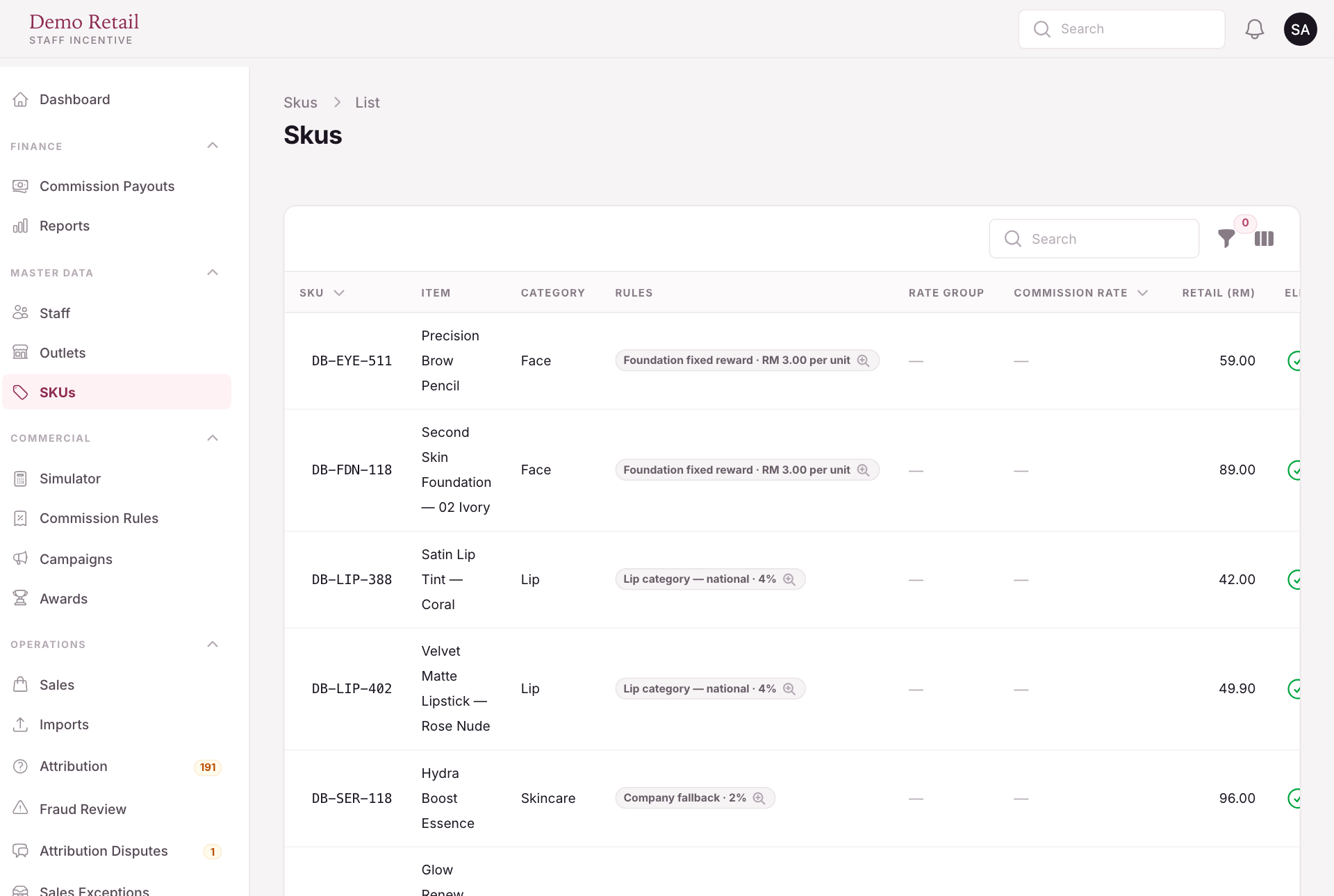
- Rules shows what each product pays today. Press it to see every rule that matches.
- Amend renames a product or switches it off without changing what it has already paid.
- Eligible is the master switch. Off means no rule pays on that product.
Outlets sets, for each outlet, how a shared sale is split between staff (Attribution).