Import sales
For: Operations
Whole guide as PDF (2 MB)Sales come in as a daily workbook exported from your point-of-sale reports. Each bill becomes one transaction. Products and staff must already exist, or the lines have nothing to match.
- Open Imports and pick the Sales tab (or Products for the product list).
- Press Download An Example if you need to see the exact layout the import reads.
- Drag the XLSX file onto File, or press Browse.
- To test a file first, keep Check only — write nothing switched on. It reports what would happen without creating any sales.
- Press Upload and queue. The file is processed in the background.
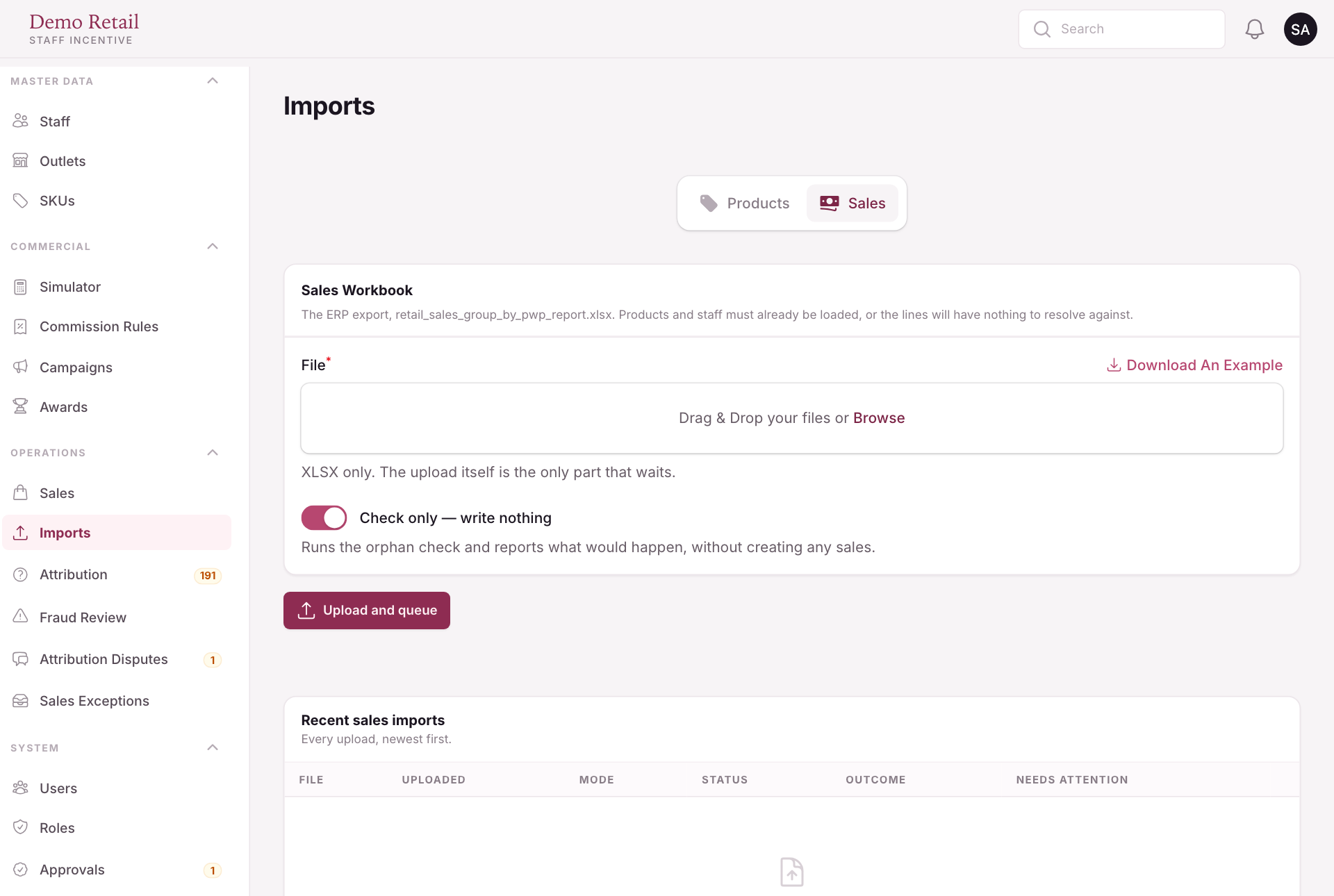
Every upload appears under Recent sales imports with its outcome. Rows that could not be matched are listed with the name the file gave them, so you can fix the product or staff record and import again.
A sale that arrives late still counts towards a prize that has not been settled yet. Once a prize round is settled, late sales no longer change it.