Deals and the shop
For: Customers
Whole guide as PDF (2 MB)Deals
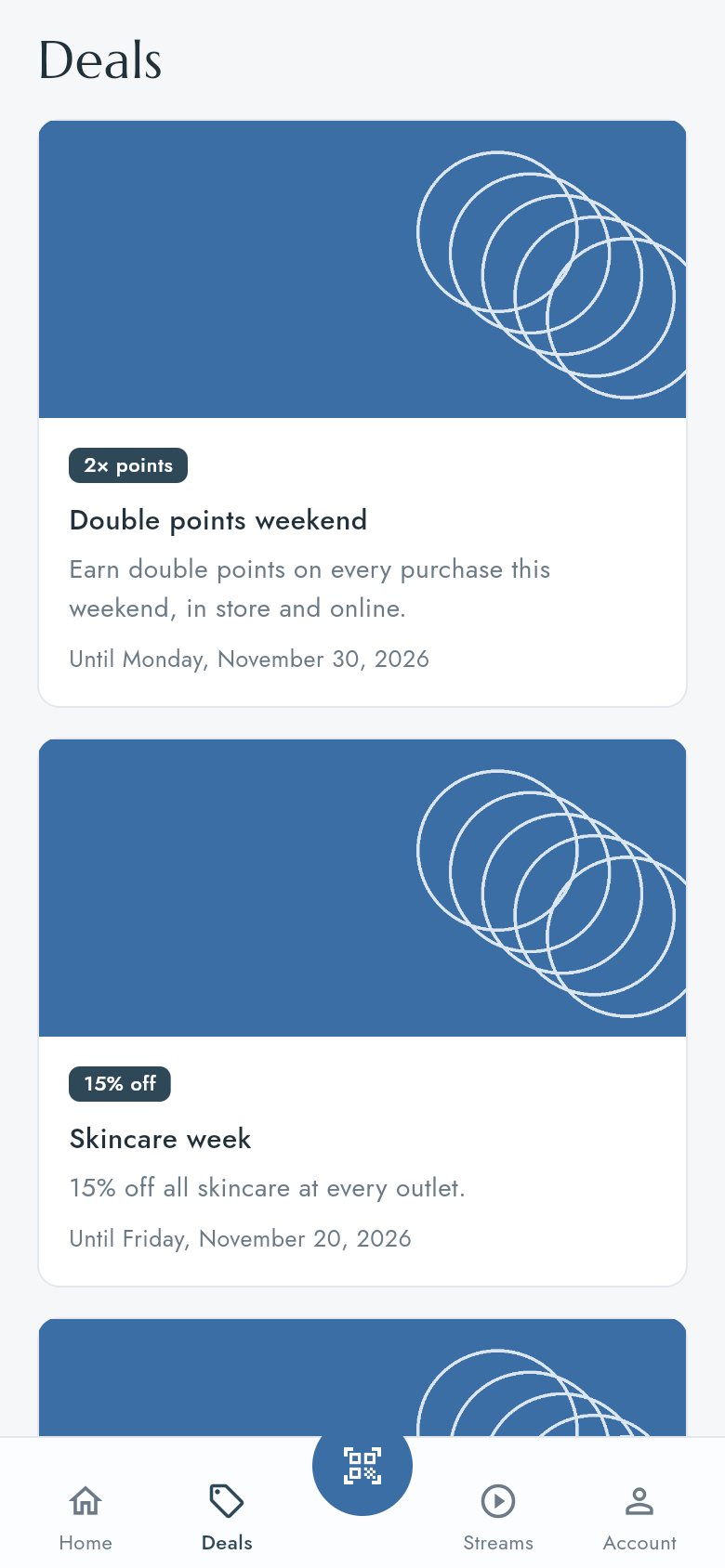
Press Deals in the bottom bar. Each card shows the deal's name, what it gives and its last day.
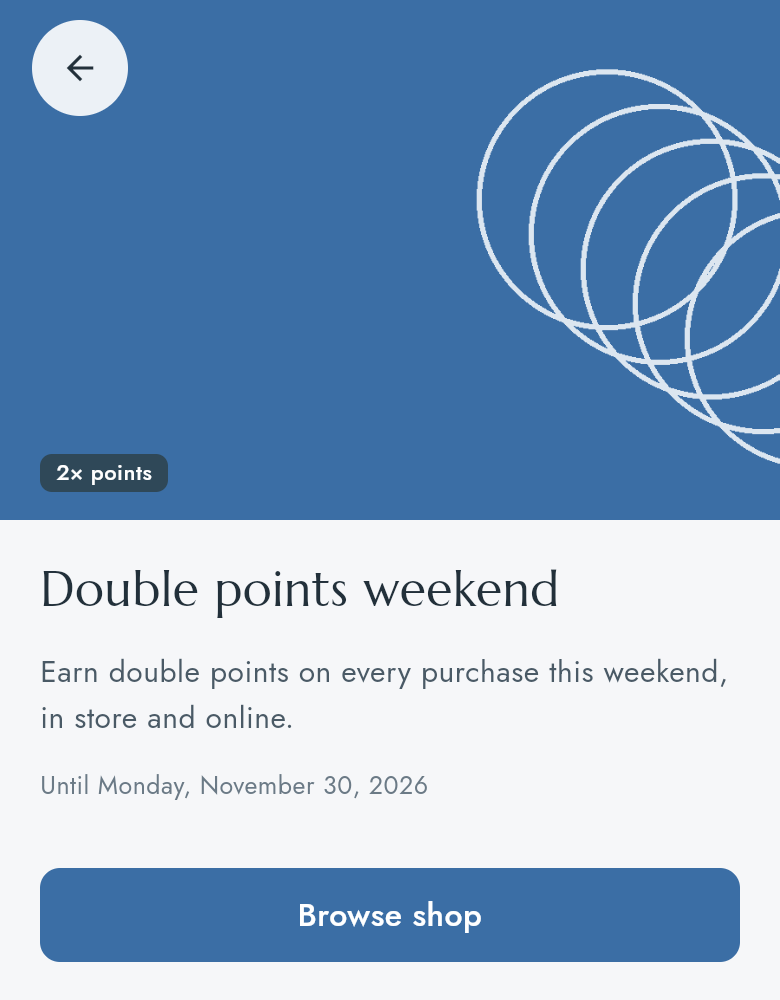
Press a deal to read it in full. Browse shop opens the shop.
The shop
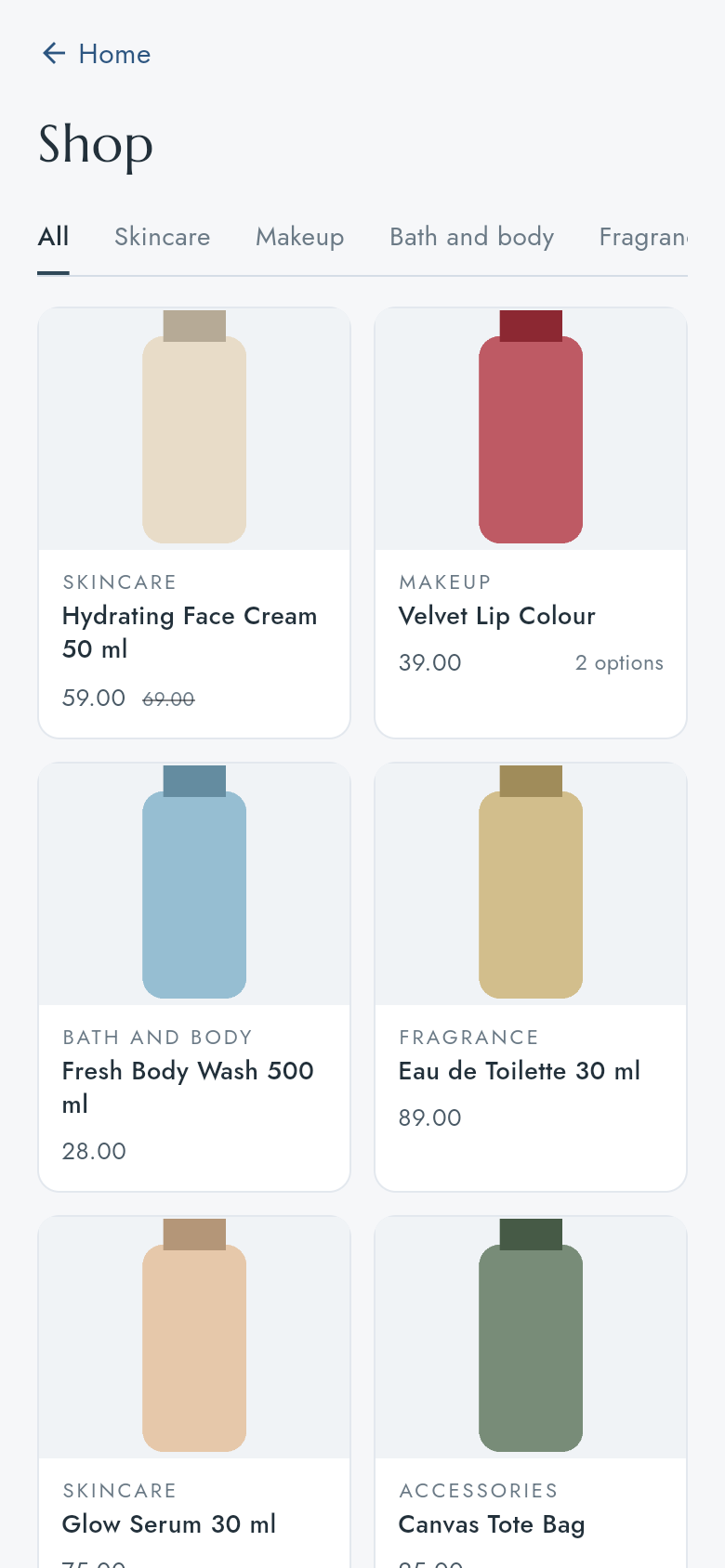
Open the shop from Shop now or See all on Home, or Browse shop on a deal. Press a category at the top (for example Skincare) to see only those products. A crossed-out price is the price before the discount.
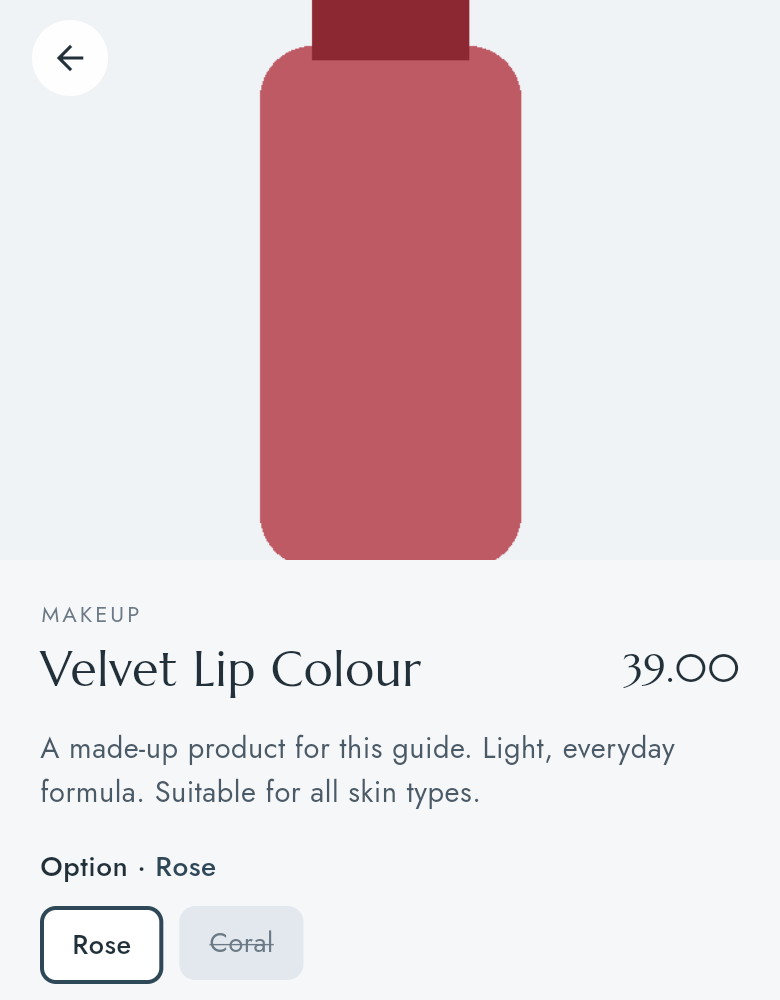
Press a product to read about it. If it comes in more than one option (for example shades or sizes), press an option to see its price. A greyed option is out of stock.
You cannot buy in the app yet: there is no bag and no checkout. The shop is for looking. Buy at an outlet or on your company's online shop.