Watch streams
For: Customers
Whole guide as PDF (2 MB)Streams in the bottom bar shows your company's videos from sites such as YouTube, TikTok and Instagram.
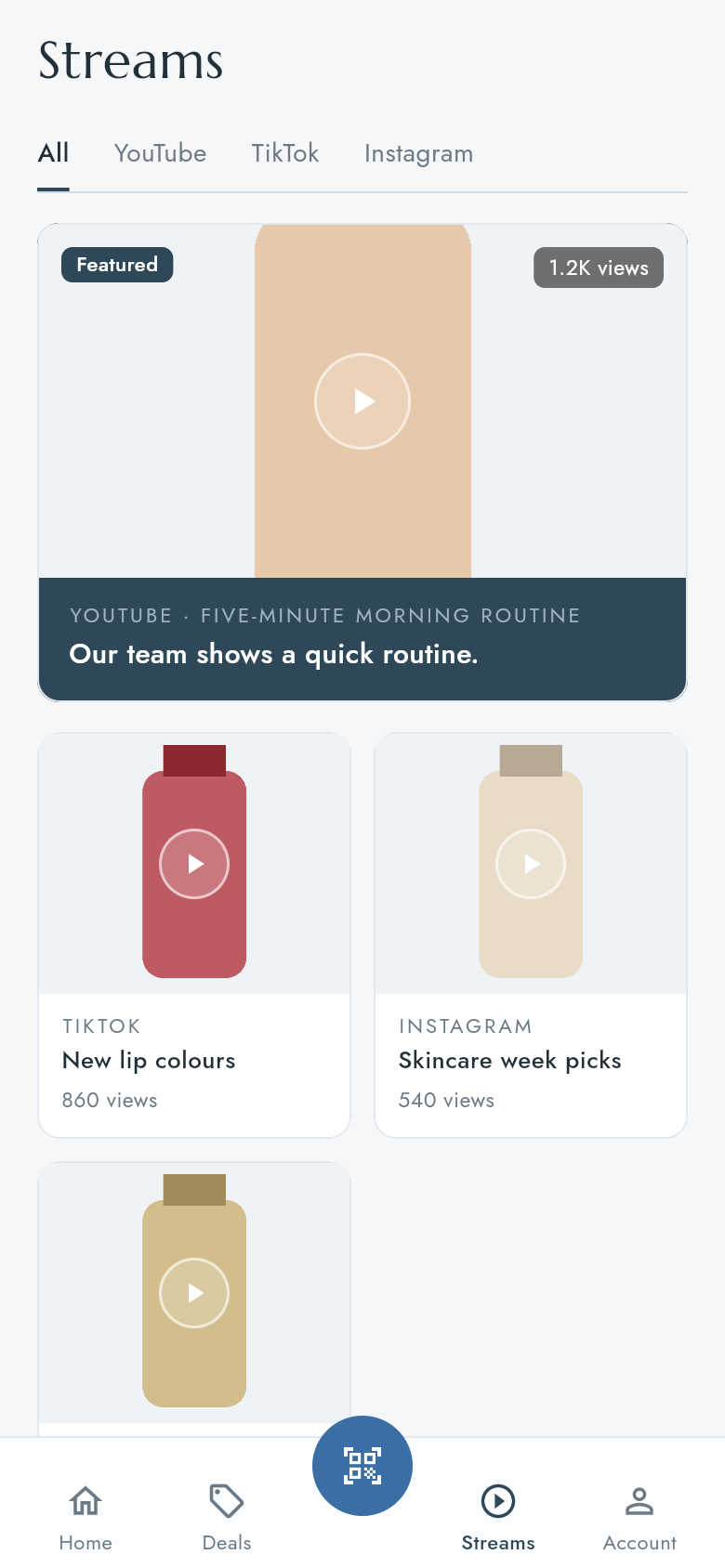
- Press a tab at the top to see videos from one place only, or All.
- Press a video to play it. It plays inside the app.
- Scroll down for more videos. If they do not appear, press Load more videos.