Withdraw to a bank
For: Customers
Whole guide as PDF (2 MB)Under the wallet balance there is an Earnings row. It opens the Earnings wallet, where money can be sent from the wallet to a bank account. Your company decides who may withdraw, and checks each withdrawal before it is paid. If you are not sure you may withdraw, ask your company first.
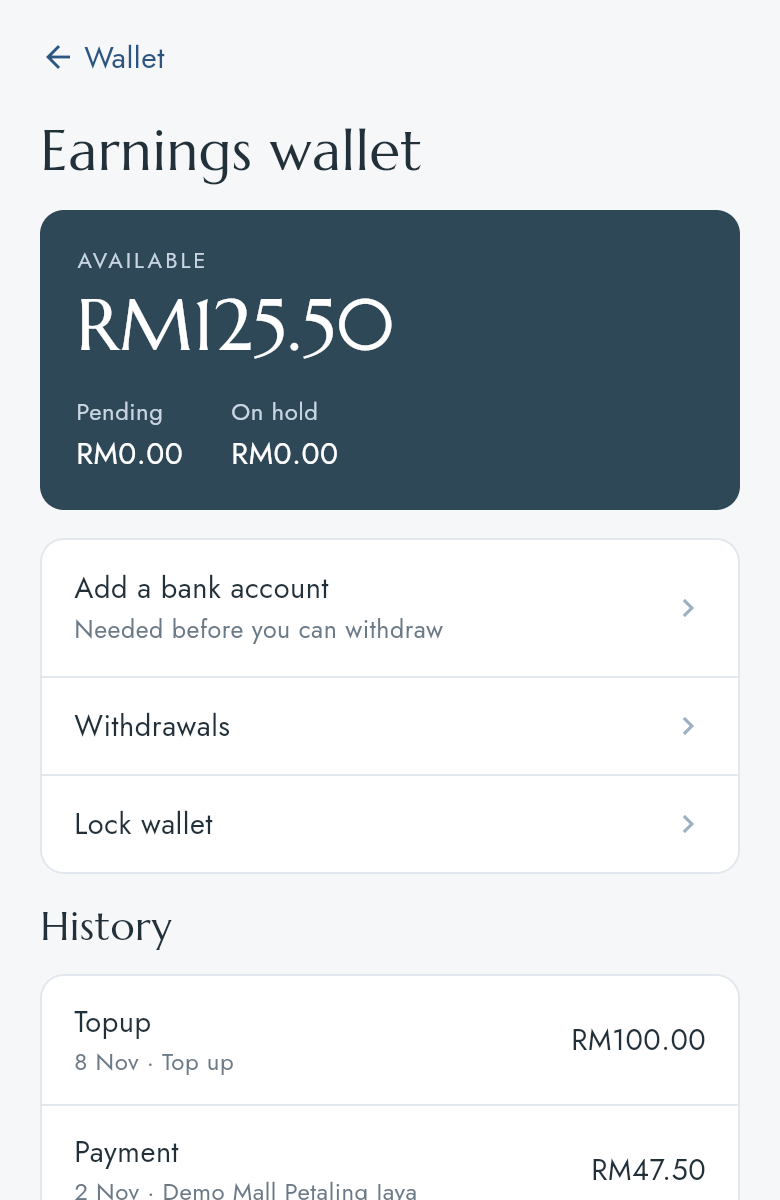
- AVAILABLE is what you can withdraw now. Pending and On hold cannot be withdrawn yet.
- History lists each money movement in and out of the wallet.
Add your bank account
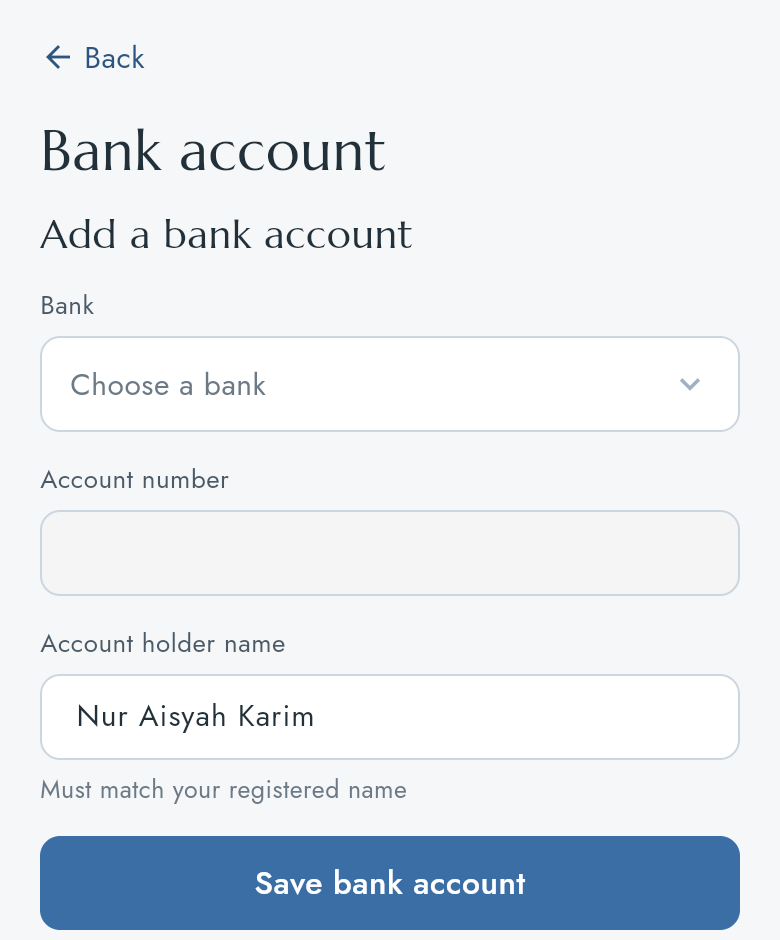
- Press Add a bank account.
- Choose the Bank and type the Account number. The Account holder name must match the name on your account.
- Press Save bank account, then Done. The account shows as Unverified until it has been checked, usually within 2 working days. You can withdraw once it is verified.
Withdraw
- Once your bank account is added, the Earnings wallet shows Withdraw to bank. Press it.
- Type the Amount (RM) and press Request withdrawal. The money goes to your bank account on file.
- Withdrawals lists each request and its status until it is paid.