Join and sign in
For: Customers
Whole guide as PDF (2 MB)Create an account
- Open the app. The first screen has two buttons.
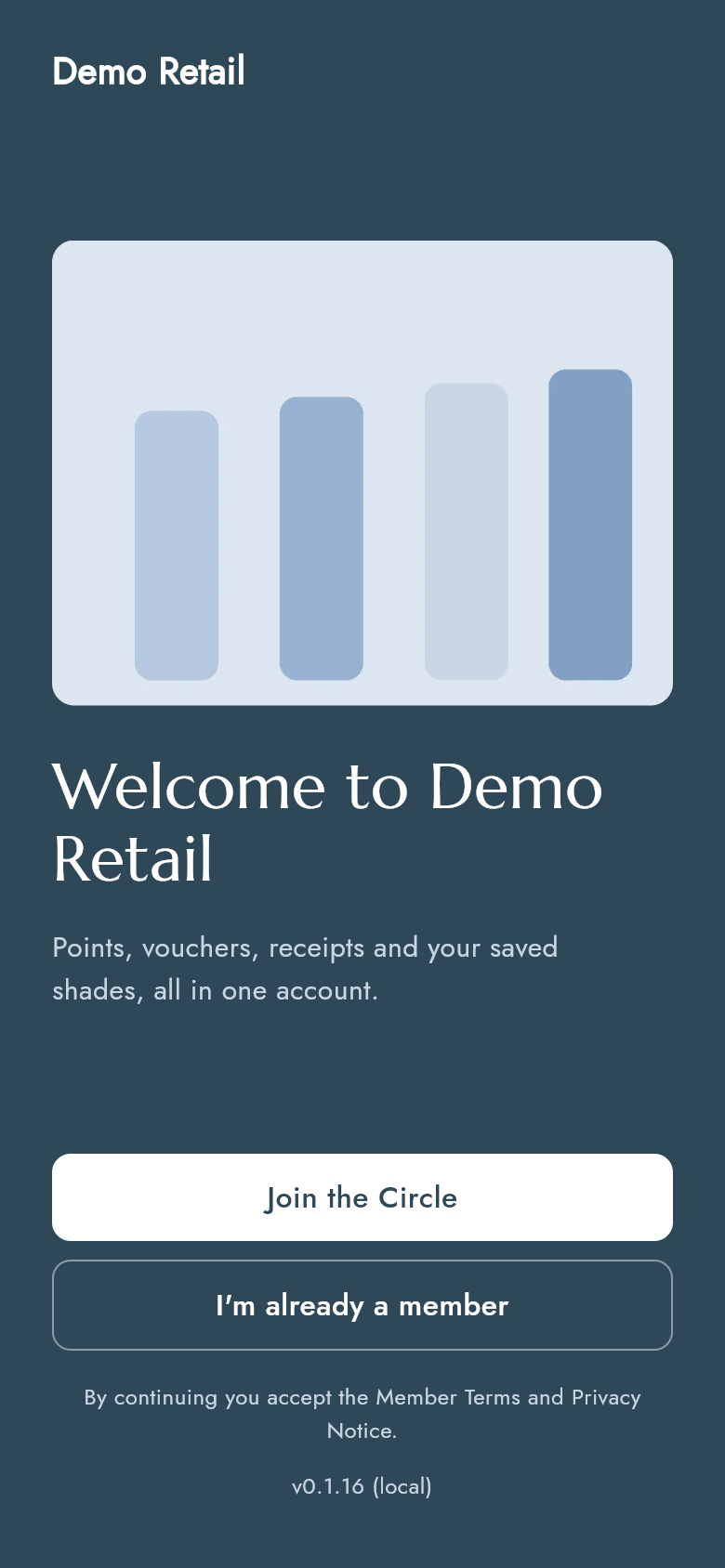
- Press Join the Circle.
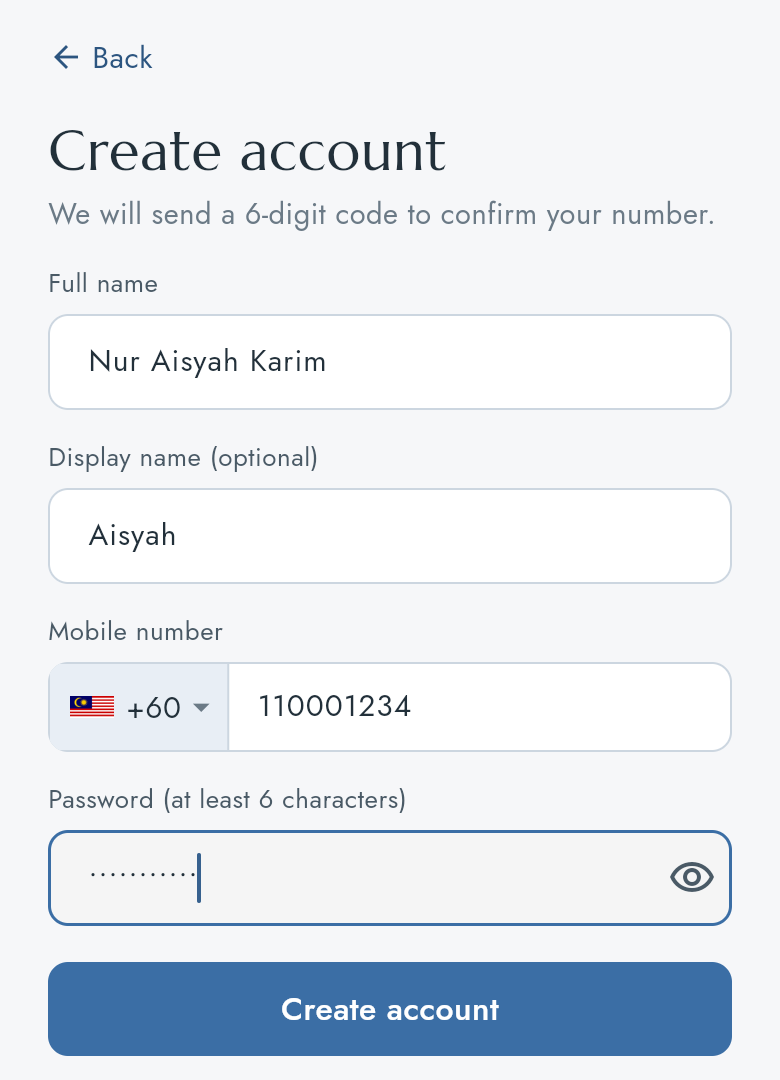
- Fill in Full name, Display name (optional), Mobile number and Password (at least 6 characters). The display name is the name the app greets you with. Leave the country as +60 for a Malaysian number and type the number without the first 0.
- Press Create account.
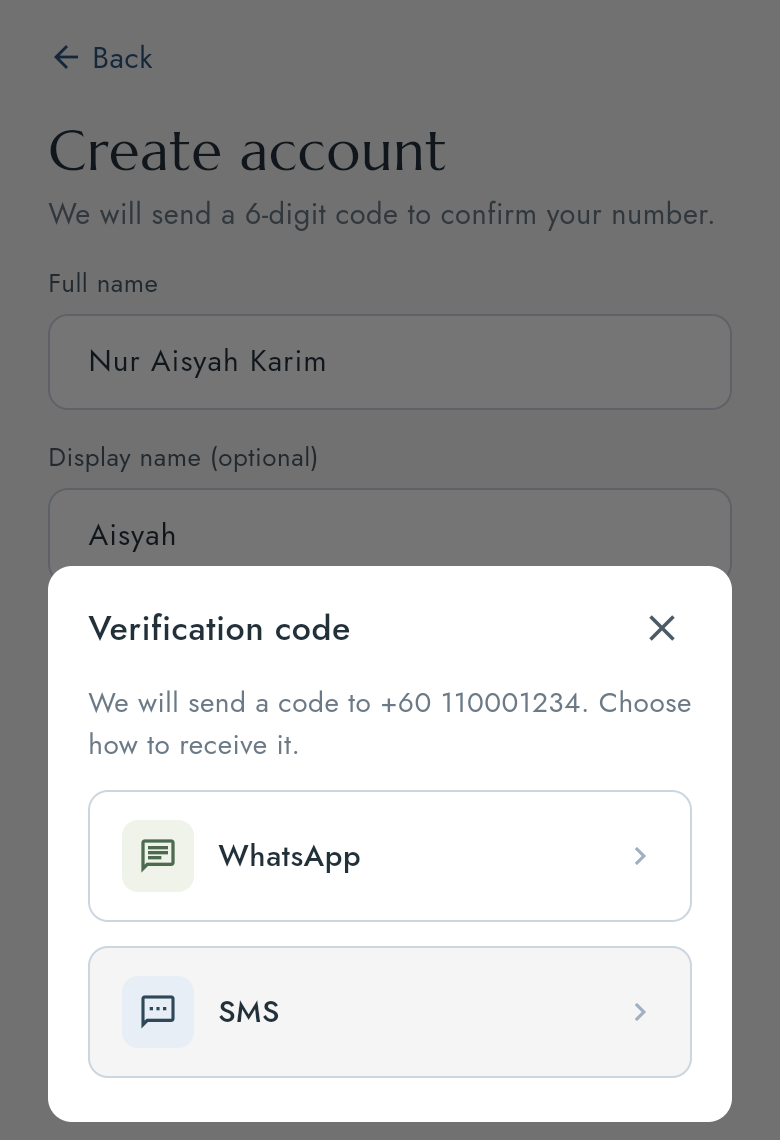
- Choose how to receive your code: WhatsApp or SMS.
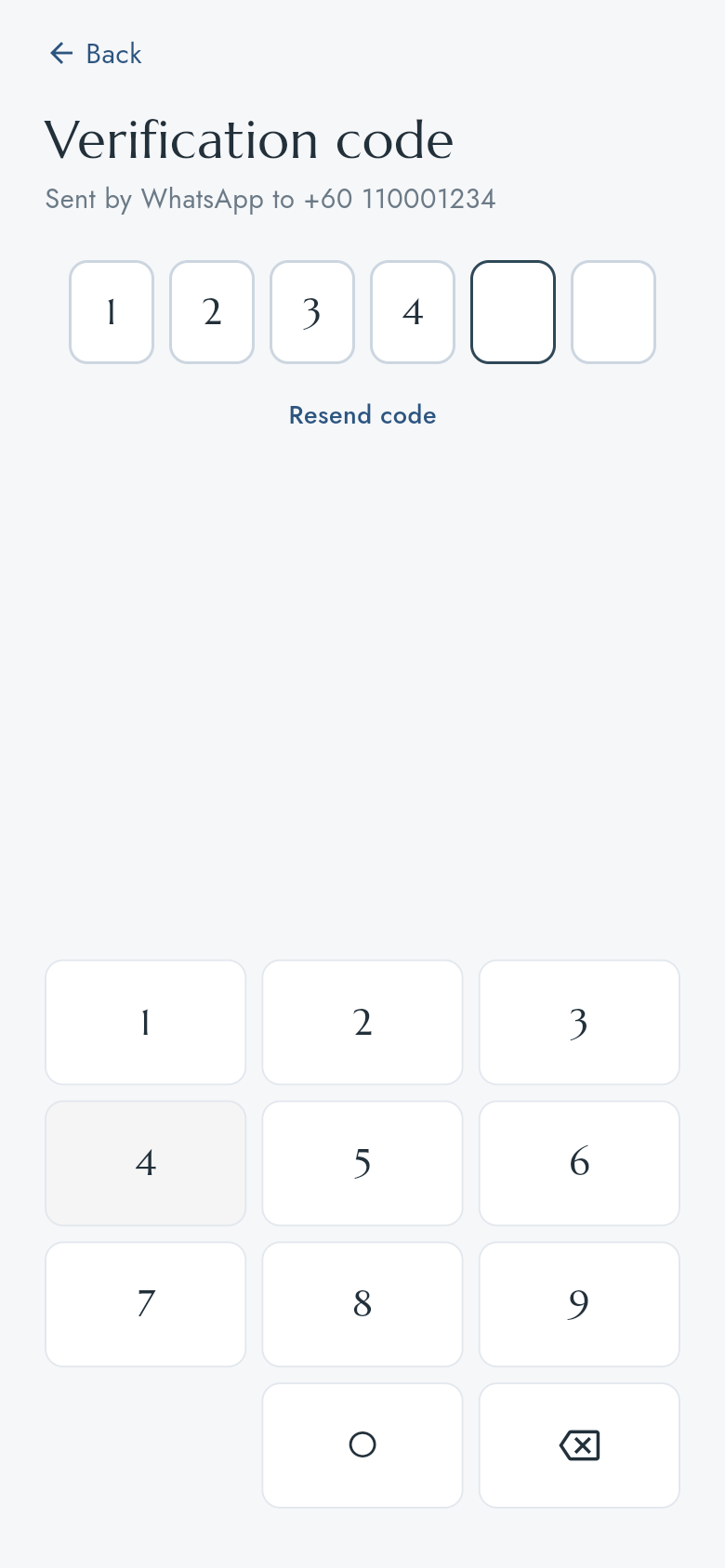
- Type the 6-digit code on the number pad. The app checks it when the sixth digit is in. If no code arrives, press Resend code.
You are now signed in and land on Home.
Sign in on a new phone
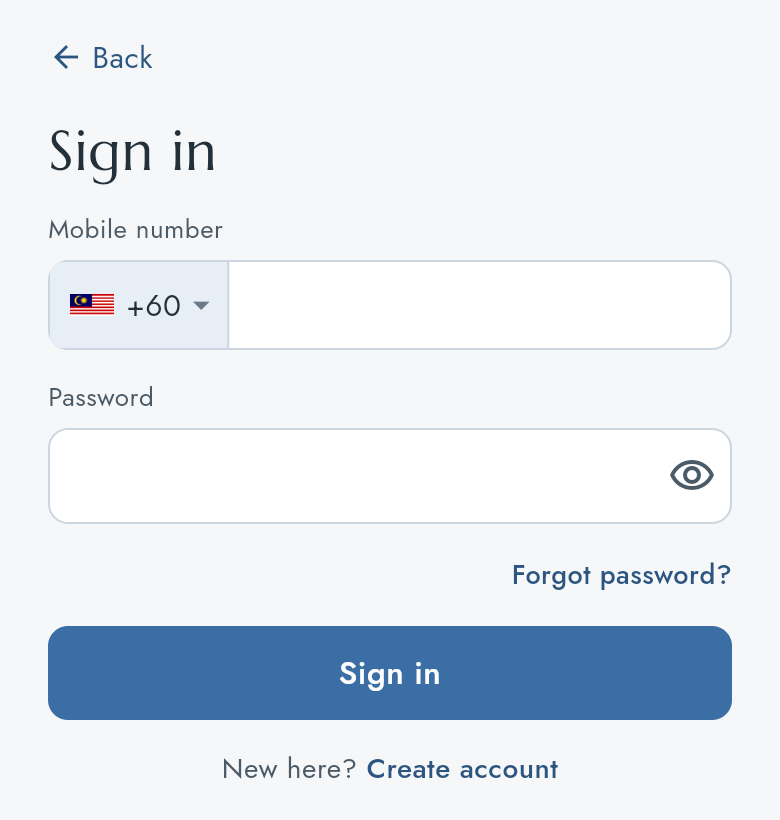
- On the welcome screen press I'm already a member.
- Type your Mobile number and Password, then press Sign in.
Forgot your password
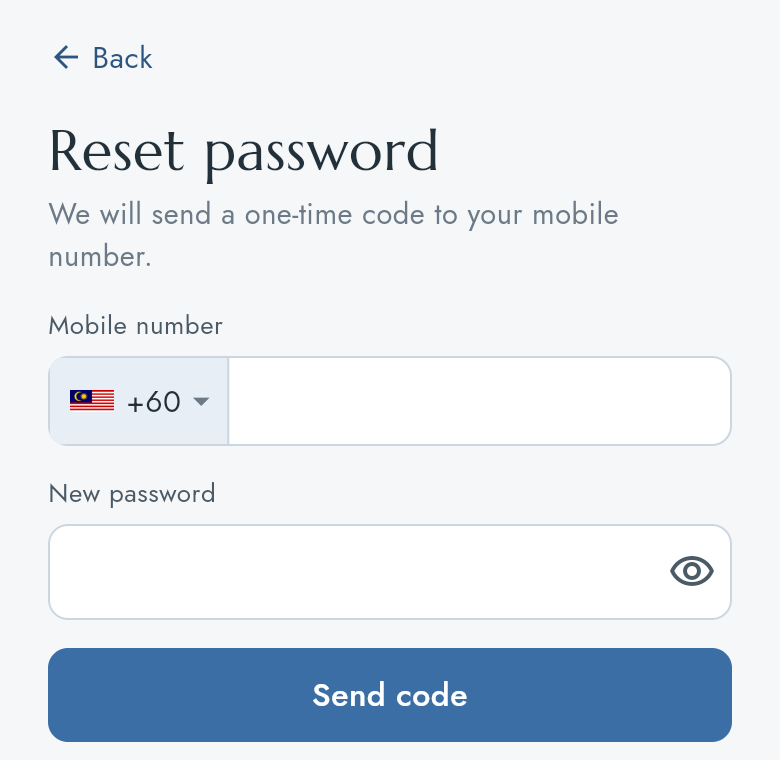
- On the Sign in screen press Forgot password?.
- Type your Mobile number and the New password you want, then press Send code.
- Choose WhatsApp or SMS and type the code you receive. Your new password works from then on.
Sign out
Open the Account tab and press Sign out at the bottom.