Your membership and points
For: Customers
Whole guide as PDF (2 MB)Creating an account does not make you a member. Until you join, the points card on Home says Not a member yet.
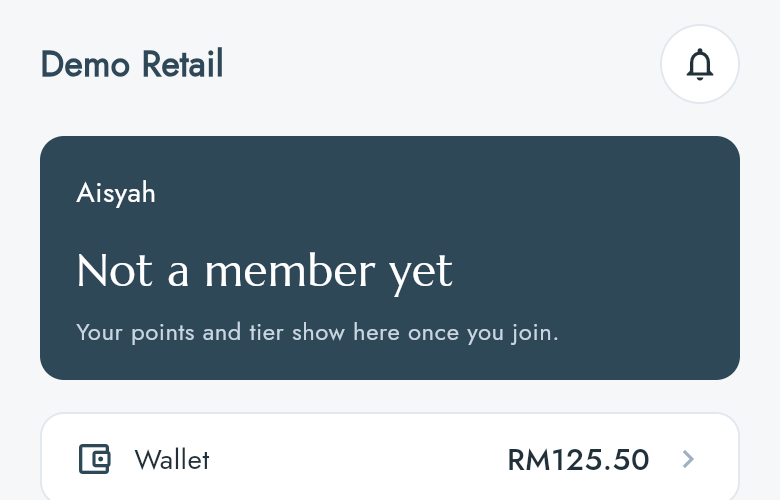
Join
- Open the Account tab and press Member card.
- If a friend gave you a referral code, type it in Referral code (optional).
- Press Join the Circle.
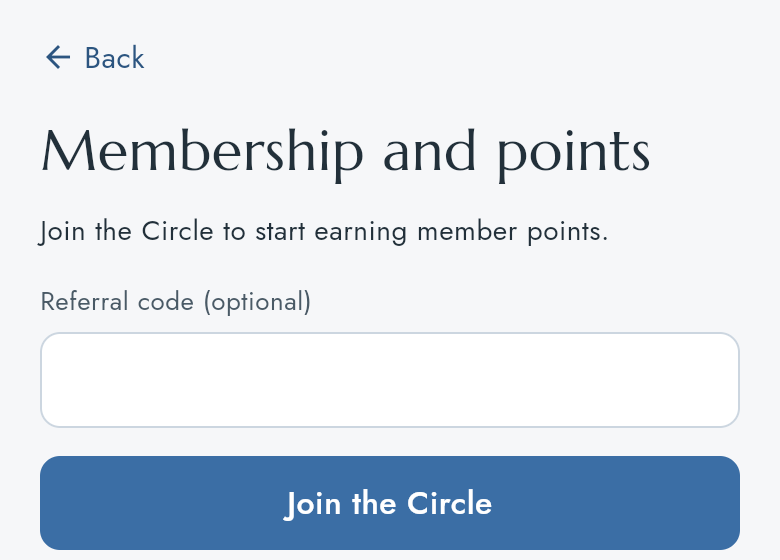
The screen reloads with your member number, tier and points.
Show your member QR and check your points
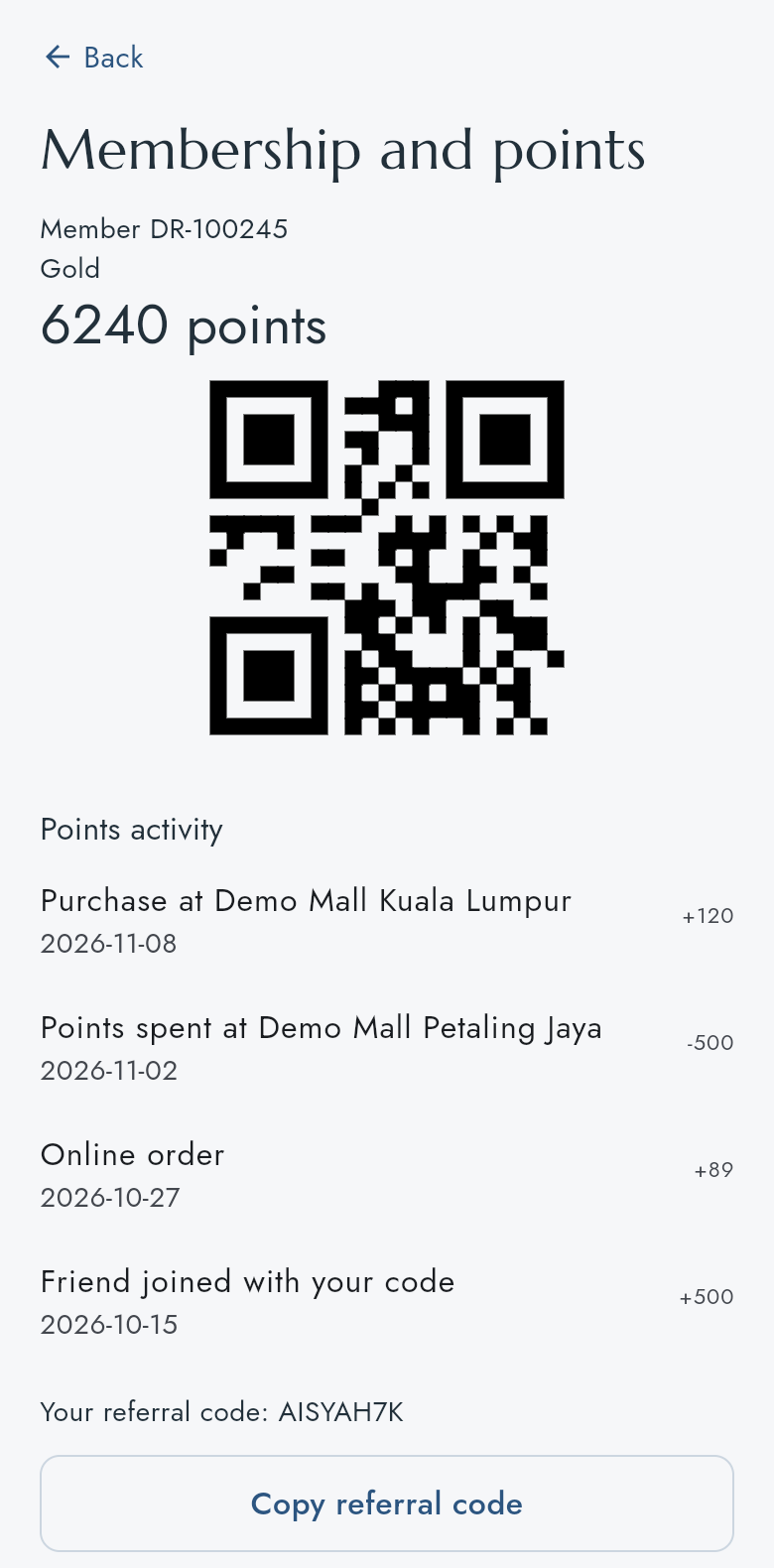
Press Member card › on Home, or Member card on the Account tab. The Membership and points screen shows:
- your Member number and tier;
- your points balance;
- a QR code to show at the counter when you pay;
- Points activity: each time points were added or spent, with the date;
- Your referral code. Press Copy referral code and send it to a friend.
How many points a purchase earns, and what a referral is worth, is set in Membership and Loyalty. The app only shows the result.