Use your vouchers
For: Customers
Whole guide as PDF (2 MB)- Open the Account tab and press Vouchers. The number next to it is how many you can use now.
- Active lists vouchers you can use now. All also shows used, expired and future ones.
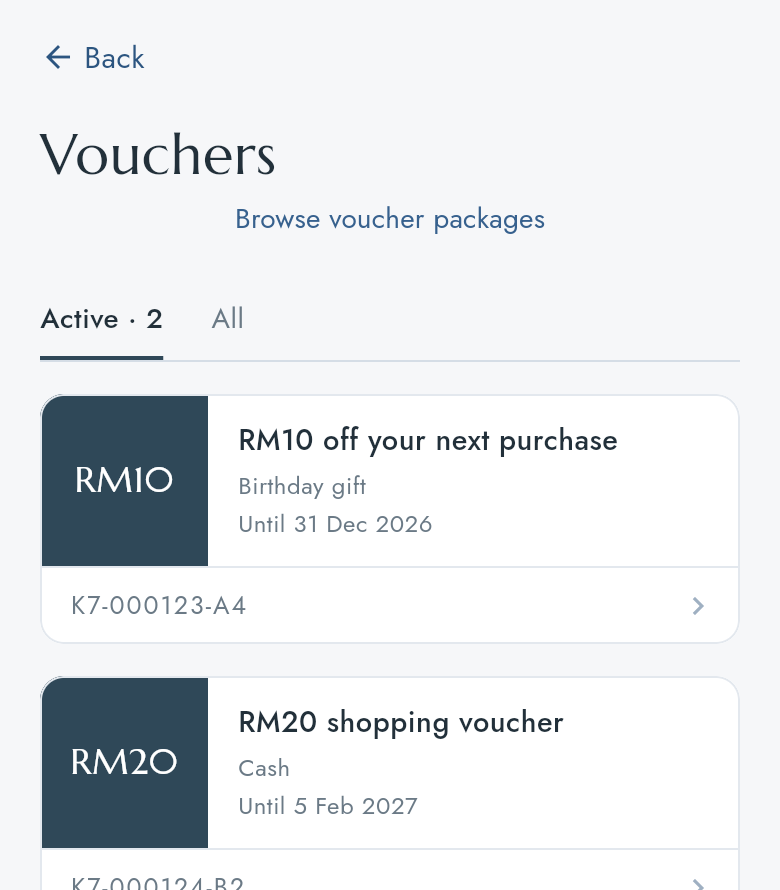
- Press a voucher to see its code, type, package and the days it is valid.
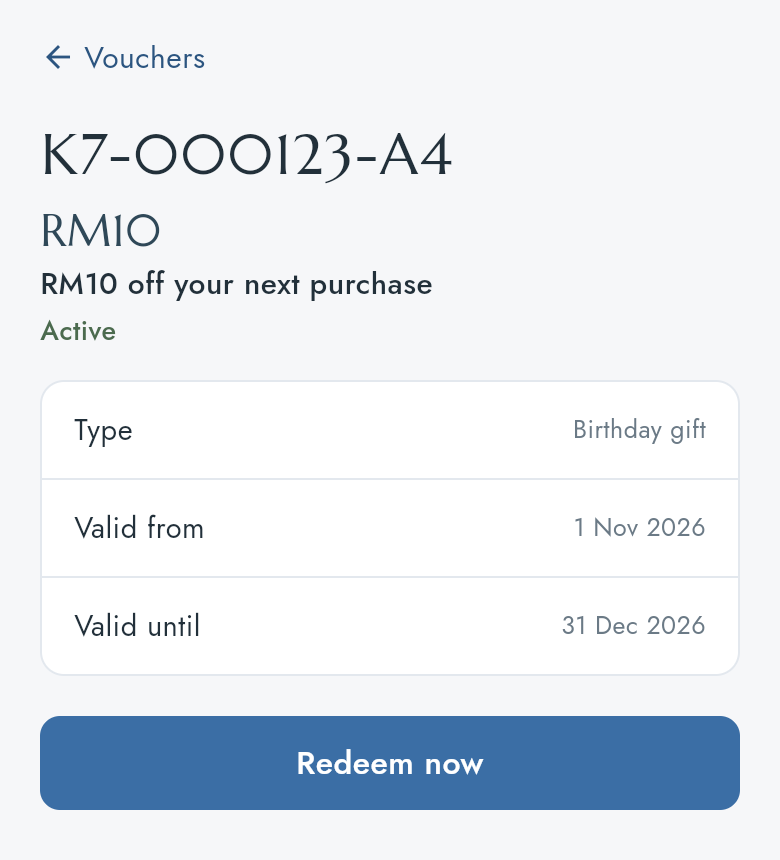
Redeem a voucher
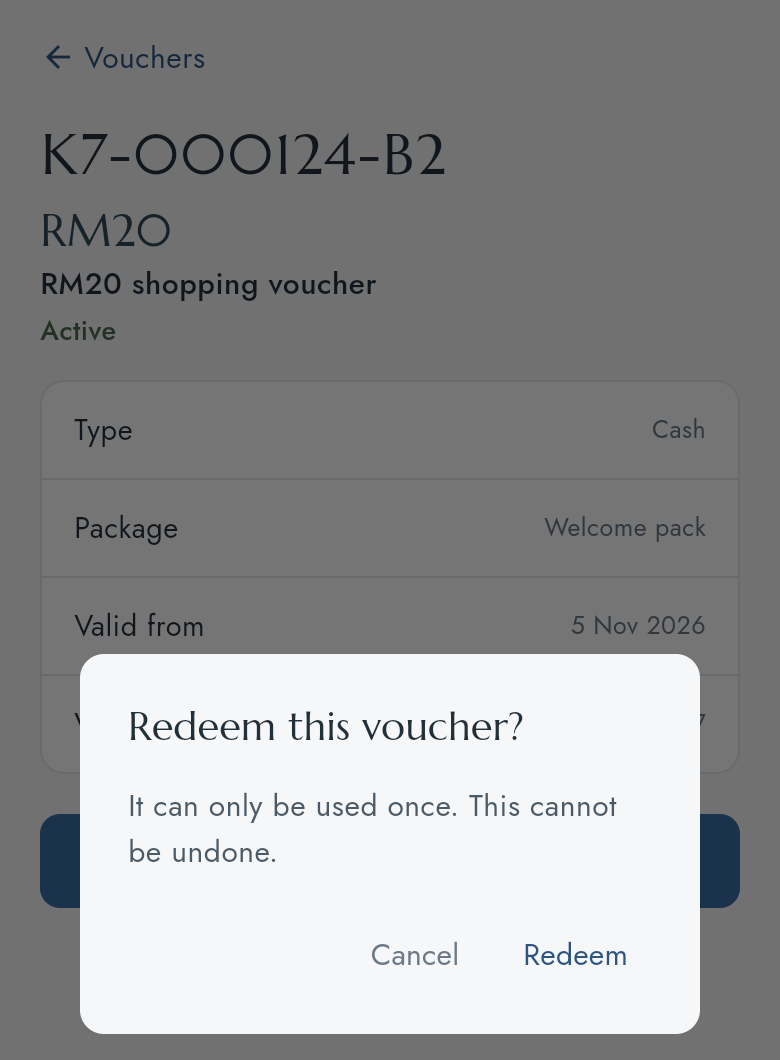
Press Redeem now, then Redeem. A voucher can be used only once and this cannot be undone, so press it only when you are using the voucher.
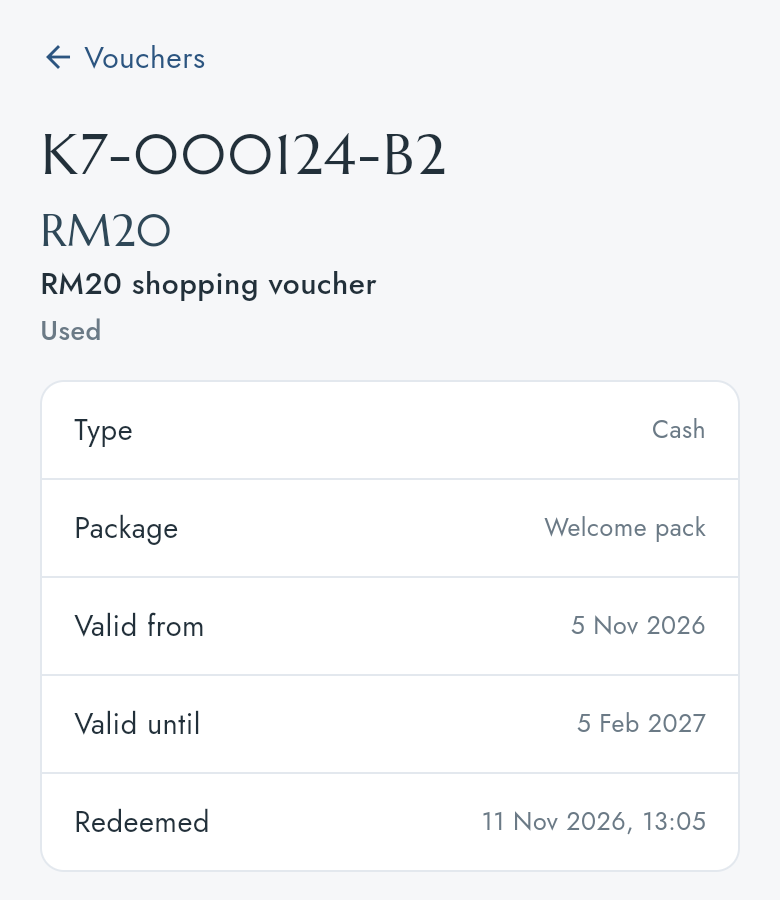
The voucher then shows Used and the date and time it was redeemed.
A voucher that starts later cannot be redeemed until its Valid from day. A locked wallet cannot redeem vouchers.
Voucher packages
Browse voucher packages at the top of Vouchers lists the packages your company sells, with their price. Press one to see how many vouchers it holds and how long they last.
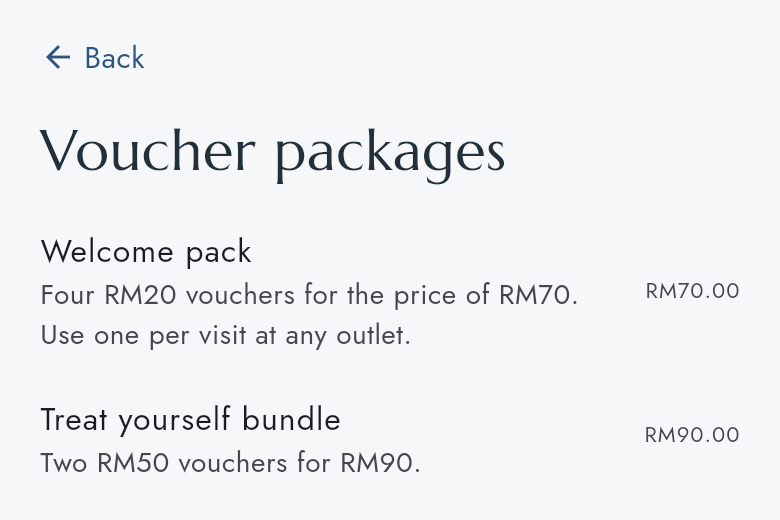
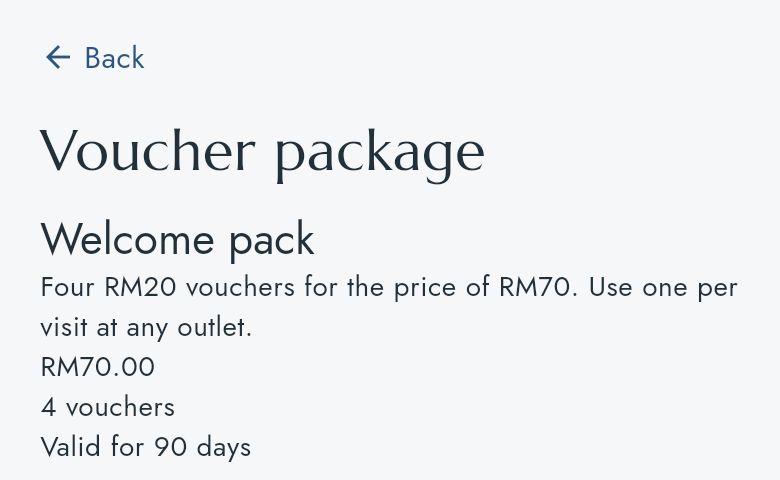
There is no button to buy a package in the app yet. The list is for reading only.