Answer a question about your idea
For: Staff
Whole guide as PDF (3 MB)A coordinator may need one more detail before they can judge your idea. When that happens, you get a notification, and the row in My submissions says Answer the question.
- Open My submissions and find the row marked Answer the question.
- Press Respond to clarification.
- Type your answer in Response. Add photos or files under Supporting files if they help.
- Press Send answer.
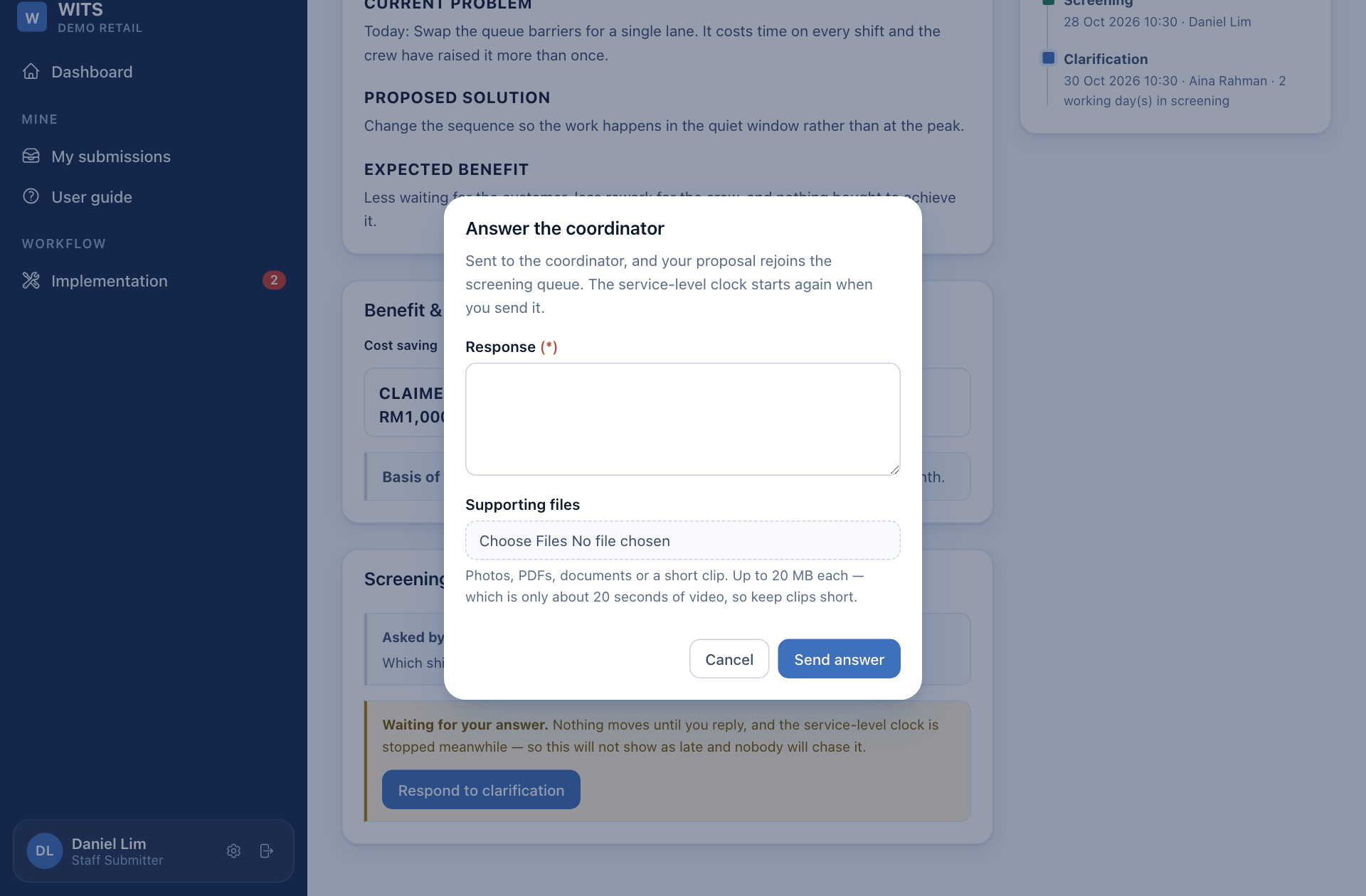
Your idea goes back to the coordinator. The time limit for screening stops while the question waits for you, so your idea is not counted as late, but nothing moves until you answer.