Change the rules and the name
For: Administrators
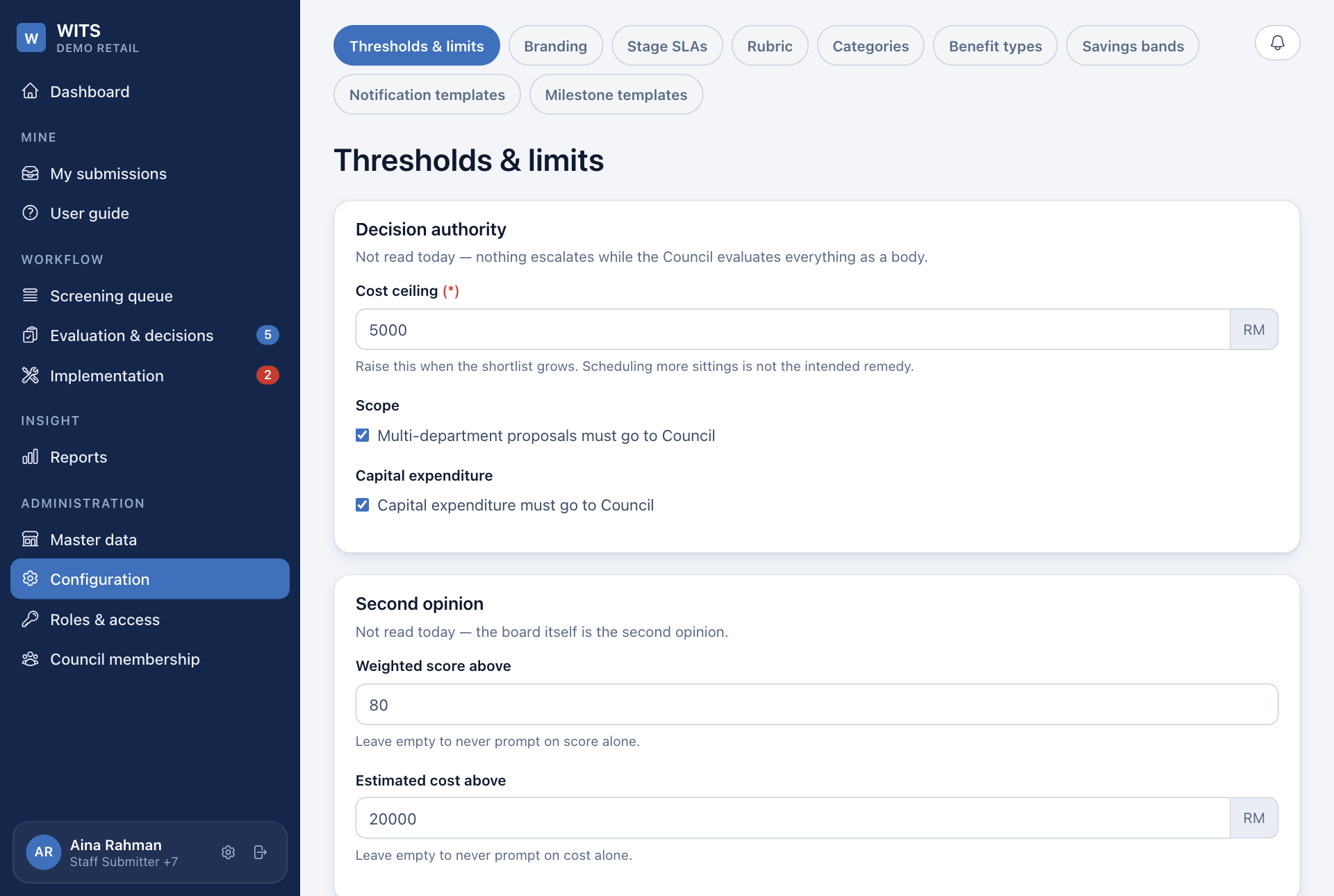
Whole guide as PDF (3 MB)Open Configuration in the menu. The tabs along the top are:
| Tab | What it sets |
|---|---|
| Thresholds & limits | Council size needed to decide, file size limits, how many ideas a person can submit a day, and how long records are kept. |
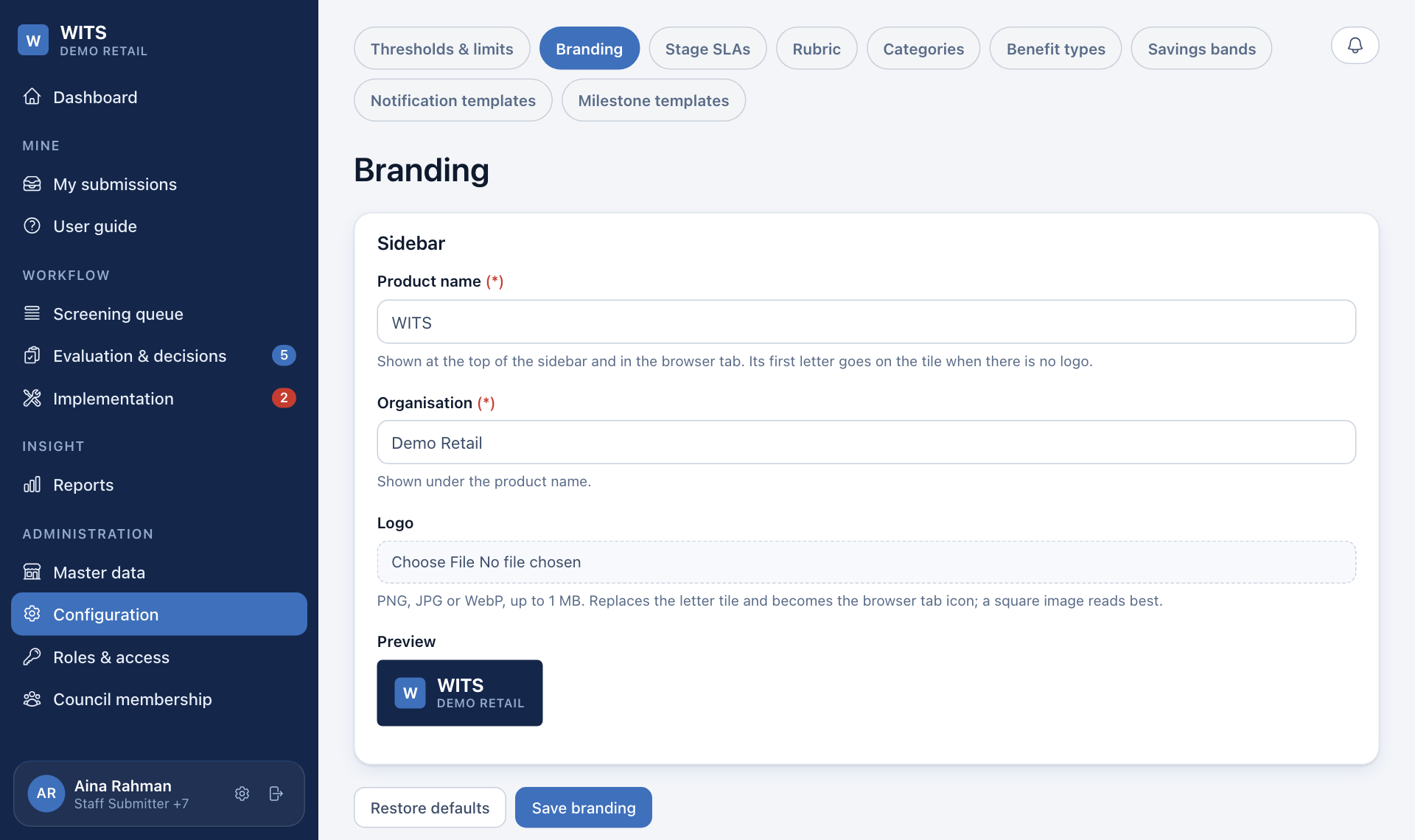
| Branding | The name and logo at the top of the menu. |
| Stage SLAs | The time limit for each stage, in working days. |
| Rubric | The scoring questions and their weights. |
| Categories | The improvement categories a coordinator can choose. |
| Benefit types | The ticks under Type of benefit on the idea form. |
| Savings bands | The saving ranges people pick from. |
| Notification templates | The wording of each notification, in English, Bahasa Malaysia and Chinese. |
| Milestone templates | Standard steps offered when an idea is turned into a larger project. |
Change the name and logo
- Open the Branding tab.
- Change Product name and Organisation. Both show at the top of the menu.
- Under Logo, upload a PNG, JPG or WebP picture up to 1 MB. A square picture works best. Without a logo, the first letter of the product name is shown.
- Check the Preview, then press Save branding. Restore defaults puts the original name back.
A saving range that has already been used cannot be edited, because that would change the scores of past ideas. On Savings bands, press Retire on it and add a new one with New band.
Staff and outlets under Master data can be read but not changed. They come from your company's staff records.