Confirm finished work
For: WITS Coordinators
Whole guide as PDF (3 MB)When the owner presses Mark implemented, the idea waits for someone else to check that the change is really in use.
- Open Implementation in the menu.
- Find the row with the status Implemented. Use All statuses to show only those.
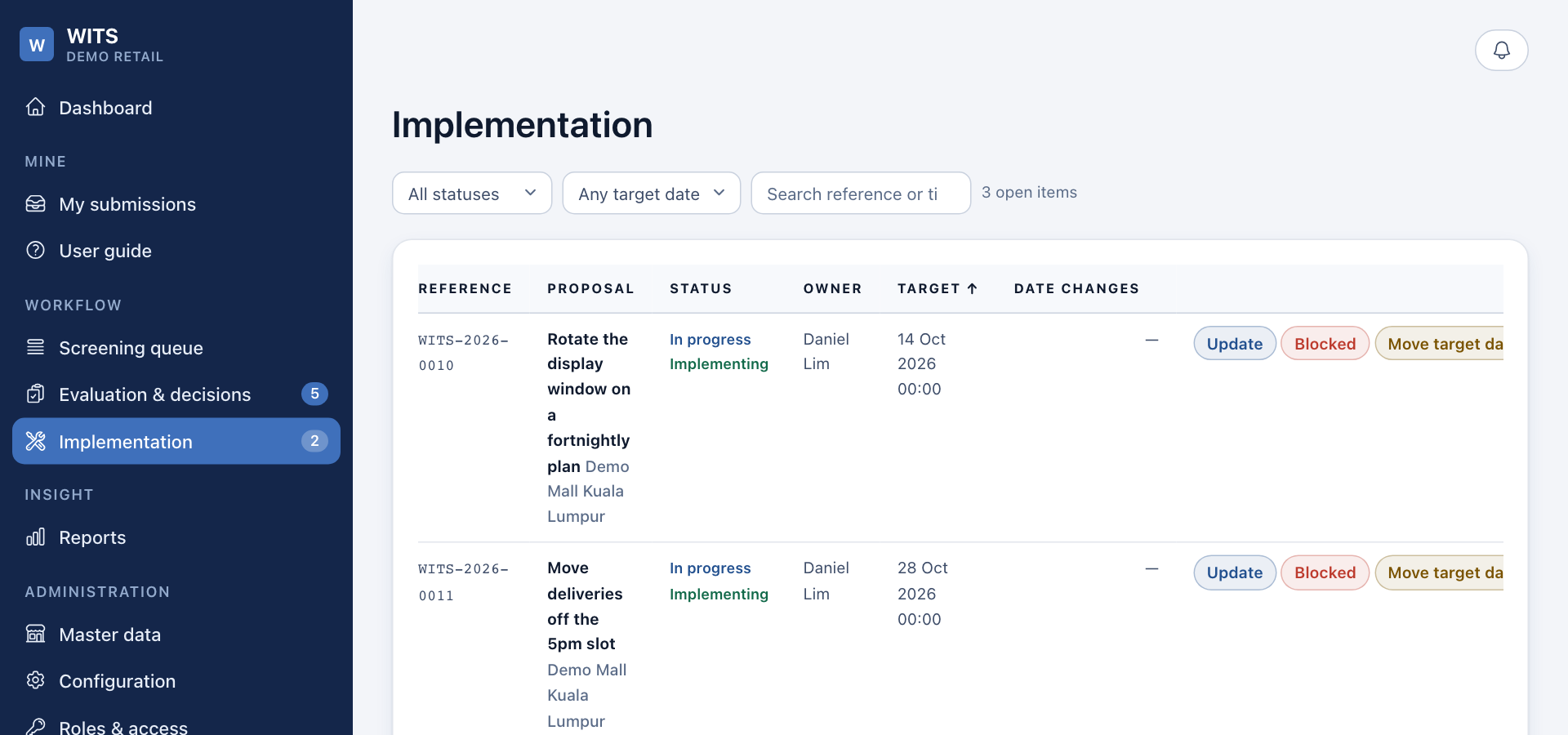
- Check the change in the outlet.
- Press Verify and close.
- Write what you saw, and how, in Remark. The person who raised the idea receives it.
- Press Verify and close.
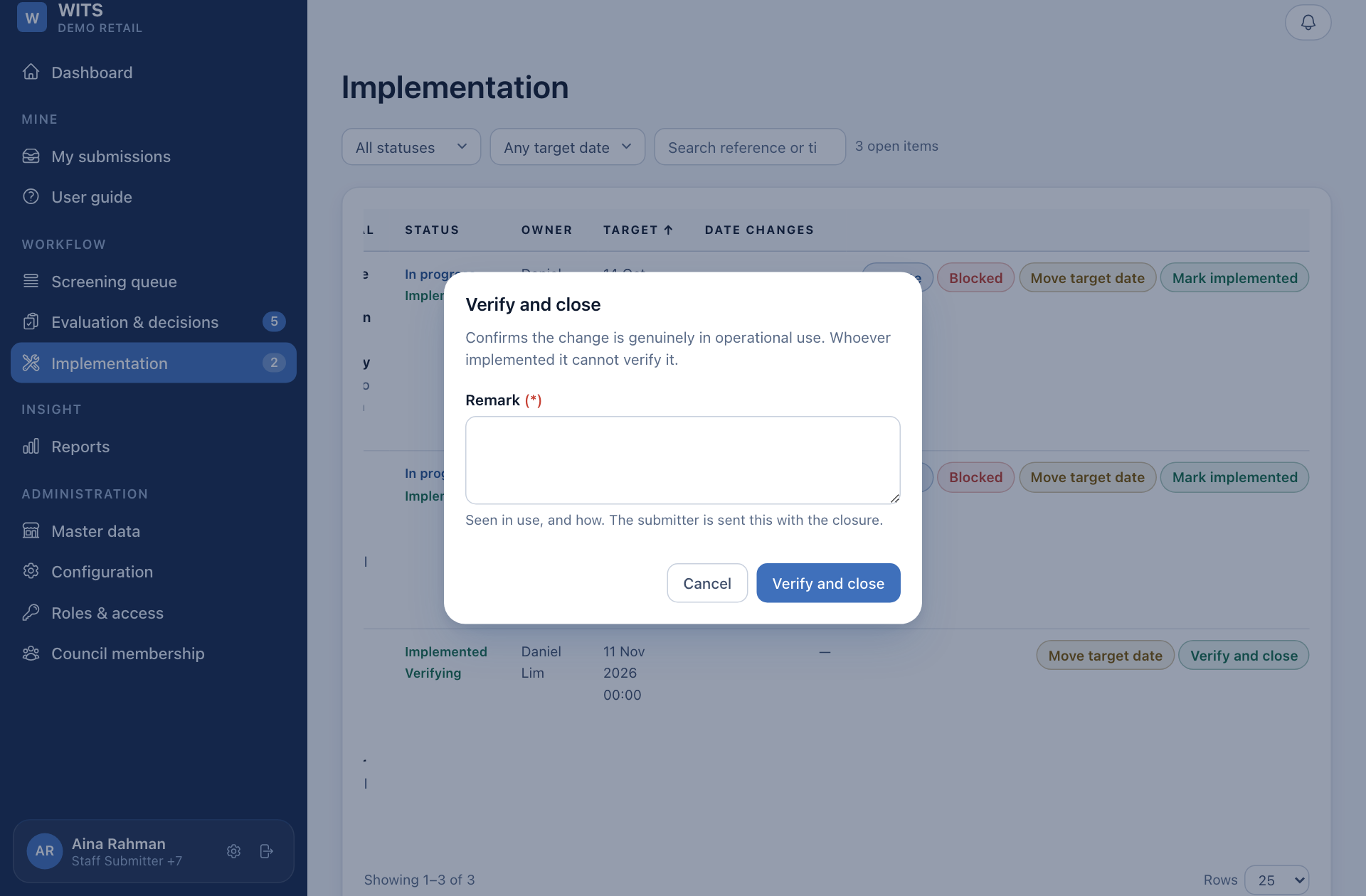
The status becomes Completed: done, in use, and checked by someone else.
Move a target date
Only a coordinator can move a target date. Press Move target date, pick the new date and give the reason. The original date is kept, so the reports still show how late it is against the first promise.
You cannot verify work you carried out yourself. This rule applies to everyone, administrators included.