Approve a position request
For: Management approvers
Whole guide as PDF (5 MB)When an outlet asks for a new position, you get a WhatsApp message with a link. It works for 7 days. You need the Management Approver role and your phone number on your account.
-
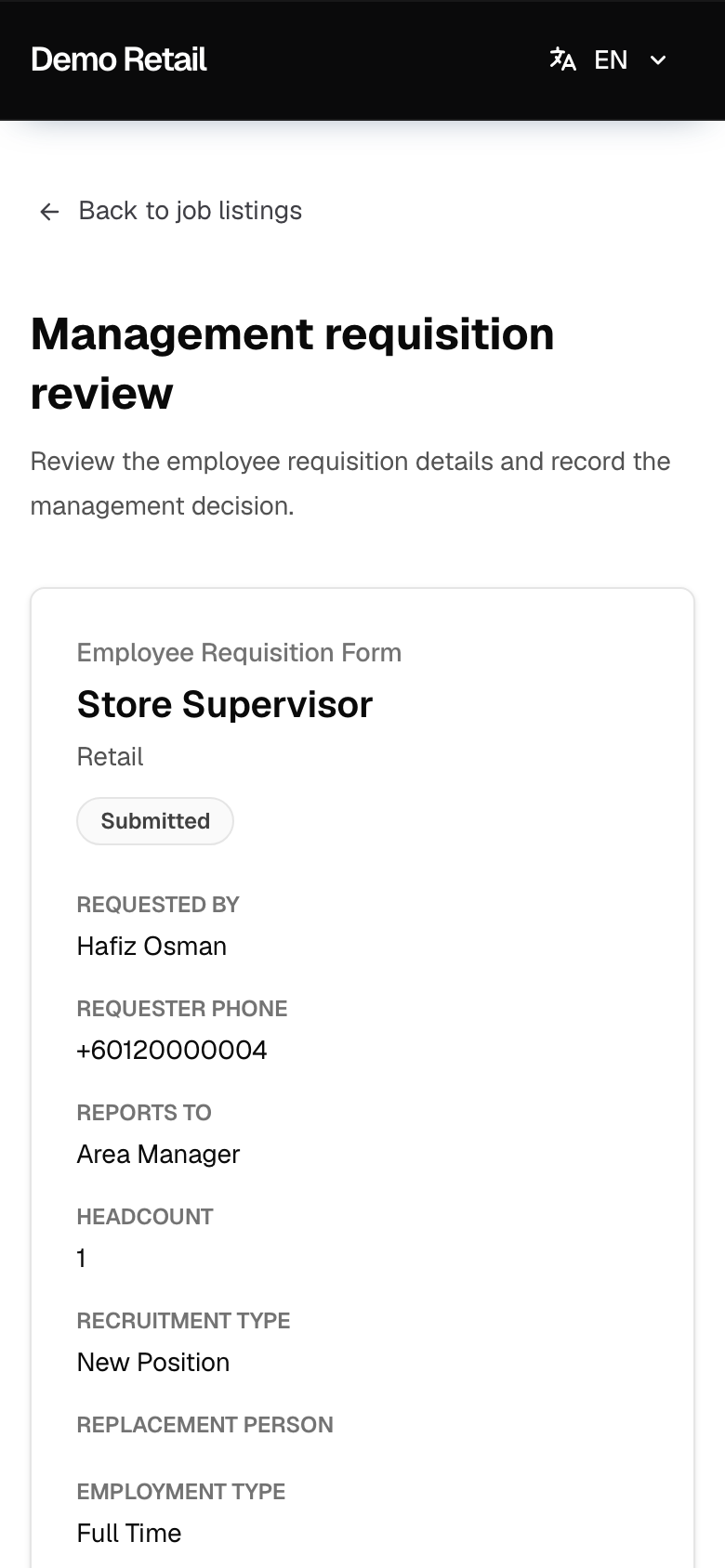
Press the link. Management requisition review shows the whole request: job, headcount, salary range, outlets, the reason for hiring and the job requirements.
-
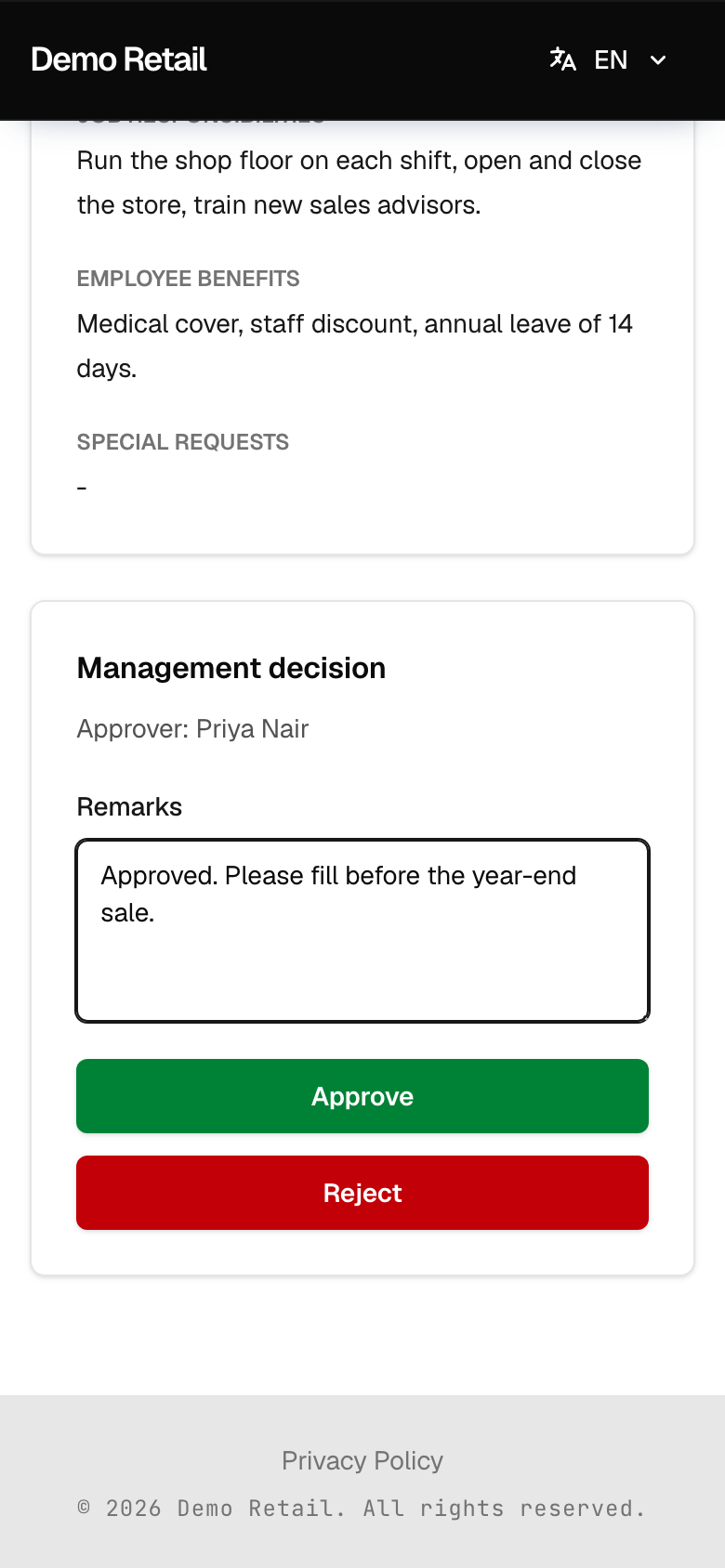
Scroll to Management decision. Type a note under Remarks if you want to, then press Approve or Reject.
-
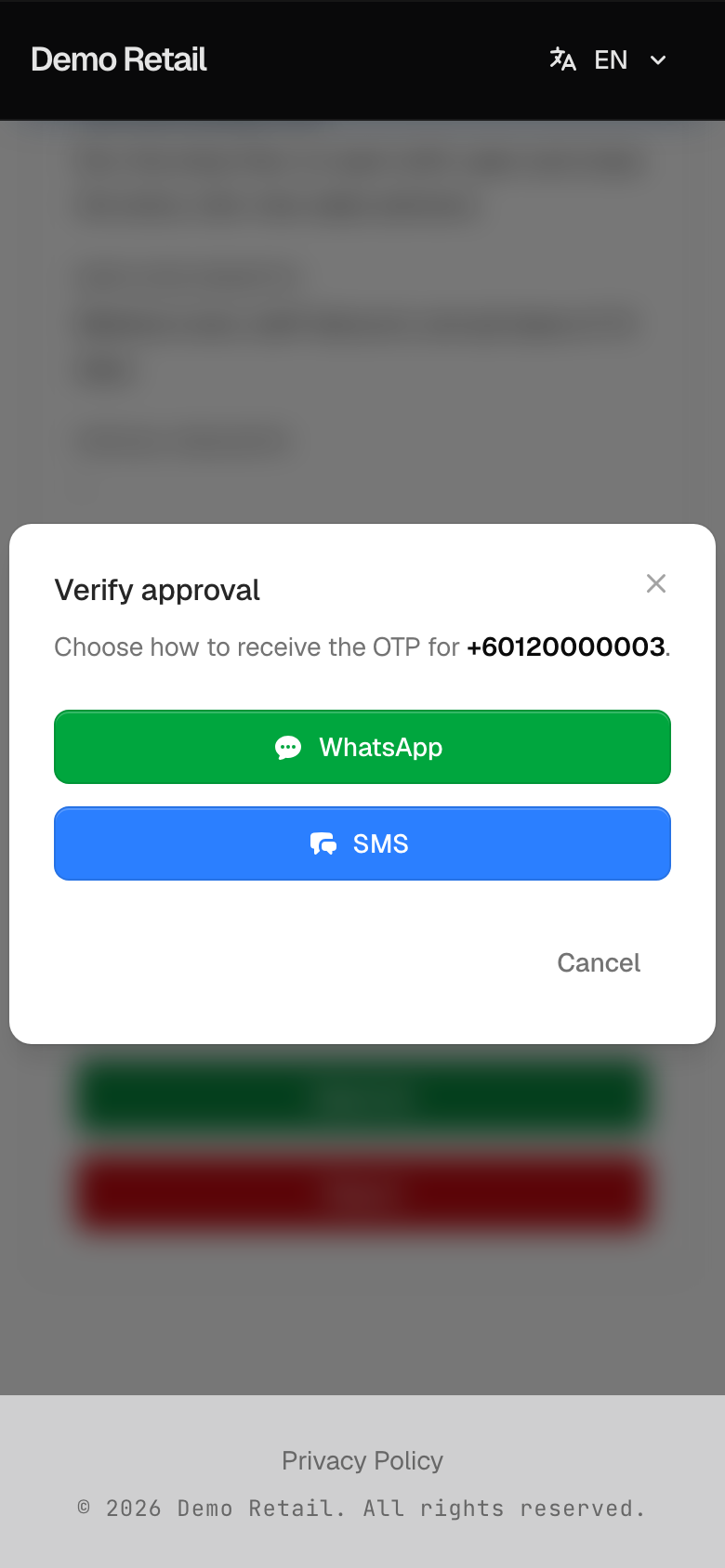
Verify approval opens. Choose WhatsApp or SMS to get a code on your phone.
-
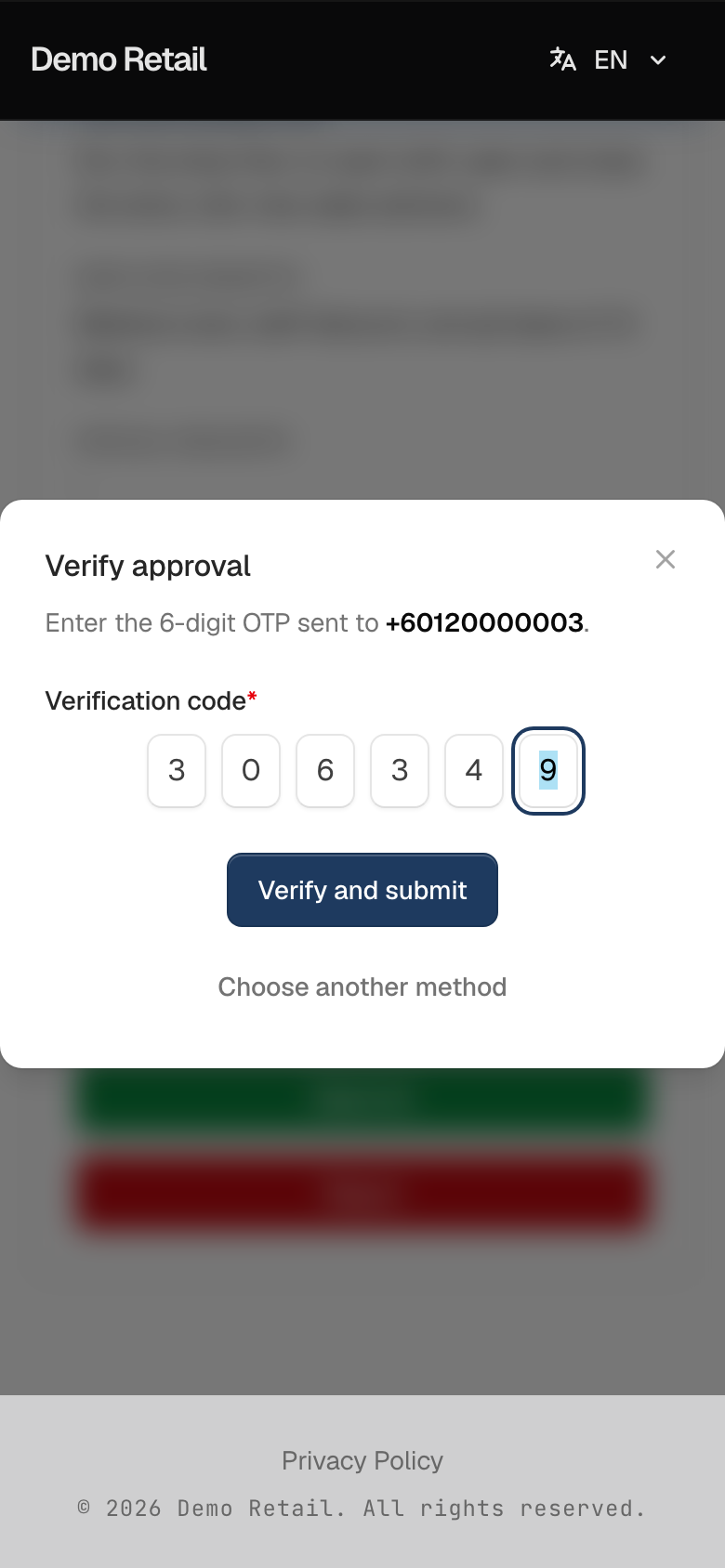
Type the code under Verification code and press Verify and submit. Press Choose another method if the code does not come.
-
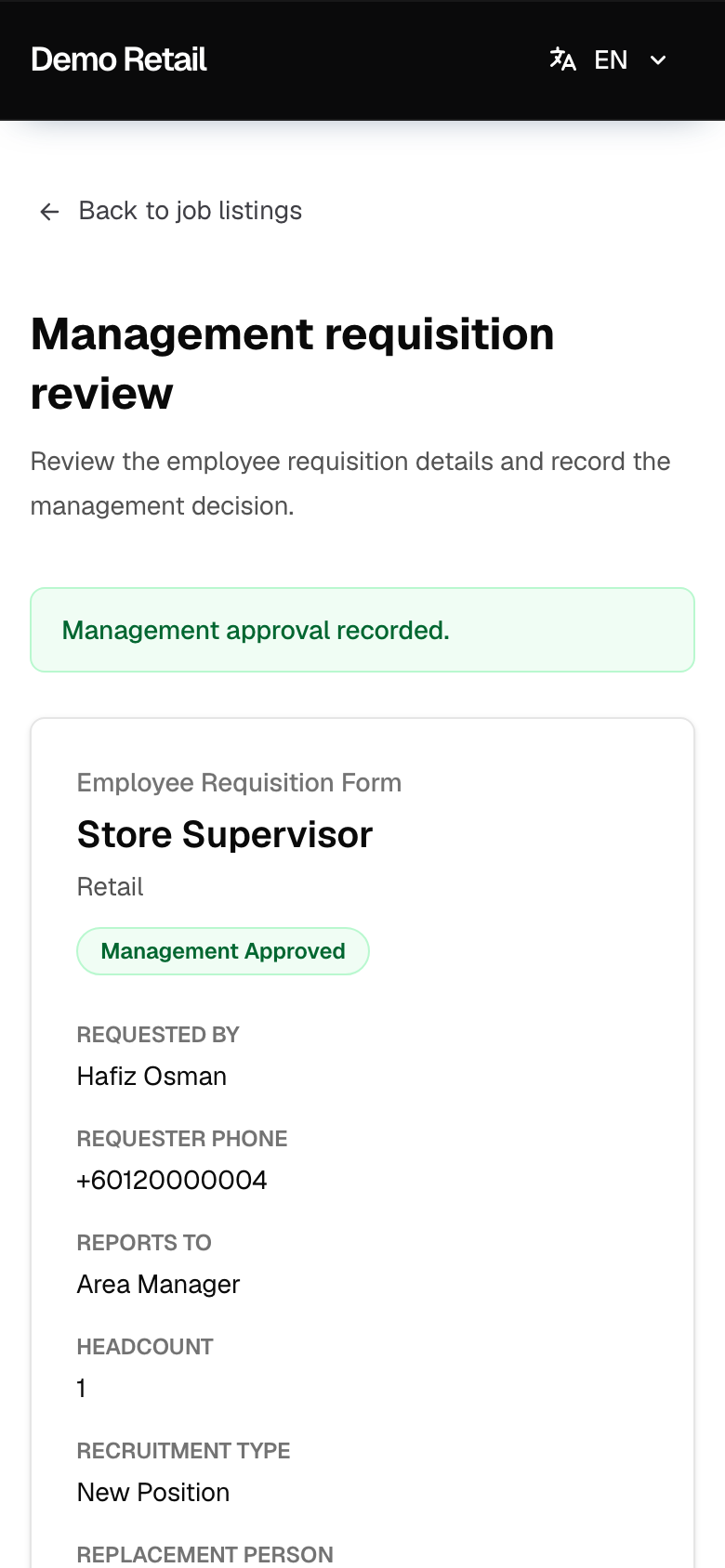
You see Management approval recorded. and the status changes to Management Approved (or Management Rejected).
Good to know
- Every Management Approver gets the same request. Once one of you decides, the others' links show "This request was already approved by…" with the name and time.
- An approved request lets HR open the job posting. Nobody else is told automatically; tell the outlet manager yourself if they are waiting.
- "Approval link expired": the 7 days have passed. The page tells you to ask HR for a fresh link, but the app has no way to send one today, and no approve button in the admin screens. The outlet manager has to send the request again.
- No signature is collected on this page. The phone code is the proof.