Make the hiring decision and approve the offer
For: Approvers
Whole guide as PDF (5 MB)When the key interviewer submits feedback, every approver of that outlet gets a WhatsApp message with the candidate, the job, the recommendation and a link. The link works for 7 days. You do not need to sign in.
Press the link. Interview Decision shows Candidate Information and each interviewer's scores, comments and proposed salary.
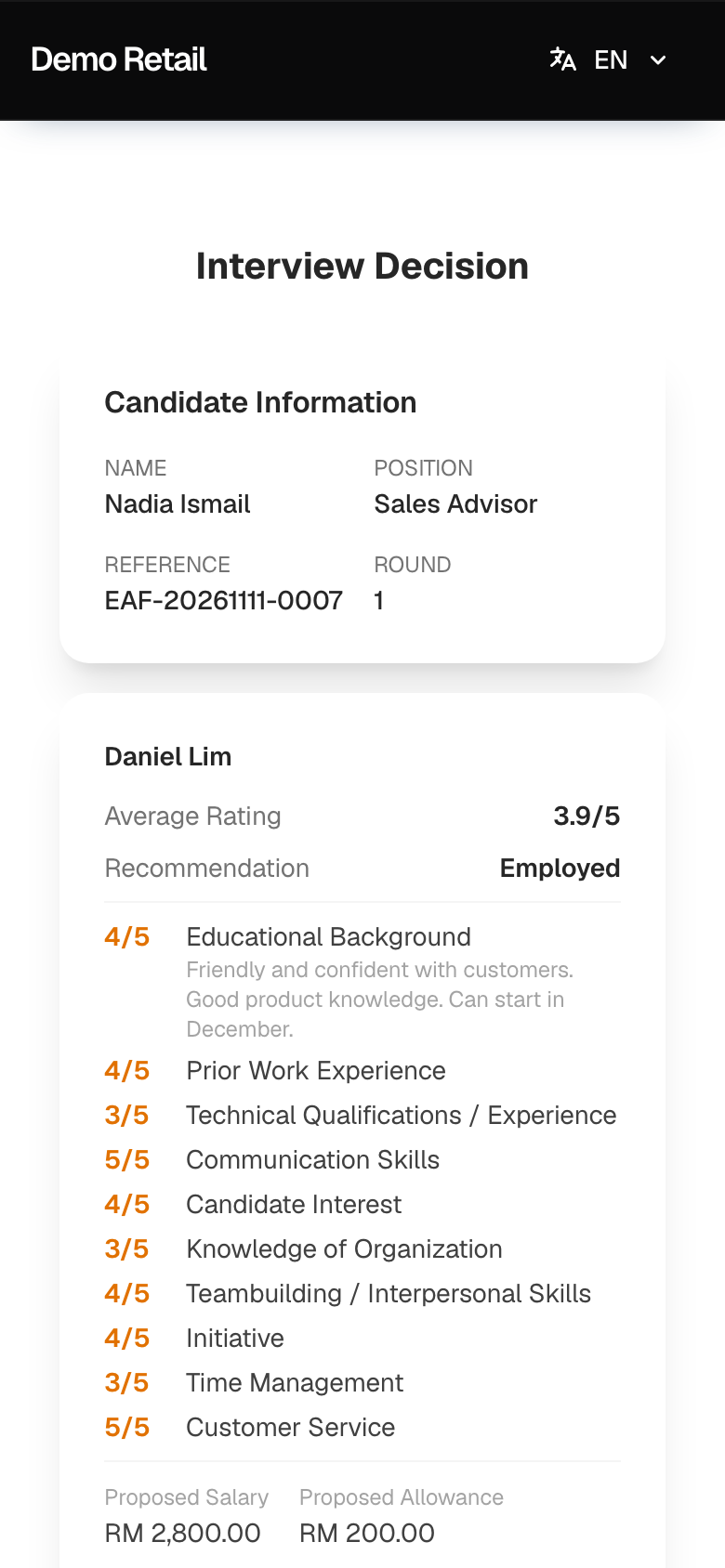
What you see below depends on the key interviewer's recommendation.
When the recommendation is Employed: approve the offer
-
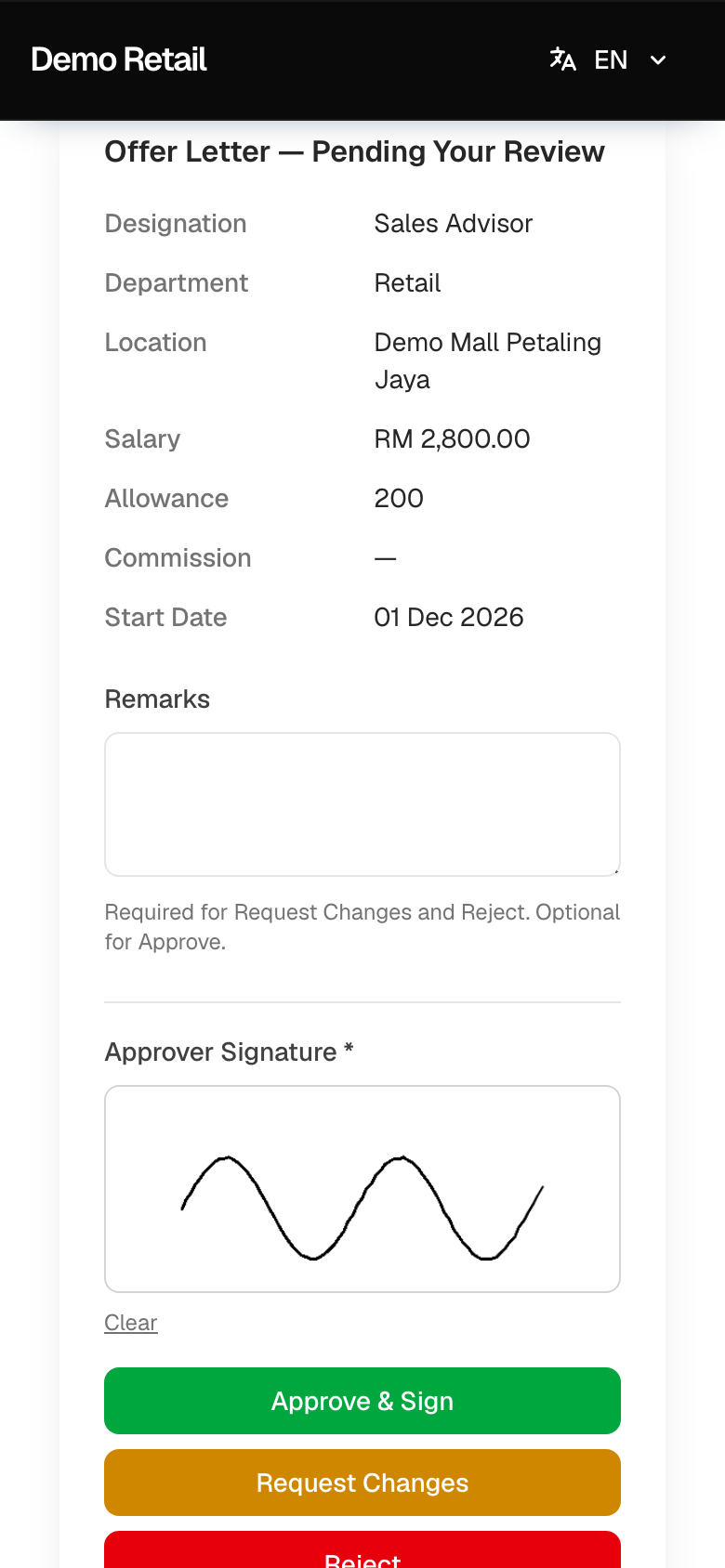
Under Offer Letter — Pending Your Review, check the Designation, Department, Location, Salary, Allowance, Commission and Start Date.
-
Type a note under Remarks if you want to. It is required for Request Changes and Reject.
-
Sign in the Approver Signature box with your finger. Press Clear to sign again.
-
Press Approve & Sign, Request Changes or Reject.
-
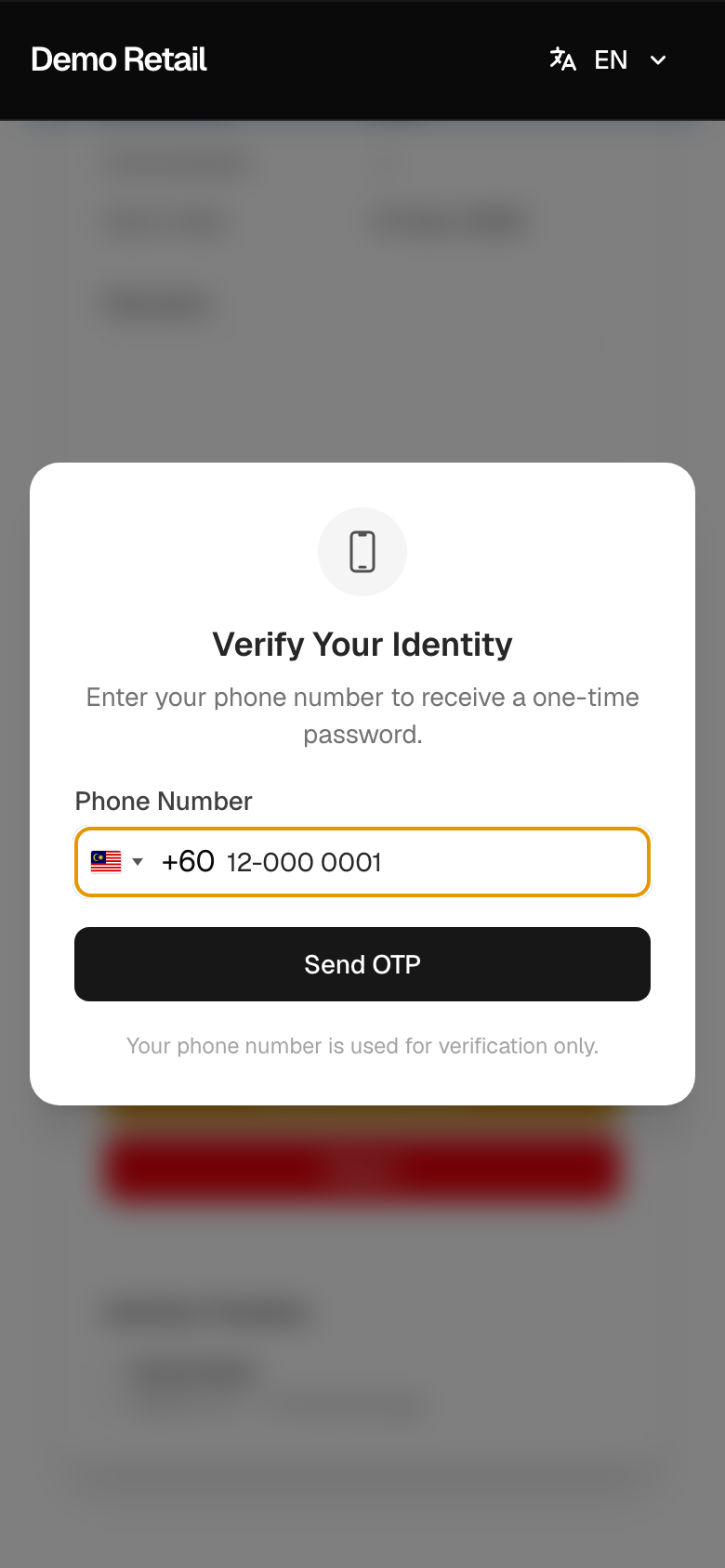
Verify Your Identity: your phone number is filled in. Press Send OTP, then choose SMS or WhatsApp.
-
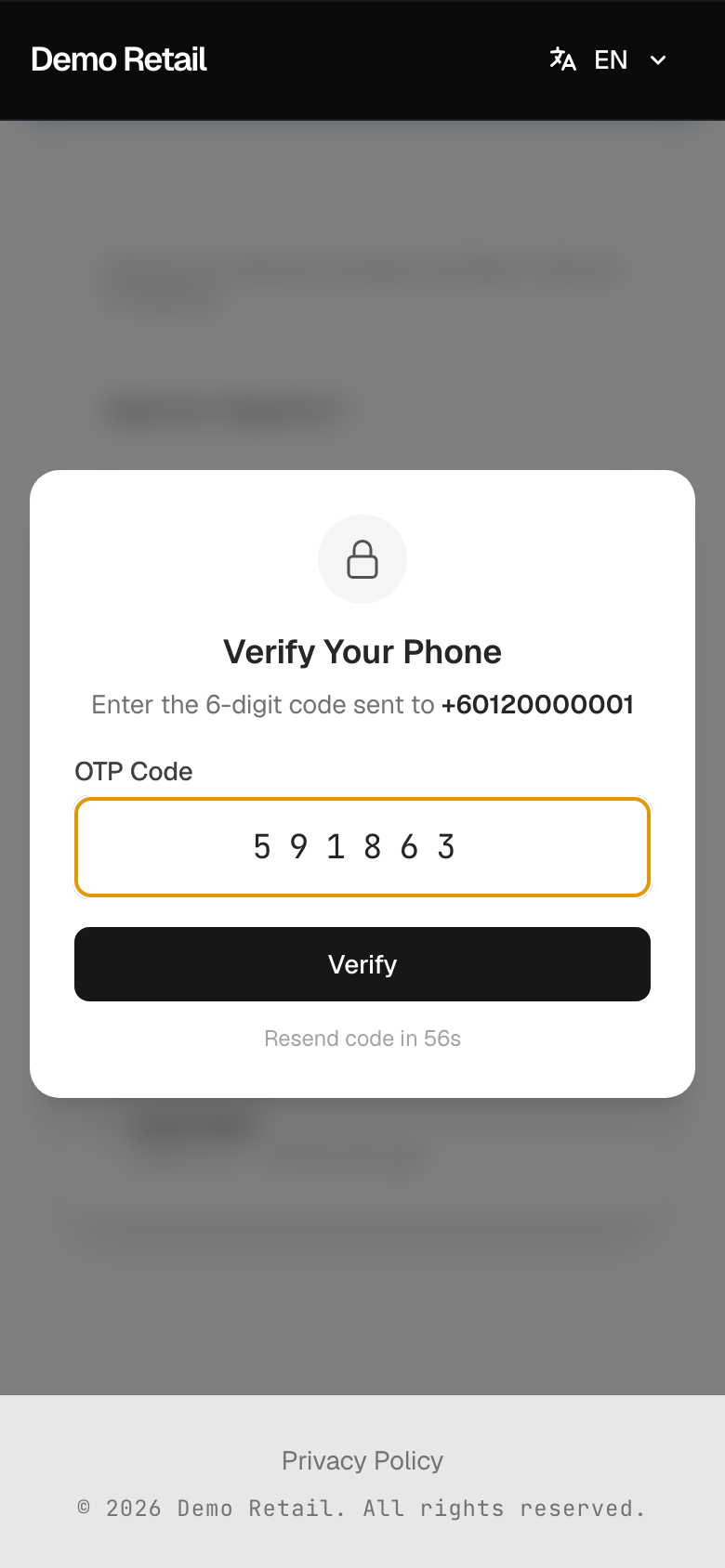
Type the 6-digit code under OTP Code and press Verify.
-
Decision Recorded appears. After an approval, press View Offer Letter to see the letter.

What each button does:
- Approve & Sign: the offer letter is made with your signature. The applicant gets it on WhatsApp, and the interviewers and approvers are told.
- Reject: the applicant gets a WhatsApp message saying they were not selected. The interviewers and approvers are told.
- Request Changes: sends your remarks to the job's key interviewer. Today there is no screen where they can change the terms and send them back, so ask HR how to go on before you use it.
The wording of the offer letter is built into the app. Ask your administrator to check it before your first offer.
Other recommendations: make the decision
If the recommendation is Keep in List of Review, Arrange 2nd Interview or Rejected, you see Make Decision instead.
-
Under Decision, choose Keep in Review, Arrange Next Round or Rejected. Add Notes (optional).
-
For Arrange Next Round, tick who should interview next under Next Round Interviewers: Include to invite them, Required if their free time must match.
-
Press Submit Decision, or Submit & Notify Candidate for a next round.
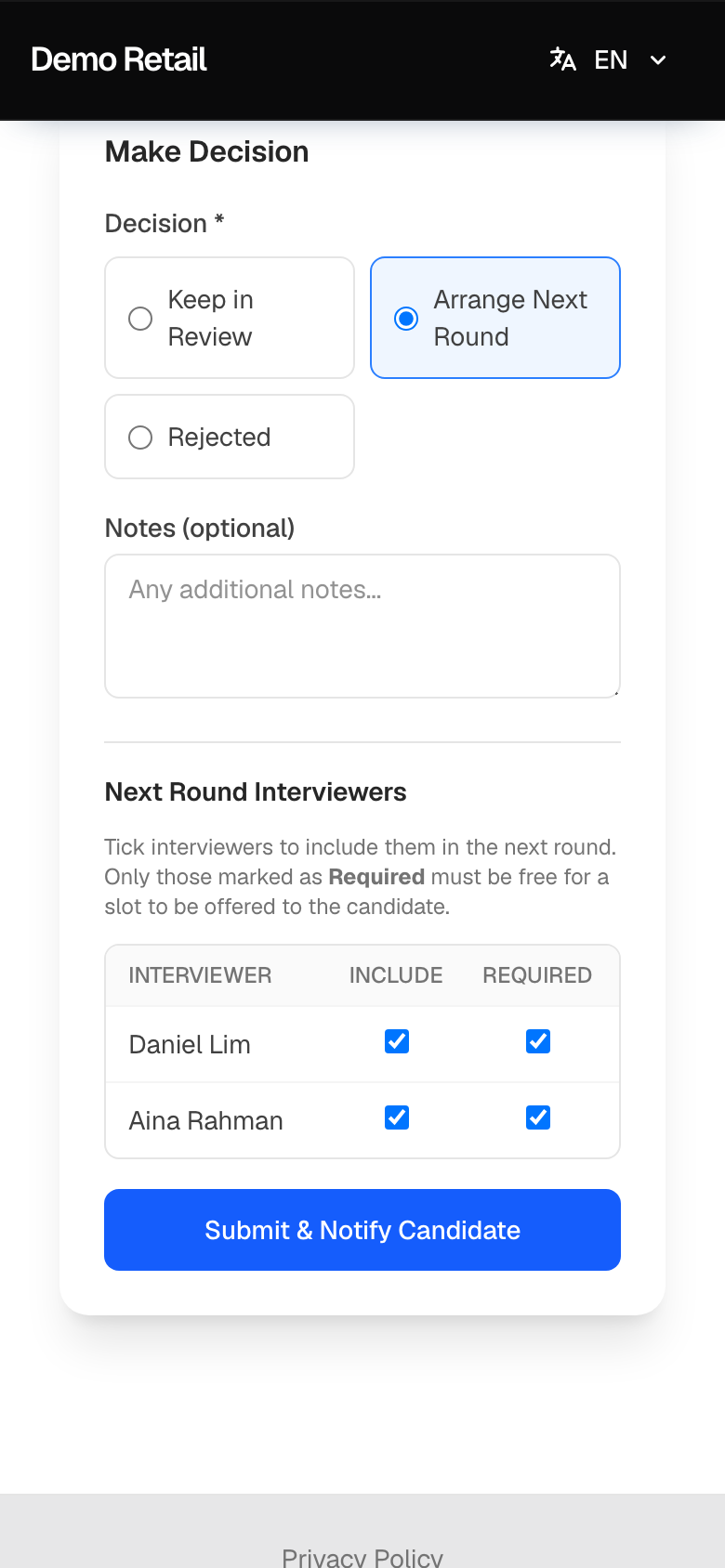
Only Arrange Next Round sends the applicant a message (a new booking link). For Rejected and Keep in Review, nothing is sent; HR tells the applicant. No phone code is asked on this screen.
If the link says Link Expired, ask HR: they can record the decision from the admin screens.