Shop settings
For: Administrators
Whole guide as PDF (2 MB)Open Settings in the menu. The tabs across the top hold the shop's set-up. Most staff never need them.
| Tab | What it controls |
|---|---|
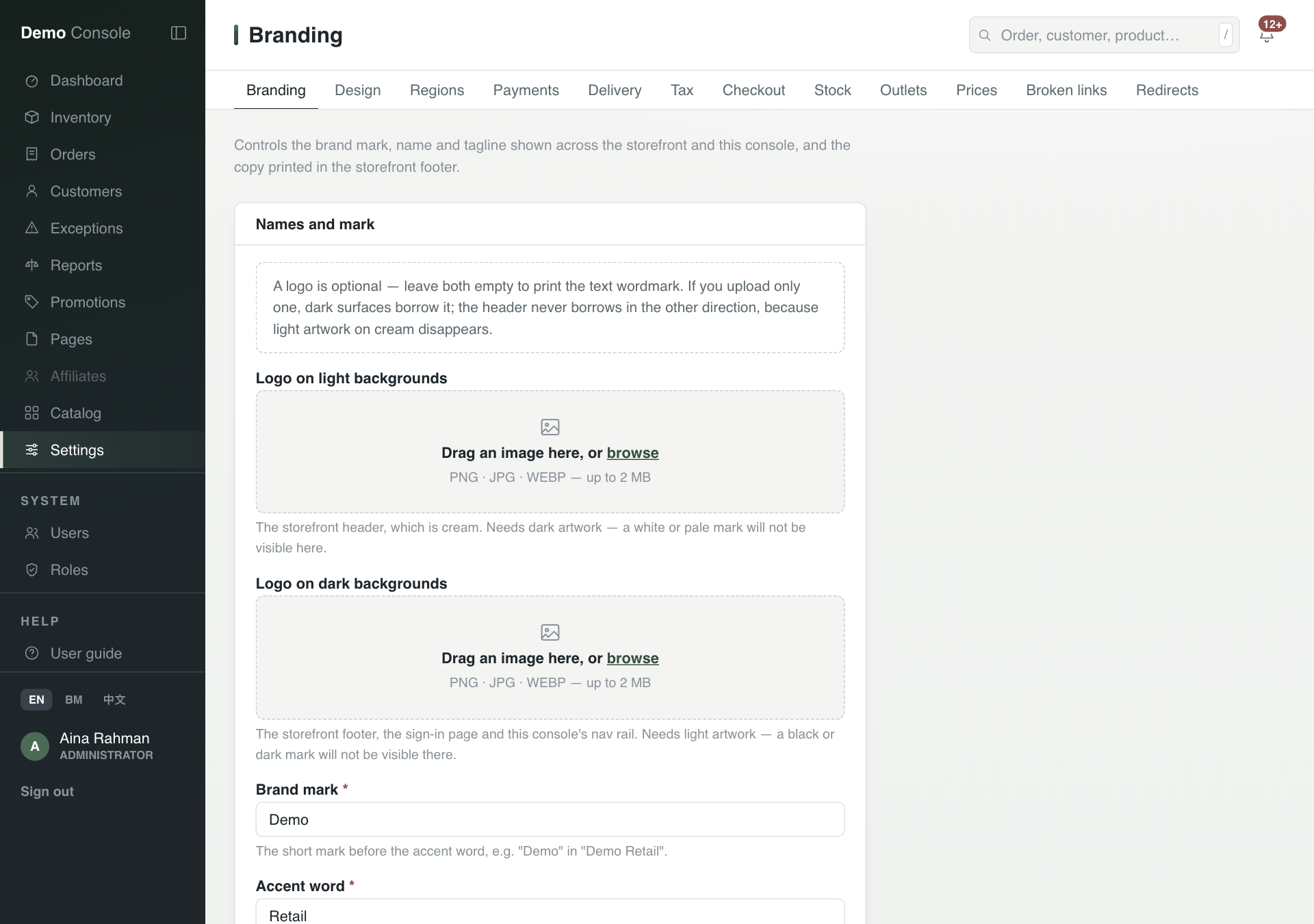
| Branding | Your logos, the shop's name, tagline and footer text. |
| Design | Named colours every shop page can use. Changing one repaints every page that uses it. |
| Regions | The markets the shop sells in, each with its currency, tax and language. |
| Payments | Which payment methods each region offers, and in what order. |
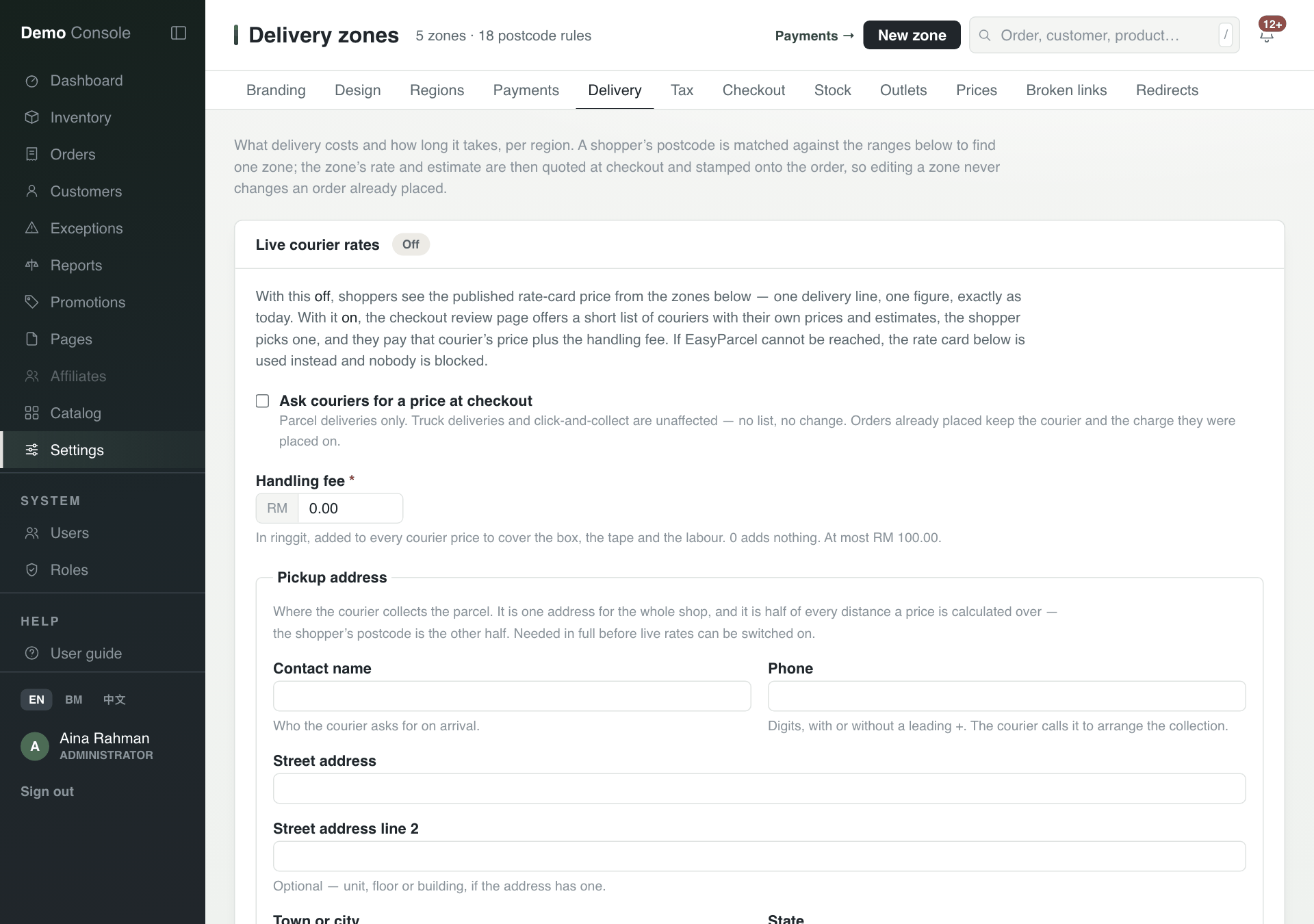
| Delivery | Delivery zones and prices by postcode, and live courier prices. |
| Tax | Tax rates per region. A change starts a new rate from a date; old rates are kept. |
| Checkout | How long stock is held for a customer who is paying, between 3 and 240 minutes. |
| Stock | Keep a number of units of every item back from the online shop, so the last units on the shelf are not sold online. |
| Outlets | Every outlet and warehouse, whether customers can buy from it or collect there, and which is used first. |
| Prices | The price lists per market. One is live; older ones are kept. |
| Broken links, Redirects | Old web addresses customers still visit, and where to send them. |
Delivery
Each delivery zone covers a set of postcodes in one region, with its price and how many working days it takes. Press New zone to add one.
With Live courier rates off, customers see the zone price. Tick Ask couriers for a price at checkout to show customers a list of couriers with their own prices instead. You then need a Pickup address and can add a Handling fee. This works for parcels only, not truck deliveries or click-and-collect.