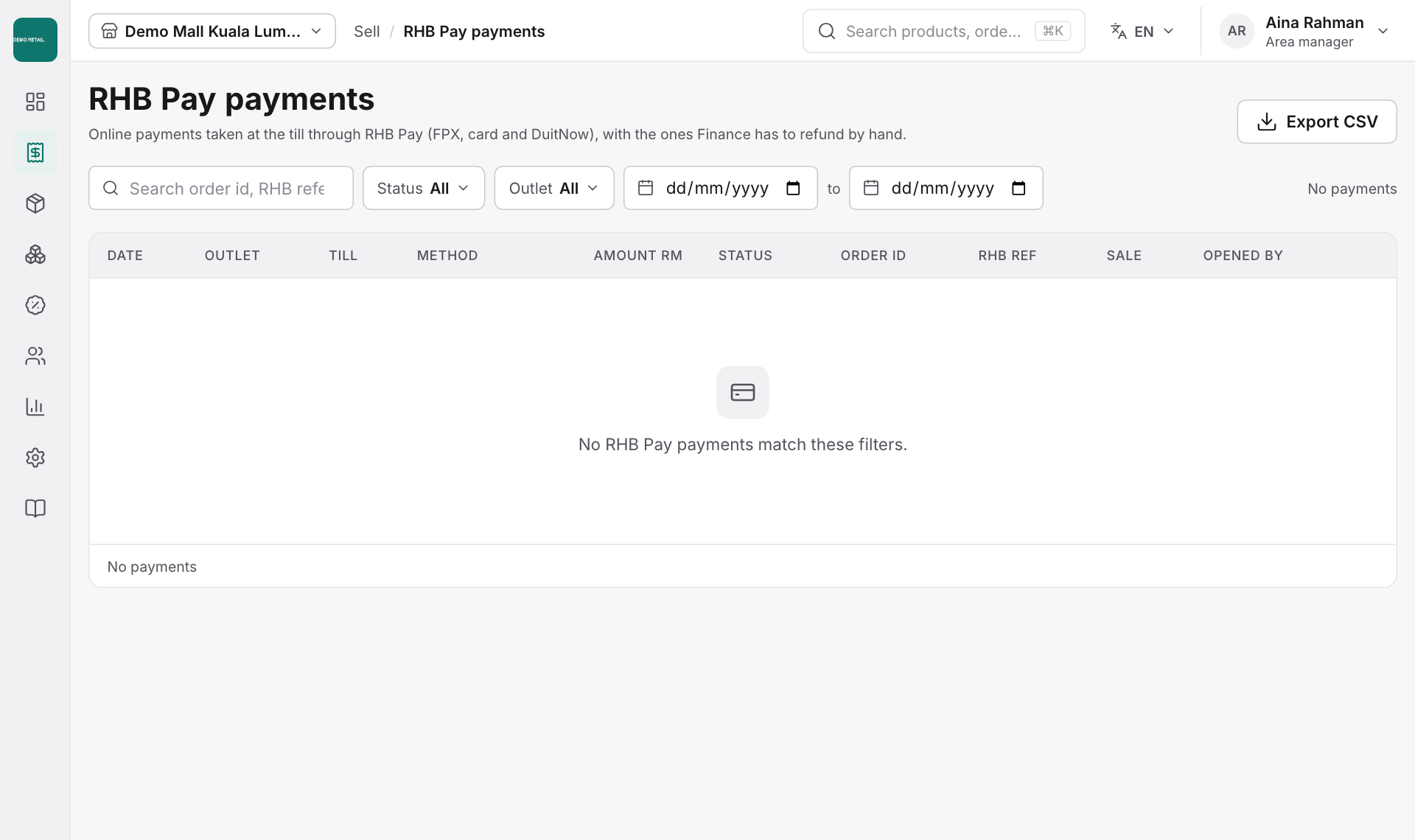
Find a past sale
For: Store managers, Finance
Whole guide as PDF (2 MB)- In the menu, open Sell, then Sales.
- Pick the date and narrow the list by Outlet, Terminal, Cashier, Tender (how it was paid) or Status, or search by receipt or member.
- Click a sale to see its items, payments and receipt.
- Press Export CSV or Export Excel to download the list.
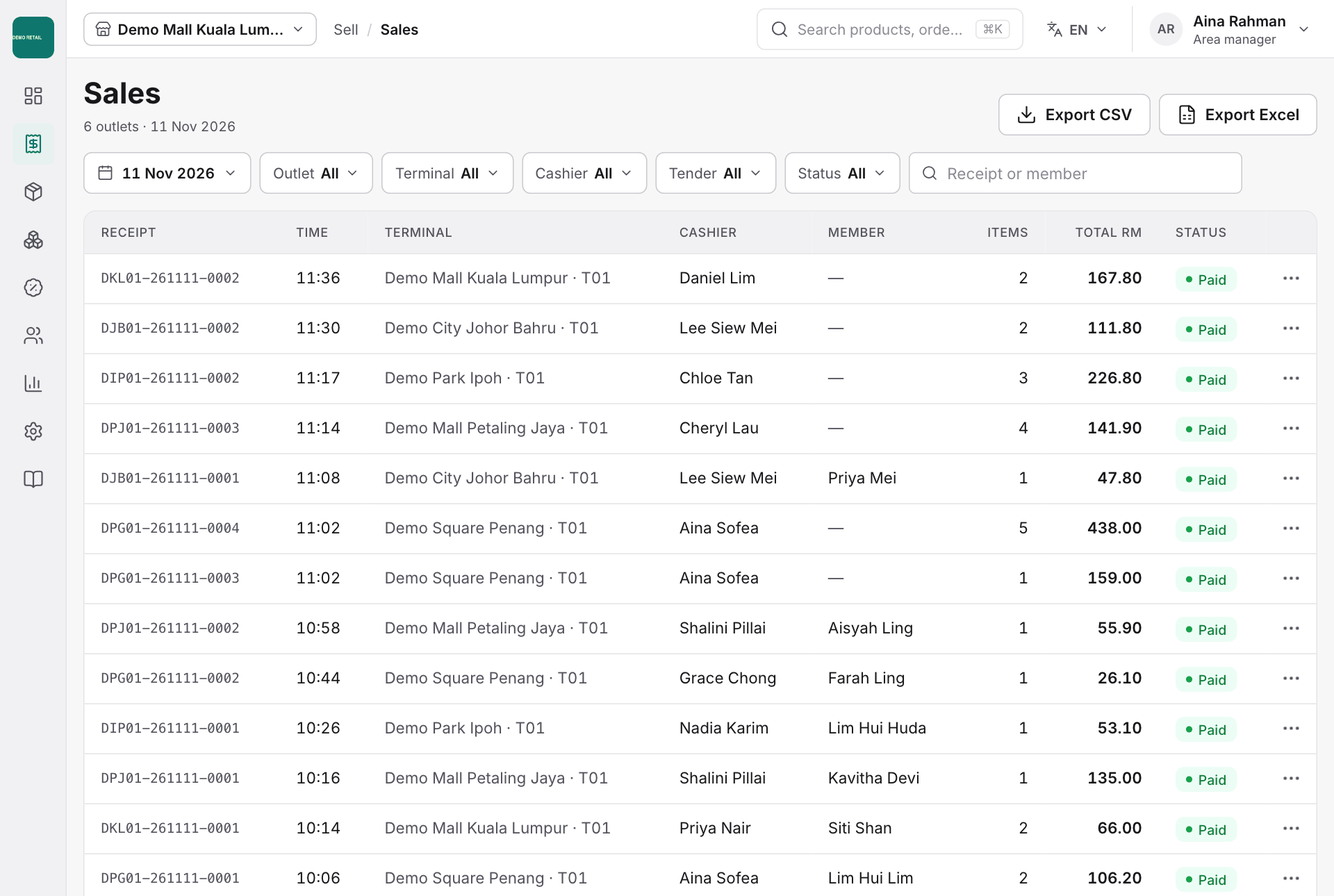
RHB Pay payments
Sell, then RHB Pay payments lists every FPX, Card online and DuitNow payment with its status, bank reference and sale. Payments that need attention, such as one paid after the cashier cancelled or one for a different amount, sit at the top. Refund the customer through RHB, then mark it refunded here.